Stay Ahead with Top 2026 Resume Trends that get seen
Hiring teams now expect role-specific relevance, measurable achievements, and ATS-safe formatting by default. Use this practical guide to modernize your resume and improve interview conversion without adding fluff.
 Create ATS Resume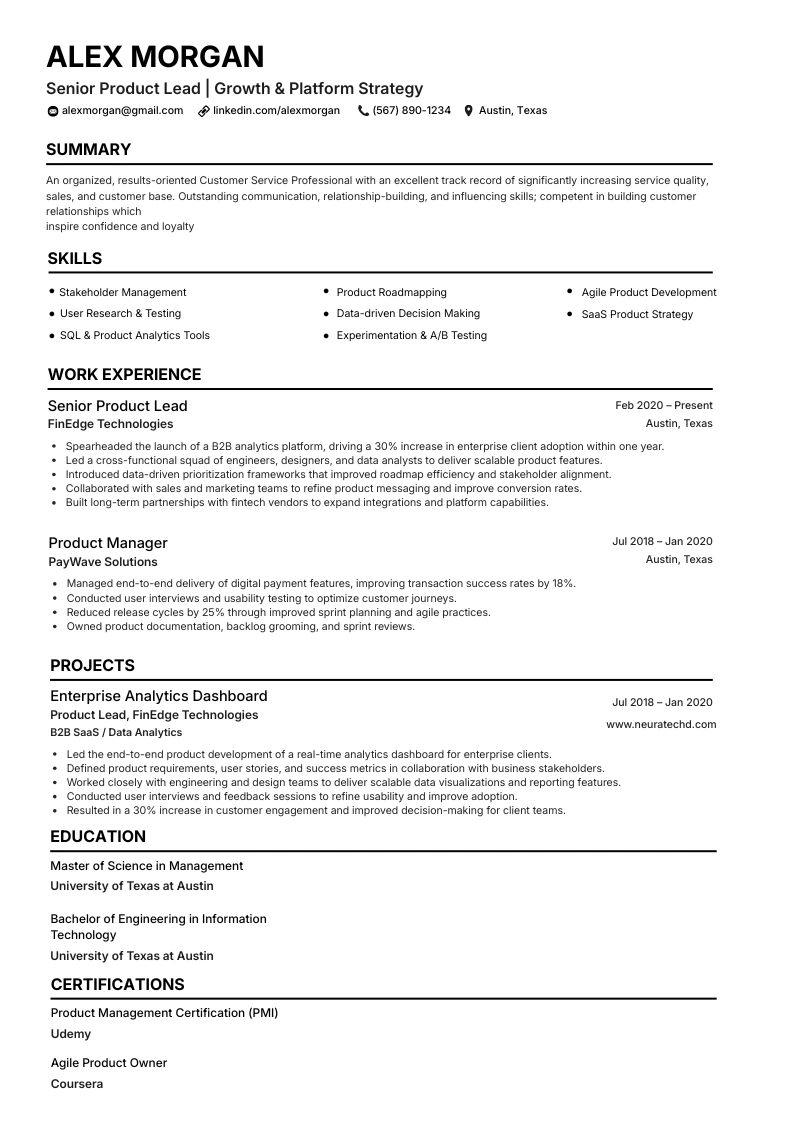
Choose a high-performing format for your role
Impact First for momentum
General Professional
Strong for candidates with measurable outcomes and clear progression across roles.
Choose template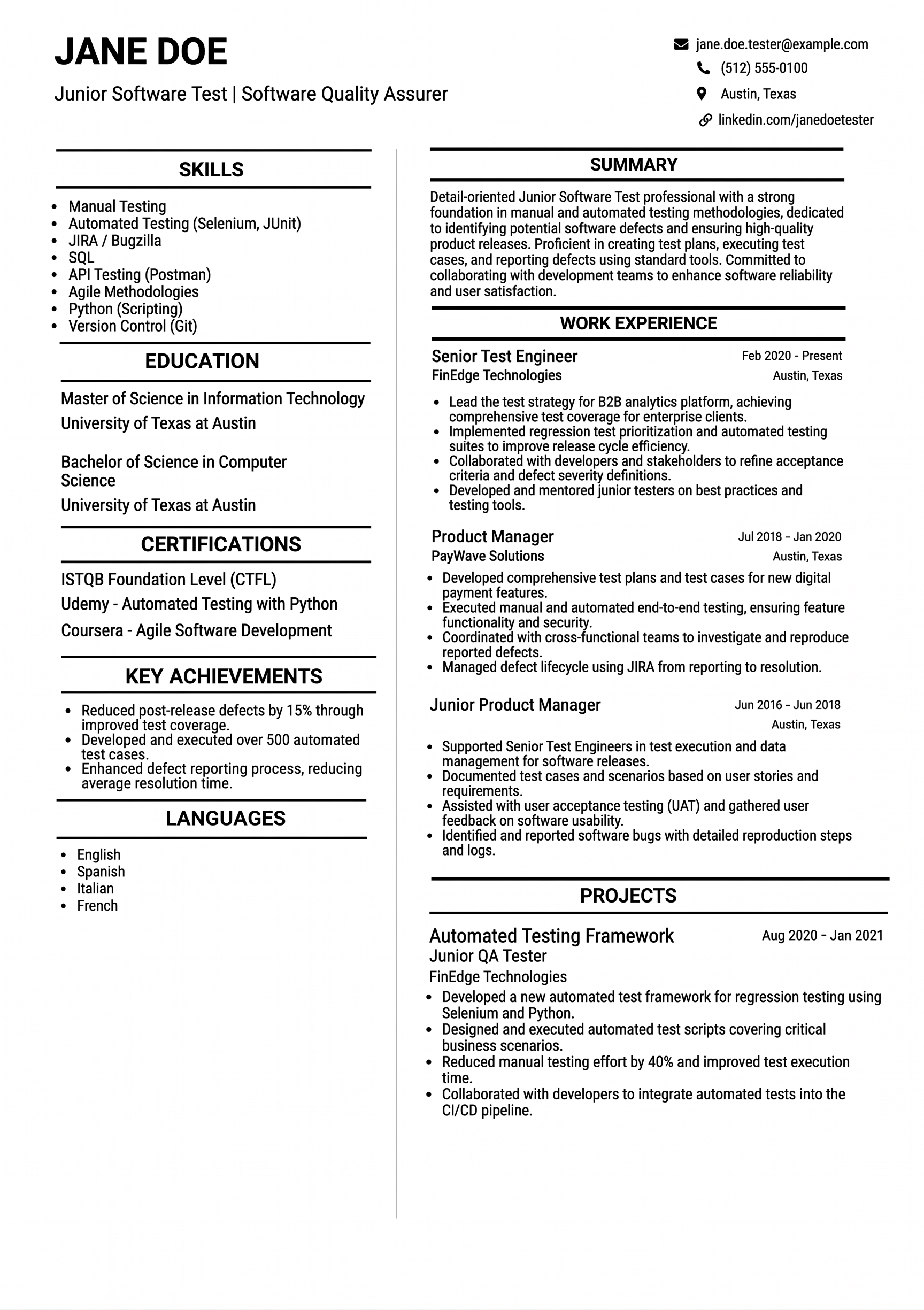
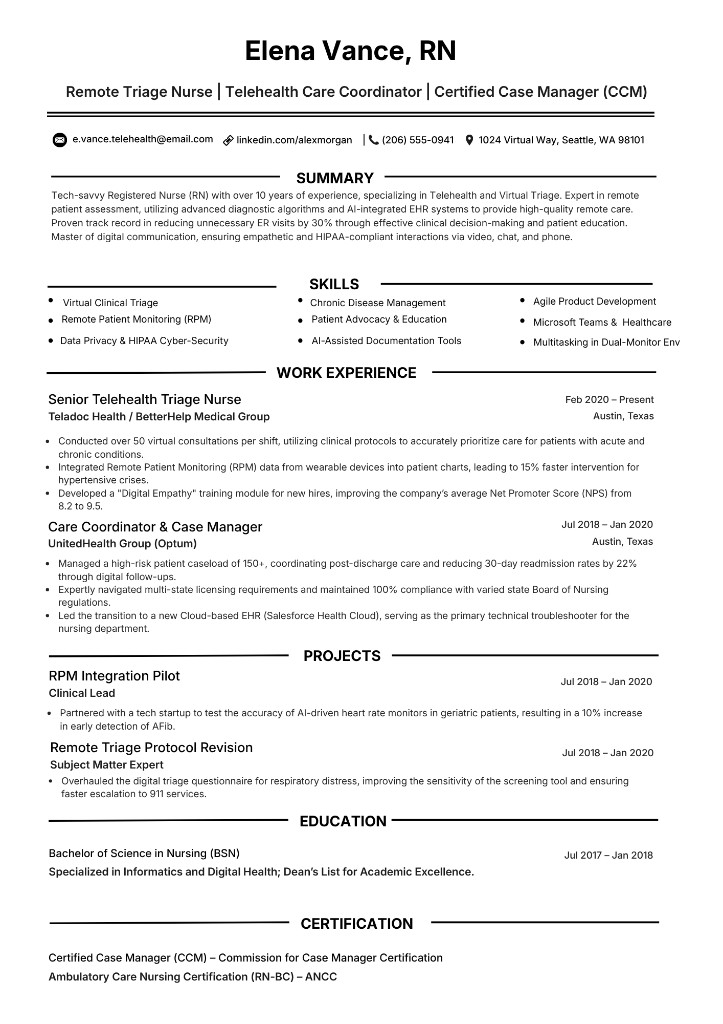
Technical Depth for engineers
Engineering and Data
Highlights tools, systems, and delivery metrics while preserving parser-friendly layout.
Choose template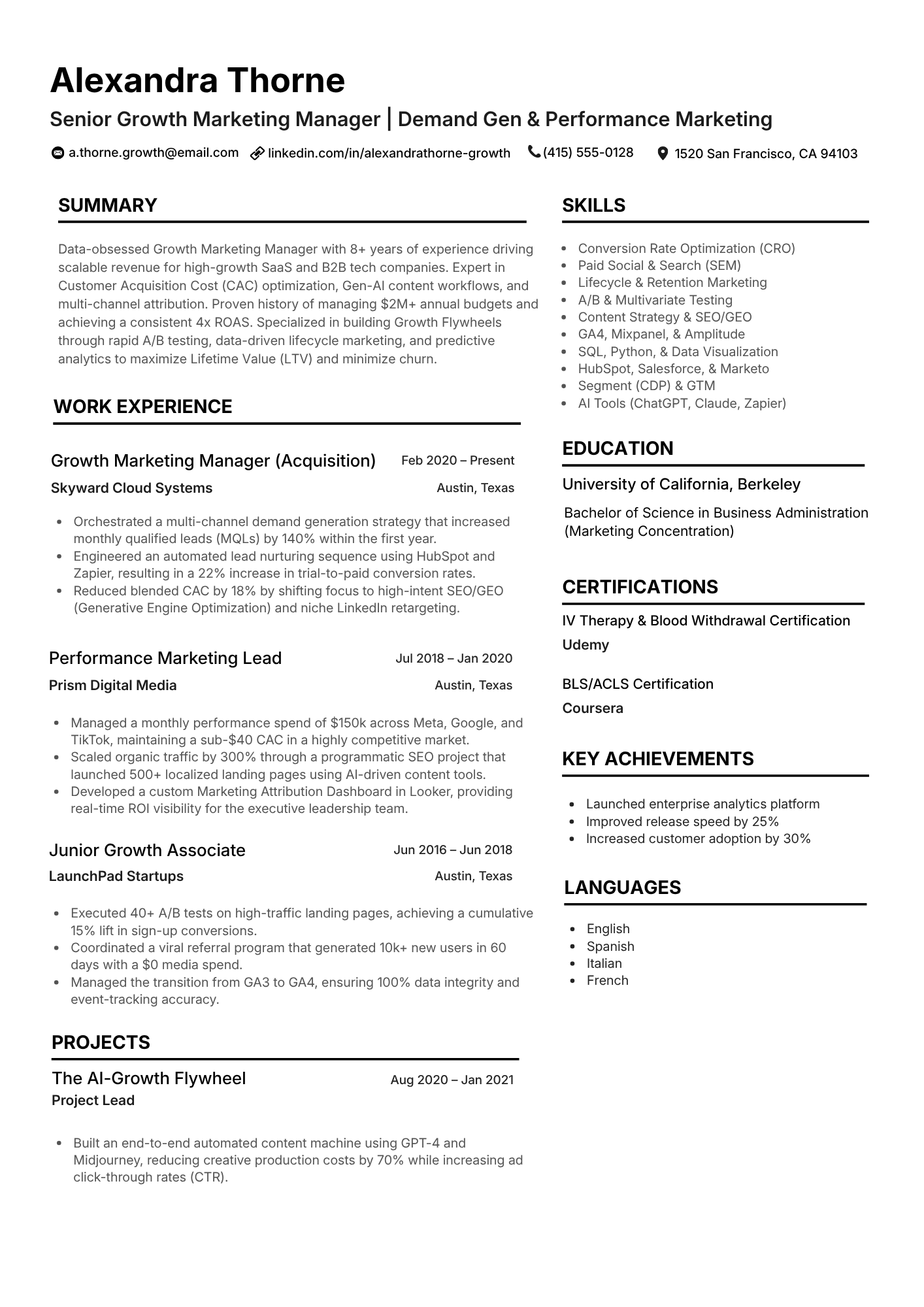
Leadership Arc for managers
Manager to Director
Balances strategy and execution with clean hierarchy for faster recruiter scanning.
Choose template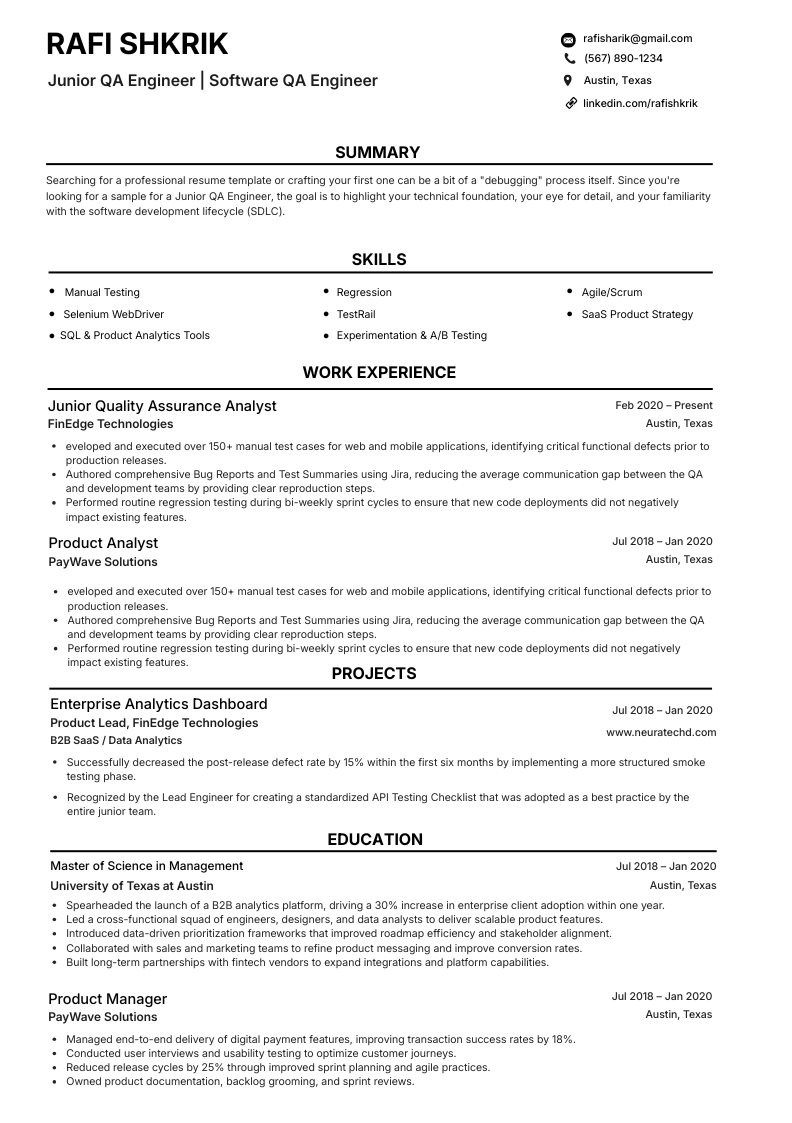
Career Switch for pivots
Transition Template
Emphasizes transferable achievements and keyword alignment for adjacent roles.
Choose template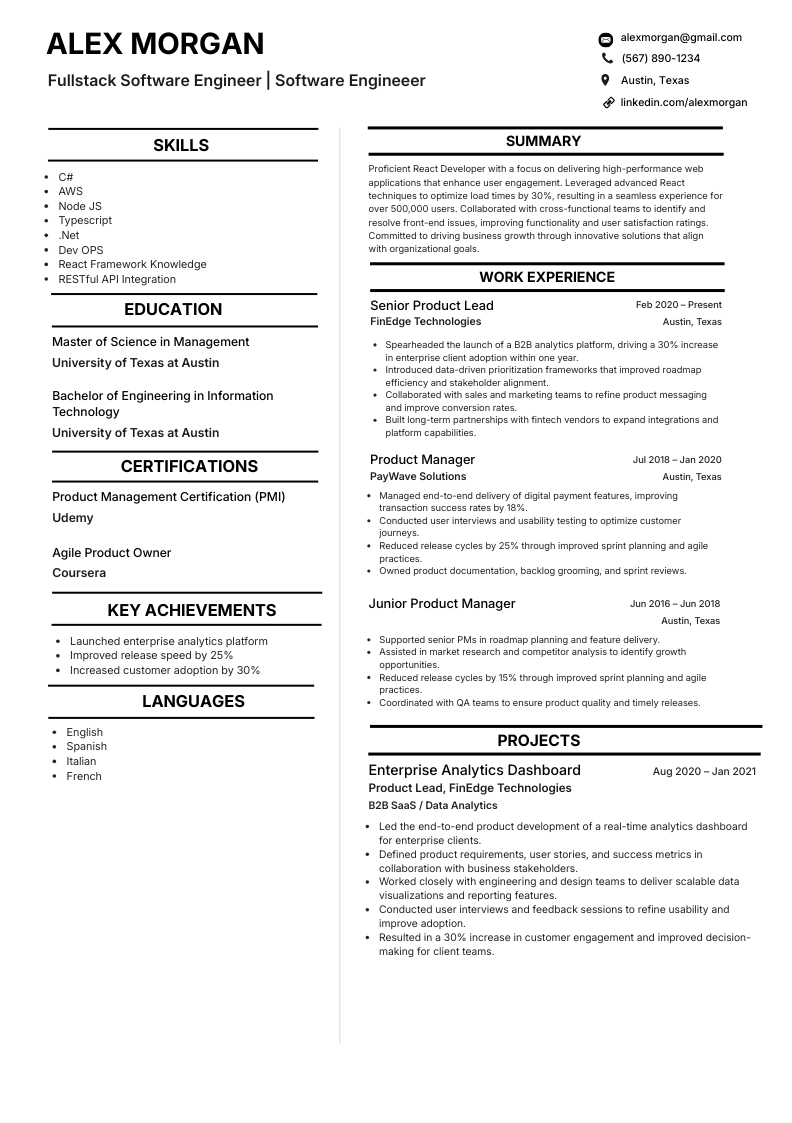
Entry Momentum for beginners
Student and Early Career
Showcases internships, projects, and practical skills using concise ATS-safe blocks.
Choose template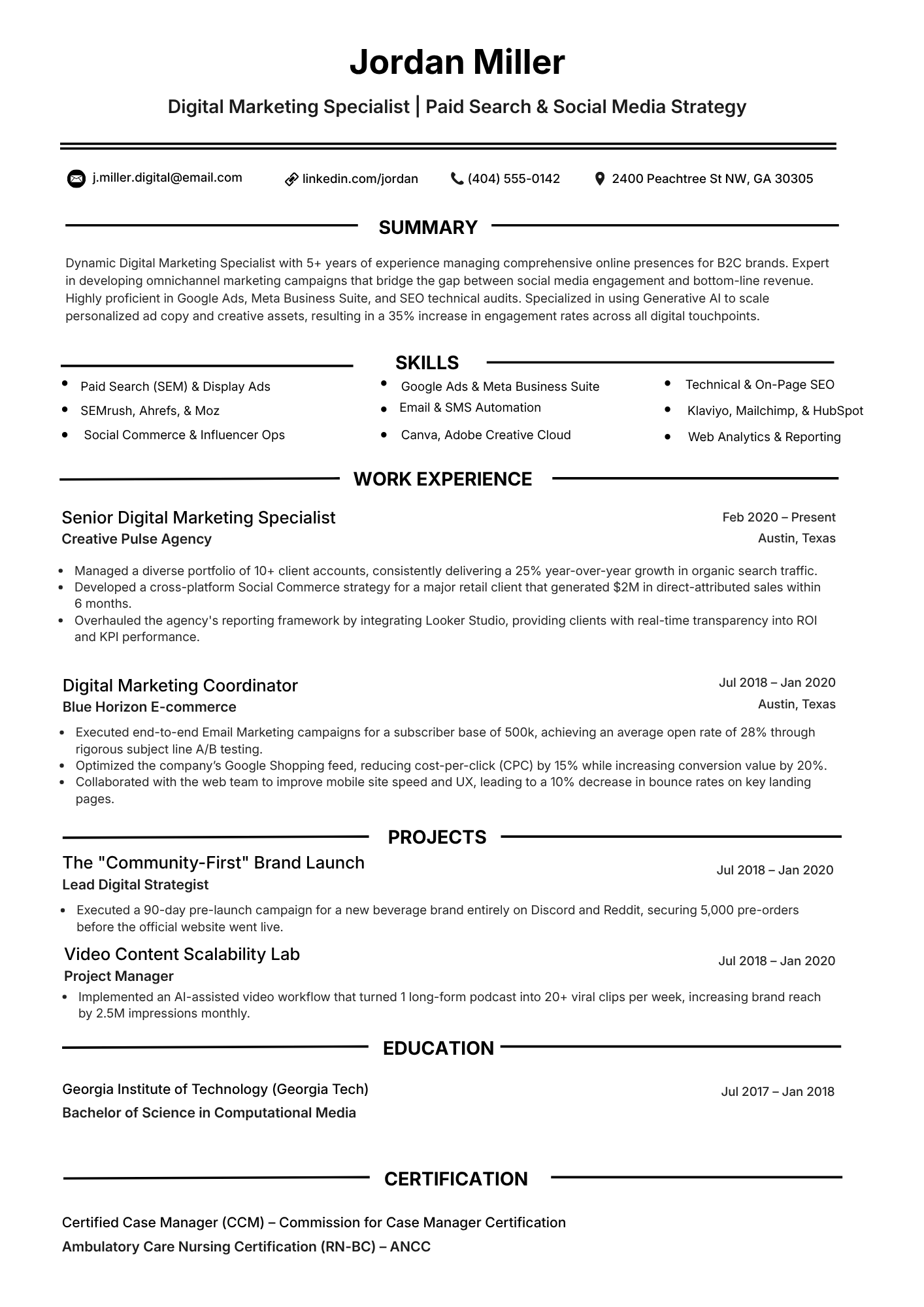
Client Delivery for consultants
Consulting and Services
Built for client outcomes, stakeholder influence, and cross-functional delivery proof.
Choose templateSee what makes outputs stronger for ATS review
| Capability | NeuraCV | Canva | ChatGPT | Other AI Builders |
|---|---|---|---|---|
| ATS parsing reliability | High confidence with template guardrails | Varies by design choice | Manual formatting required | Inconsistent across plans |
| No subscription pressure | Free starter path available | Pro lock for premium templates | Token or subscription based | Often gated by credits |
| Role-specific keyword assist | Built-in keyword relevance checks | Manual entry only | Prompt-dependent output | Usually generic suggestions |
| Free ATS checker | Included in workflow | Not native | Not native | Limited or paid add-ons |
| PDF + DOCX support | Both formats generated cleanly | PDF-first orientation | Manual export setup | Mixed export quality |
| Regional variant control | Switchable naming and phrasing profiles | Manual adaptation | Prompt only | Limited regional tuning |
Start from your target domain and seniority
Follow this four-step process before applying
Extract role signals from each posting
Capture keywords, tools, and deliverables from the target job and align your wording truthfully.
Rewrite bullets as outcomes with clear impact
Use measurable results, timelines, and scope instead of task-only descriptions.
Format for parser clarity and fast scans
Keep section labels standard and avoid graphics that hide important text content.
Run final ATS checks before submission
Verify parse quality, keyword relevance, and export integrity in both DOCX and PDF.
Build keyword depth across sections that recruiters scan
Clinical Equivalent for outcomes
- Service quality and compliance outcomes
- Risk reduction and incident prevention
- Cross-functional handoff precision
- Workflow documentation discipline
Systems and Tools for delivery
- ATS platforms and parser-safe exports
- CRM, ERP, or EHR systems fluency
- Reporting stacks and dashboarding
- Automation workflows and QA checks
Professional Skills for leadership
- Stakeholder communication clarity
- Prioritization under deadlines
- Problem framing and escalation judgment
- Ownership and feedback responsiveness
Turn 2026 trends into interviews starting today
Generate a role-tailored resume in minutes, validate ATS compatibility, and export clean versions ready for high-volume applications.
Answers to common resume questions for 2026 hiring
Quick, current guidance on ATS behavior, format choices, and what recruiters actually scan for - so you can tighten your resume before you apply.
Parsers and ranking signals now lean harder on evidence, not keyword stuffing: tools you used, scale of work, and outcomes tied to the job family matter more than generic skill lists.
Many systems also infer seniority and domain fit from how consistently your titles, responsibilities, and skills align with the posting. Mismatched buzzwords without supporting bullets can hurt more than they help.
There is no magic number. Aim for full coverage of the posting's core requirements - hard skills, tools, certifications, and responsibilities - using the employer's phrasing where it matches your real experience.
Spread terms naturally across your summary (if you use one), skills, and experience so the document reads human. Repeating the same keyword dozens of times rarely improves rank and often reads as spam to human reviewers.
Yes, when the layout stays simple: real text (not flattened graphics), standard headings like Experience and Education, and a reading order that matches how a recruiter expects to scan.
Avoid text boxes, tables for main content, headers/footers for critical details, and multi-column sections that split a single job across the parse order. When in doubt, export and run an ATS or text extraction check.
Follow the application instructions first. When the employer does not specify, many candidates default to PDF for layout control; others prefer DOCX for older ATS pipelines.
Keep both a clean DOCX and a text-based PDF (no image-only pages), then test whichever you plan to submit in a resume checker so you catch parsing issues before you send.
As a rule of thumb, many job seekers treat roughly 80% role match (where your checker measures fit to a specific posting) as a healthy floor before mass applying - but the score is only one signal.
A high match with weak bullets, unclear dates, or inconsistent titles still underperforms. Use the score to find gaps; use your content to prove impact and relevance.
One page remains the default for early career and most lateral moves; two pages is acceptable when you have 10+ years of relevant depth, leadership scope, or technical detail that directly supports the target role.
Recruiters still skim in seconds, so front-load the strongest proof on page one. Never add length just to look "senior" - every line should earn its place against the job description.
List AI assistants only when they reflect a real workflow skill: for example, using AI for research drafts, test case generation, or data summarization under your review - not "used ChatGPT" as a hollow buzzword.
Prefer outcomes: what you produced, how quality or speed improved, and how you validated results. That reads stronger to both ATS and humans than product names alone.
Use a clear month/year timeline and honest titles; unexplained gaps raise more flags than a concise, factual one-liner (contract end, caregiving, relocation, cohort program) when appropriate.
For short tenures, group contract or consulting work under one heading if accurate, or lead each role with impact so scanners and humans see value first. Keep keywords aligned to the role you want next, not only the role you left.
Many still skim a short summary - or treat it as the first screen after your headline. A two- to four-line summary works best when it states role, years of experience, domains, and one or two proof points.
Omit fluffy adjectives. If your summary does not contain a single keyword or achievement from the target posting, rewrite it or remove it and let your experience carry the opening.
At minimum, tailor for each serious application: adjust your top summary lines, reorder bullets, and tune skills to mirror that posting's language.
Keep a master resume with every project and metric, then save role-specific versions with clear filenames. Refresh metrics and tools whenever you ship something measurable - waiting until "job search mode" usually loses details.
Explore more ATS resources for better results
Dig deeper on templates, scans, keywords, and role-specific examples - each link maps to a concrete next step after this trends overview.
How to Write an ATS Resume that passes
Section order, headings, bullets, and keyword placement so parsers and recruiters see the same story.
Free Resume ATS Checker before you apply
Upload a draft, spot weak formatting or missing signals, then fix issues before you hit submit.
Resume and CV Examples by role
Browse structures and phrasing you can adapt while keeping layout ATS-safe.
Resume Elements to Eliminate in 2026
Strip noisy blocks that confuse AI-assisted screeners and older parsers alike.
Resume Keyword Scanner for role fit
Line your language up with the posting so relevance shows up in automated ranking.
Best ATS-Friendly Templates recruiters want
What hiring teams look for in 2026 layouts - clean hierarchy without gimmicks.
Use ChatGPT for Cover Letters the smart way
Turn generic drafts into short, specific letters tied to the same keywords as your resume.
