How to Use ChatGPT to Write a Cover Letter in 2026
Eight copy-ready prompts, a four-step workflow, and a clear comparison so your next cover letter sounds like you and passes ATS scans.
Free to start. No credit card required.
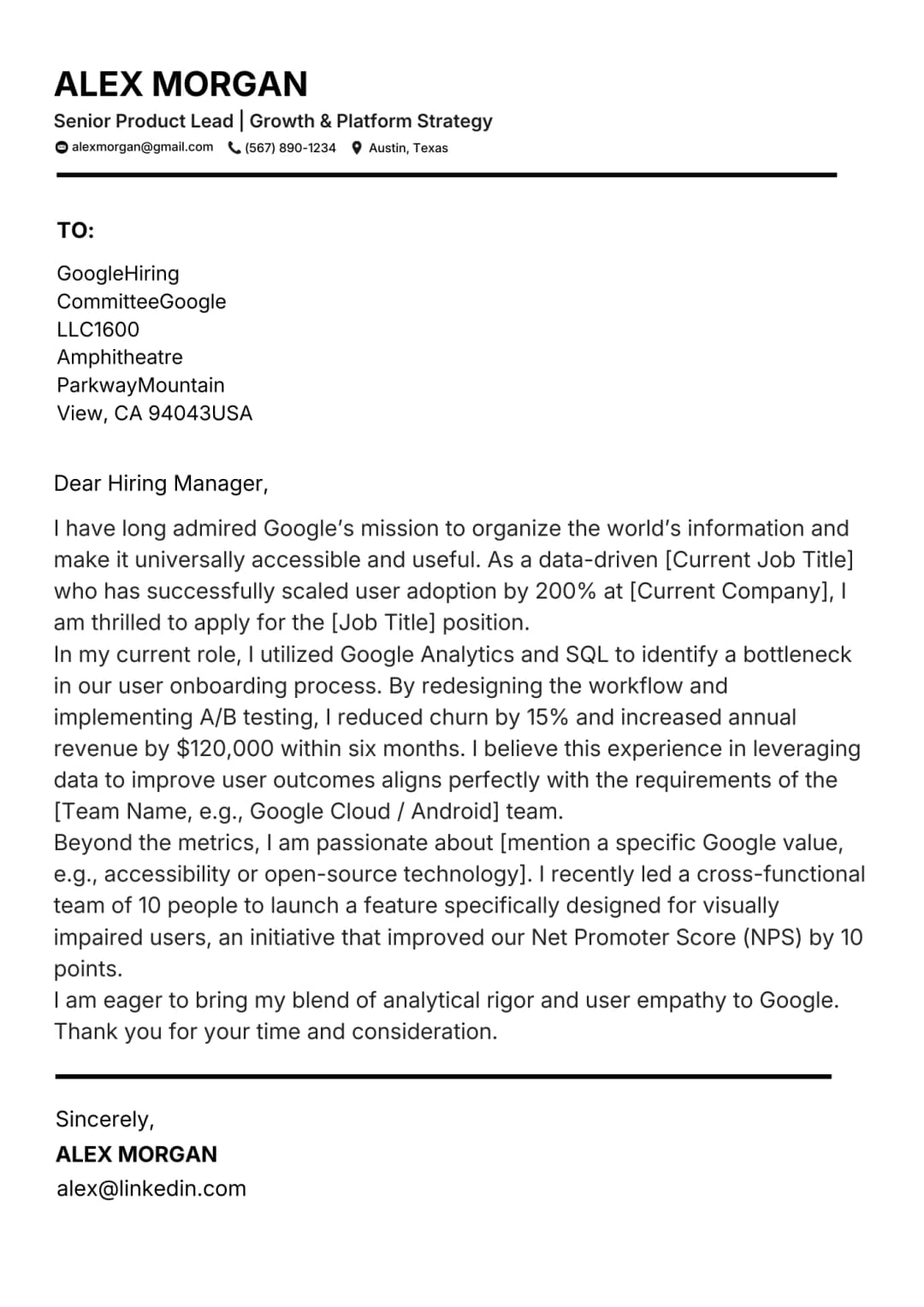
Cover letter layouts you can start from
Click a preview to open the builder. Each layout keeps headers, contact details, and body copy in an ATS-safe structure.
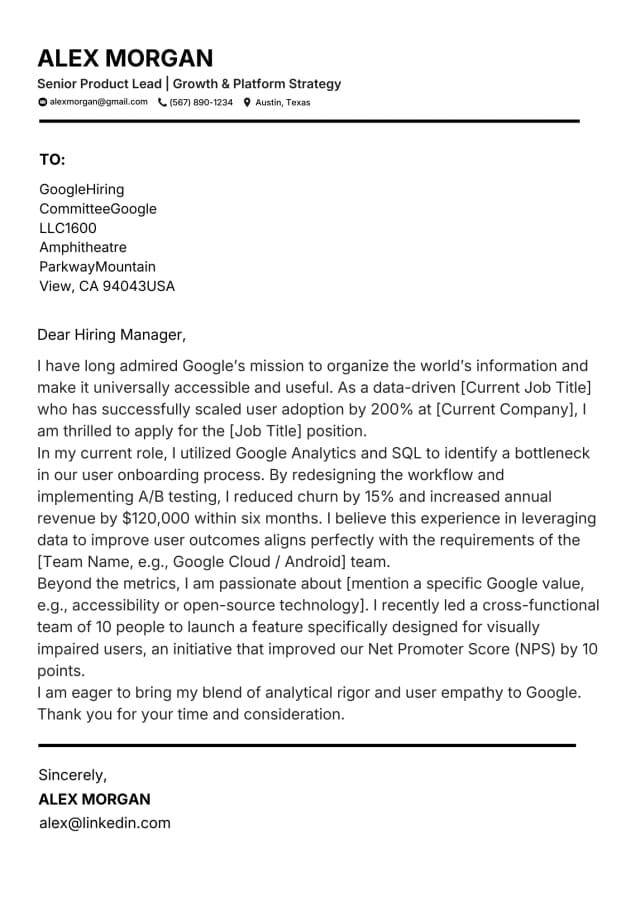
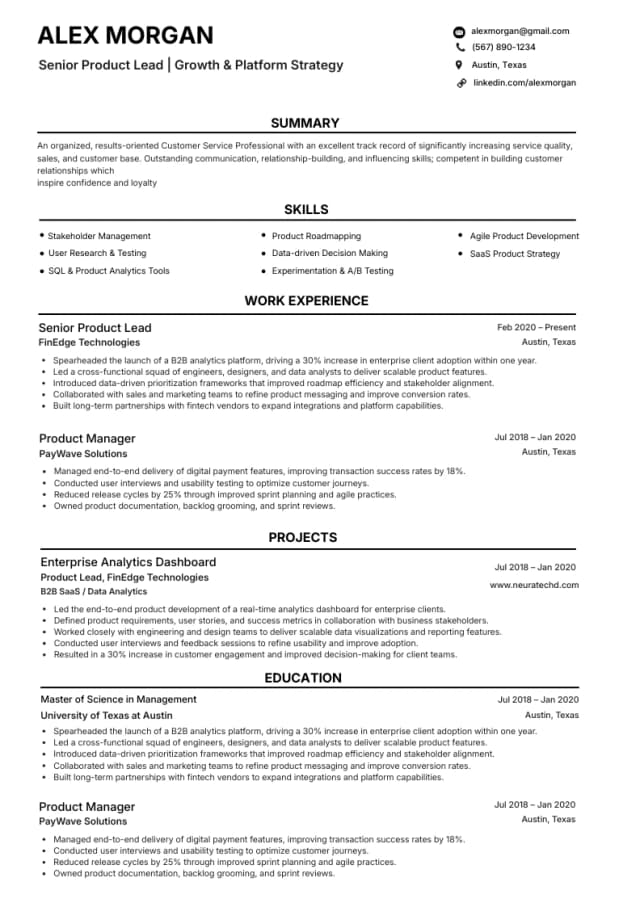
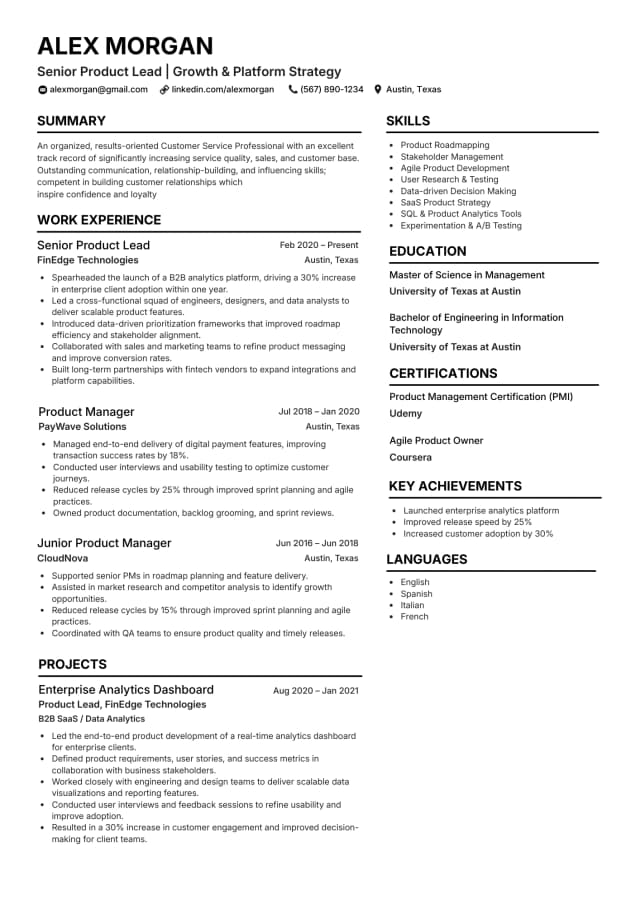
How to Use ChatGPT to Generate a Cover Letter
Follow this four-step process for every application. It takes around fifteen minutes including editing and produces a letter tailored to the role rather than a generic draft with the company name swapped in.
Paste in the Job Description
Copy the full job description including every bullet point, requirement, and preferred qualification. The more context ChatGPT has about the role the more relevant the output will be. Do not summarise or shorten it. Paste it in full.
Set Your Personal Context
Tell ChatGPT your name, your current or most recent role, your top two or three achievements relevant to this job, and any specific skills you want to highlight. The more specific you are about your own experience the more the output will sound like you rather than a generic template.
Generate the Draft
Ask ChatGPT to write a cover letter that is between 280 and 350 words, uses a professional but direct tone, mirrors keywords from the job description, and opens with a hook based on your most relevant achievement. Review the output and identify any generic phrases or missing specifics.
Review and Personalise
Read the output carefully and replace any phrases that do not sound like you. Add the company name if it is missing, sharpen any vague achievement claims with real numbers, and adjust the tone if it does not match the company culture. Spend at least ten minutes editing before you send. AI drafts are starting points not finished products.
8 Expert ChatGPT Prompts for Cover Letters
Output quality follows prompt quality. Expand any template below, copy the text into ChatGPT, and fill in your role details. The first prompt is open by default.
1Basic role-specific prompt
When to use: Use this as your starting point for any application. It establishes the role, company, and your core relevance in a single clear prompt.
2ATS keyword prompt
When to use: Use this when you want to maximise ATS keyword score. Provide the exact phrases from the job posting rather than synonyms.
3Achievement-led prompt
When to use: Use this when you have a strong measurable result that directly maps to the role. It creates a compelling hook from the first line.
4Career change prompt
When to use: Use this when you are applying to a sector where you have no direct job title experience but have highly transferable skills from another field.
5Graduate or no experience prompt
When to use: Use this for entry-level applications. It forces the model to work with non-work evidence rather than defaulting to generic statements about work ethic.
6Senior professional prompt
When to use: Use this for leadership, director, or head of department roles where strategic impact matters more than technical skills.
7Tone-matching prompt
When to use: Use this when the company culture or brand voice is distinctive. Tone-matched letters feel far more authentic to the reader than generic professional language.
8Refinement and shorten prompt
When to use: Use this after your initial draft to tighten the writing. Run it any time your letter exceeds one page or feels padded.
Prefer one click over prompt engineering?
NeuraCV pulls from your profile, matches your CV template, and drafts an ATS-aware cover letter in minutes.
ChatGPT vs NeuraCV AI for Cover Letters
ChatGPT gives maximum flexibility through dialogue. NeuraCV is built for repeat applications with profile data, UK defaults, and ATS logic baked in.
| Capability | ChatGPT | NeuraCV |
|---|---|---|
| First draft speed | Fast with a strong prompt | One click from saved profile |
| ATS keyword matching | Only if you list keywords | Built-in UK ATS logic |
| UK English defaults | Needs explicit instruction | British spelling by default |
| CV and letter alignment | Manual formatting | Matching templates together |
| Tone control | Flexible via dialogue | Industry tone presets |
| Best for | Unusual narratives | Regular applications |
Before you send: the short checklist
Do this
- Paste the full job description, not a summary.
- Include one quantified achievement in every prompt.
- Ask explicitly for ATS keywords from the posting.
- Proofread aloud and fix awkward AI phrasing before sending.
Avoid this
- Generic prompts like "write me a cover letter" with no role context.
- Sending drafts without swapping company name and role details.
- Assuming ChatGPT knows UK spelling and letter conventions.
- Skipping the ten-minute personalise-and-tighten edit pass.
Frequently Asked Questions
1Is it acceptable to use ChatGPT to write a cover letter?
Yes. Using AI tools to draft a cover letter is widely accepted and increasingly common among job seekers at all career levels. The key is to personalise the output with your real achievements, the correct company name, and the specific role details. A generic AI draft submitted without editing is easy for experienced recruiters to identify and is unlikely to perform as well as a tailored letter. Treat AI as a drafting assistant, not a finished product generator.
2What is the best ChatGPT prompt for a cover letter?
The most effective prompts combine four elements: the exact job title and company name, the full or key sections of the job description, one or two specific personal achievements with numbers, and a tone or length instruction. A prompt that includes all four produces dramatically more relevant output than a generic "write me a cover letter" instruction. See the eight prompts in this guide for ready-to-use templates.
3Can ChatGPT write an ATS-friendly cover letter?
Yes but only if you tell it to include specific keywords. ChatGPT does not know which phrases the employer's ATS is scanning for unless you provide them. Copy the most important skills and requirements from the job description into your prompt and ask explicitly for those terms to be included naturally. This dramatically improves your ATS keyword score without making the letter feel forced.
4What is the difference between using ChatGPT and using NeuraCV to write a cover letter?
ChatGPT is a flexible conversational tool that requires you to craft effective prompts and then edit the output. NeuraCV's AI builder is purpose-built for job applications. It automatically pulls from your saved profile data, applies ATS keyword logic for the UK job market, uses UK English by default, and generates a cover letter that matches your CV template in one click. For candidates who apply regularly, NeuraCV saves significantly more time than manual prompt engineering.
5How do I make a ChatGPT cover letter sound less generic?
The fastest fix is to add one specific quantified achievement to your prompt. Replace "I have strong project management skills" with "I delivered a product migration 2 weeks ahead of schedule for a team of 8." Then ask ChatGPT to write a letter that opens with that achievement and connects it to the role requirements. The specificity transforms the output from generic to compelling in a single prompt revision.
6Can recruiters tell if a cover letter was written by AI?
Experienced recruiters can often detect AI-generated cover letters that have not been personalised. Common signals include overly formal or perfectly structured sentences, the absence of any specific company or role references beyond the job title, and achievement claims that lack numbers or context. Personalising the output with real evidence and your authentic voice makes AI-assisted letters indistinguishable from handwritten ones.
7Does ChatGPT know UK cover letter conventions?
ChatGPT has broad knowledge of UK professional conventions but does not always apply them by default. It may use American spelling, default to US-style letter formatting, or miss UK-specific norms like using "Yours sincerely" versus "Yours faithfully." Always specify in your prompt that you want UK English and UK conventions. Review the output for localisation before sending to any UK employer.
8How many times should I revise a ChatGPT cover letter before sending?
At minimum, one substantive revision pass and one final proofreading pass. On the substantive pass replace any generic achievement language with real examples, ensure the company name and job title are accurate, and adjust the tone. On the final pass read the letter aloud to catch any sentences that sound unnatural. Most candidates who use AI effectively spend ten to fifteen minutes editing per application.
Generate your cover letter with AI in under 3 minutes
Free to start. No credit card required.

About the author
Sreerag leads content strategy at NeuraCV and has helped thousands of UK job seekers land interviews through better applications.
Meet our experts