LinkedIn Job Application Autofill Extension
Fill LinkedIn Easy Apply and external apply forms from your NeuraCV resume. Free Chrome extension—check your ATS score first, then apply faster on LinkedIn India and globally.
Run a free ATS resume score check, build an ATS-friendly CV, then autofill LinkedIn Easy Apply in one click. No credit card to start.
Apply on LinkedIn Without Retyping
Fill Easy Apply forms from your NeuraCV profile, check your ATS score first, and stay in control of every submission.
Smart Screening Answers
Remember your responsesSave answers to recurring questions—years of experience, visa sponsorship, notice period—and reuse them across Easy Apply forms.
Easy Apply Filler
One-click form fillPopulate Easy Apply contact fields, resume uploads, and screening questions from your structured NeuraCV profile.
You Stay in Control
Not a mass-apply botNeuraClick suggests field values locally in your browser. You review every answer and press submit yourself.
Works on External Apply
Follows redirectsWhen LinkedIn sends you to Workday, Greenhouse, or Taleo, NeuraClick continues filling the destination form.
Tailored to the Job
JD-aware suggestionsAlign bullet wording with the posting you have open so keywords match what recruiters and ATS parsers expect.
ATS Score Check
Free in NeuraCVRun a free resume score against the job description before you apply so your PDF passes LinkedIn and employer parsers.
How It Works
Install & connect your CV
Add NeuraClick to Chrome and link your NeuraCV resume so screening answers map to structured fields.
Open a LinkedIn job
Find a role on LinkedIn India or globally. Easy Apply and external apply links are both supported.
Autofill and review
Click NeuraClick to fill the form, edit anything that looks off, then submit when you are ready.
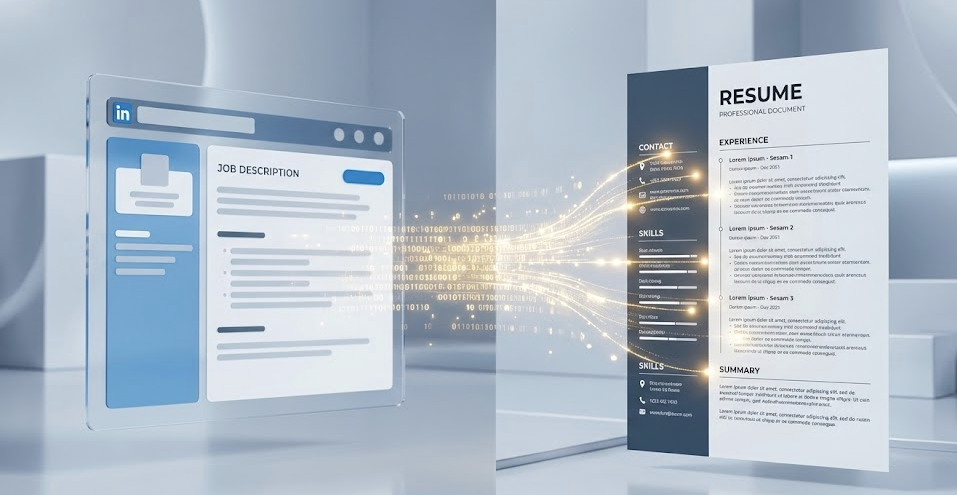
Free resume score before your next LinkedIn apply
Most rejections happen before a human reads your CV. Check your ATS score free, fix keywords, then let NeuraClick fill the form.
Frequently Asked Questions
Common questions about our LinkedIn automation tool
Yes. NeuraClick runs locally in your browser and fills fields under your control. It is a productivity tool, not a scraper or mass-apply bot. You review every answer before submitting.
Yes. NeuraClick fills contact info, resume fields, and common screening questions on Easy Apply. For external apply links, it follows you to the destination form.
Yes. Use NeuraCV’s free ATS resume score check—upload your PDF, paste the job description, and fix keyword gaps before NeuraClick autofills the form.
NeuraClick offers a free tier for autofill on supported boards. NeuraCV’s resume builder and ATS checker also start free—no credit card required.
