Master the example CV layout for better interviews
Build a clean, ATS-compatible CV layout with practical section order, high-signal copy blocks, and role-focused presentation that performs across regions and industries.
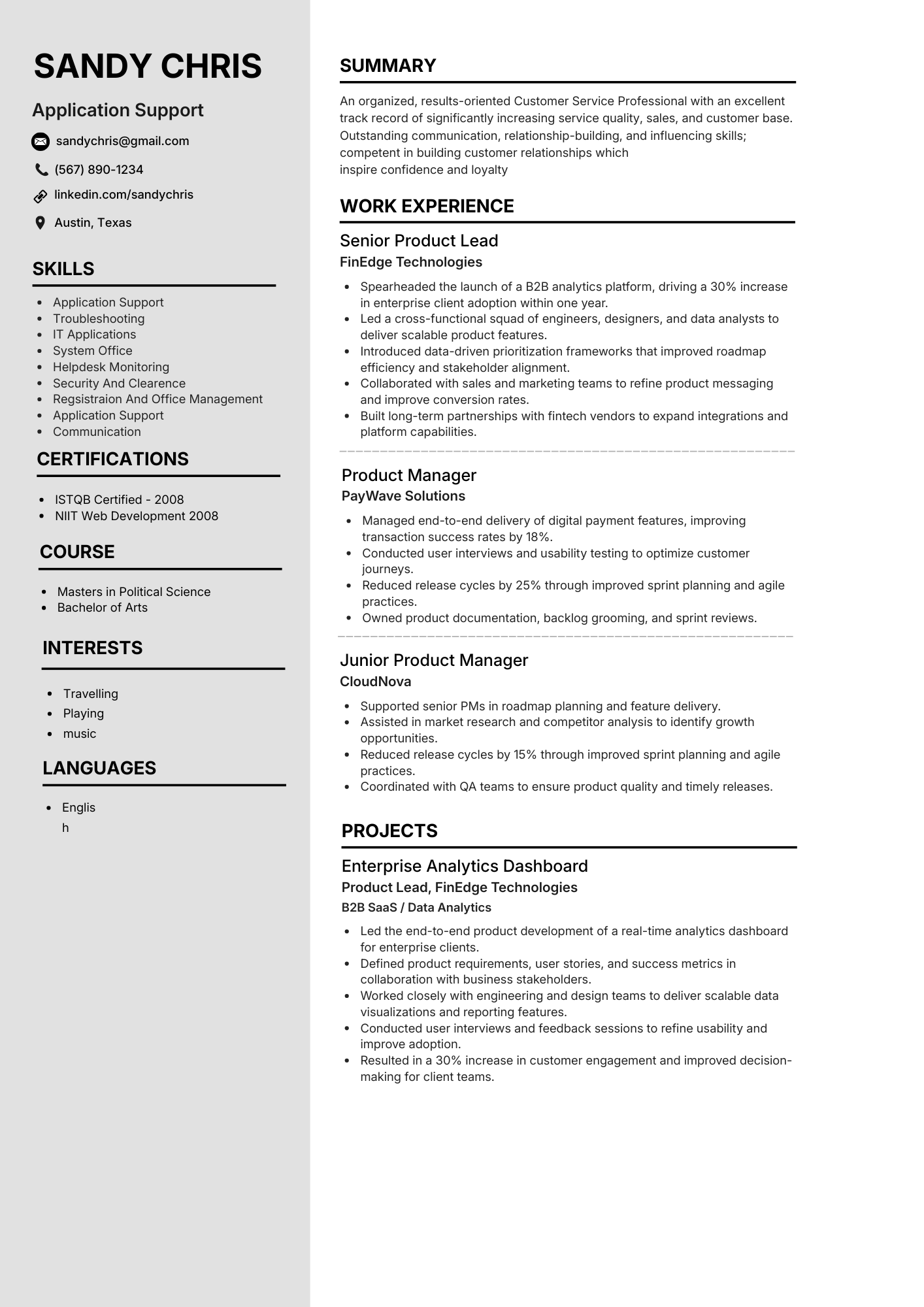
Single-column smart layout
Validated with live parser checks
Free starter + paid pro exports
Global variants available
Template gallery
Pick your best-performing layout for every role
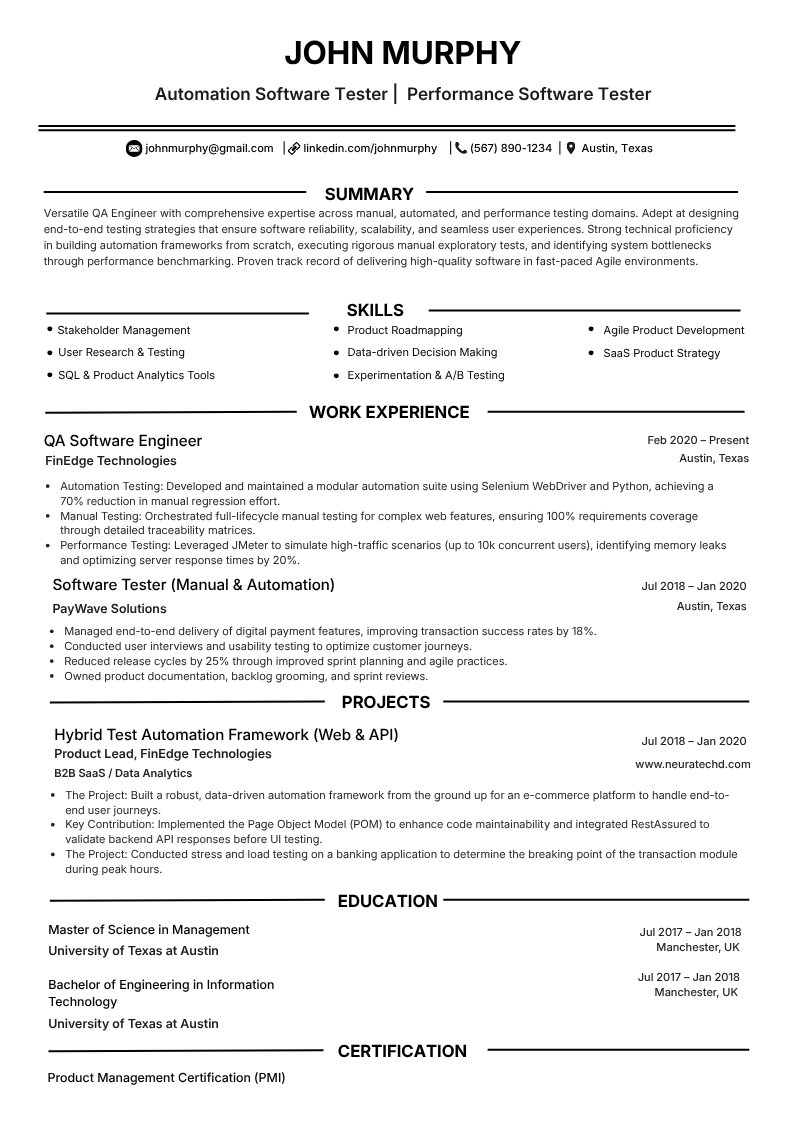
Automation Software Tester
qa automationBuilt for QA engineers with strong testing metrics, tool stacks, and release-quality achievements.
ATS match 98%Choose this template
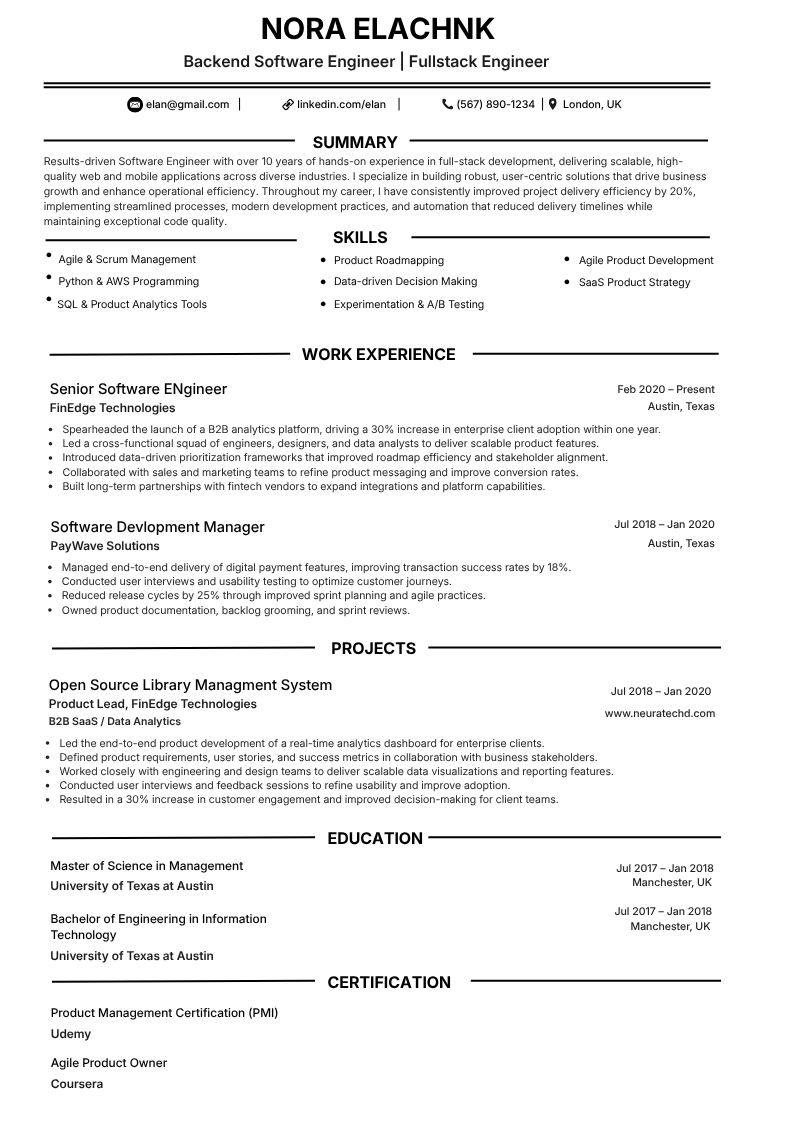
Backend Software Engineer
backend systemsDesigned for backend and fullstack engineers with API, cloud, and scalability-focused experience blocks.
ATS match 97%Choose this template
Certified Nurse Healthcare
healthcare atsClinical-first structure for nursing profiles, certifications, and patient-outcome driven bullets.
ATS match 95%Choose this template
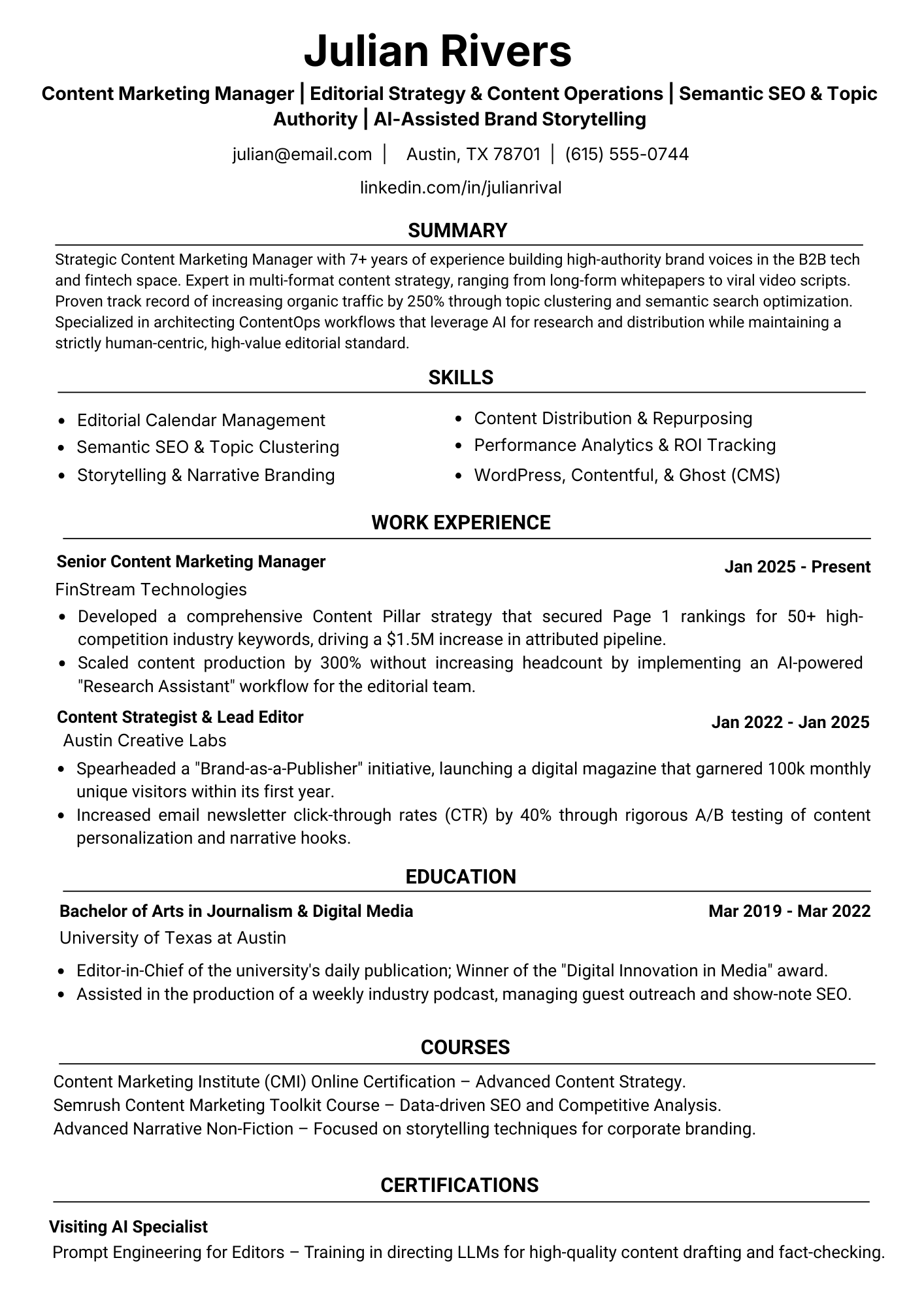
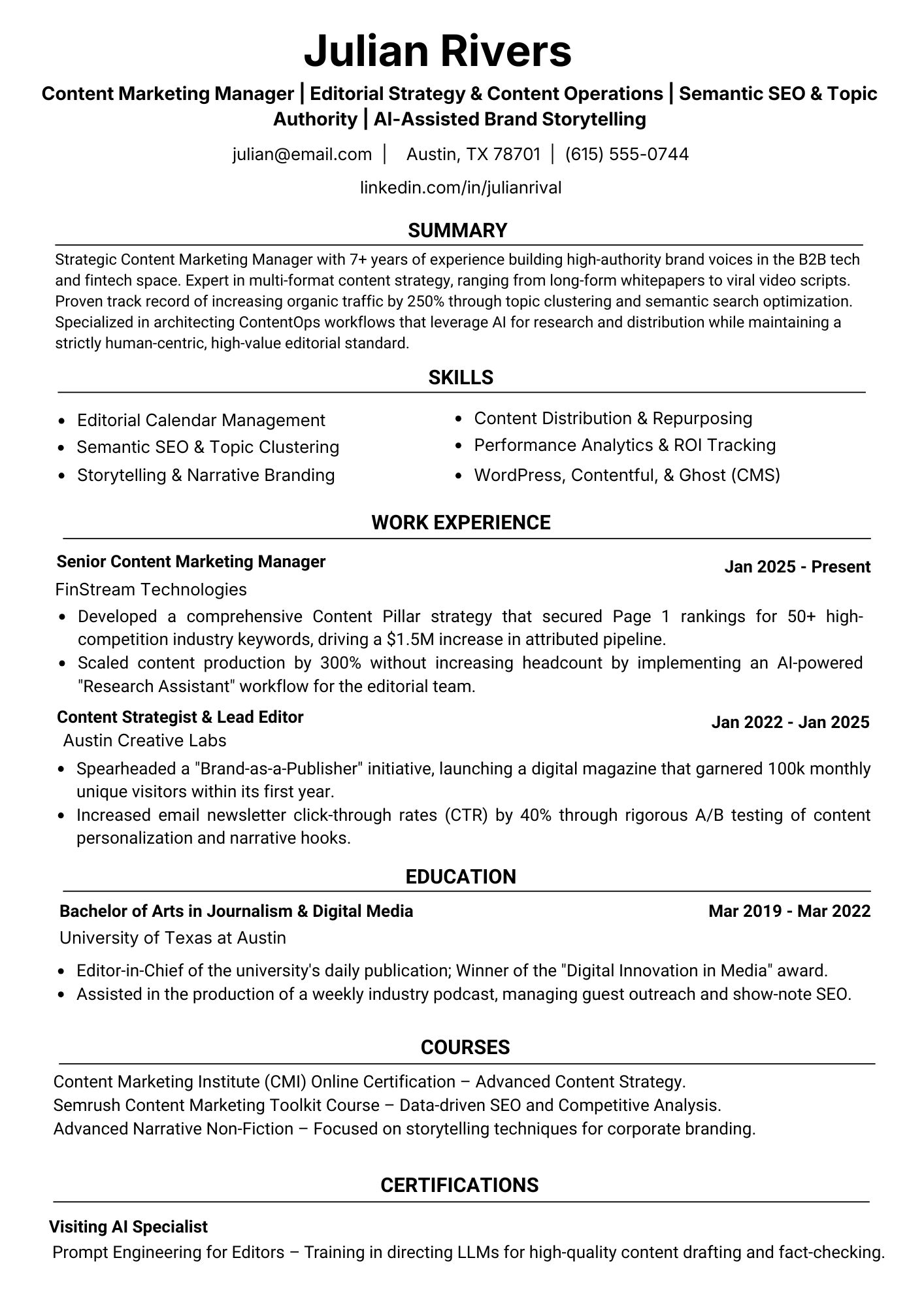
Content Marketing Manager
content strategyGreat for SEO and content roles with space for campaign outcomes, growth metrics, and editorial impact.
ATS match 96%Choose this template
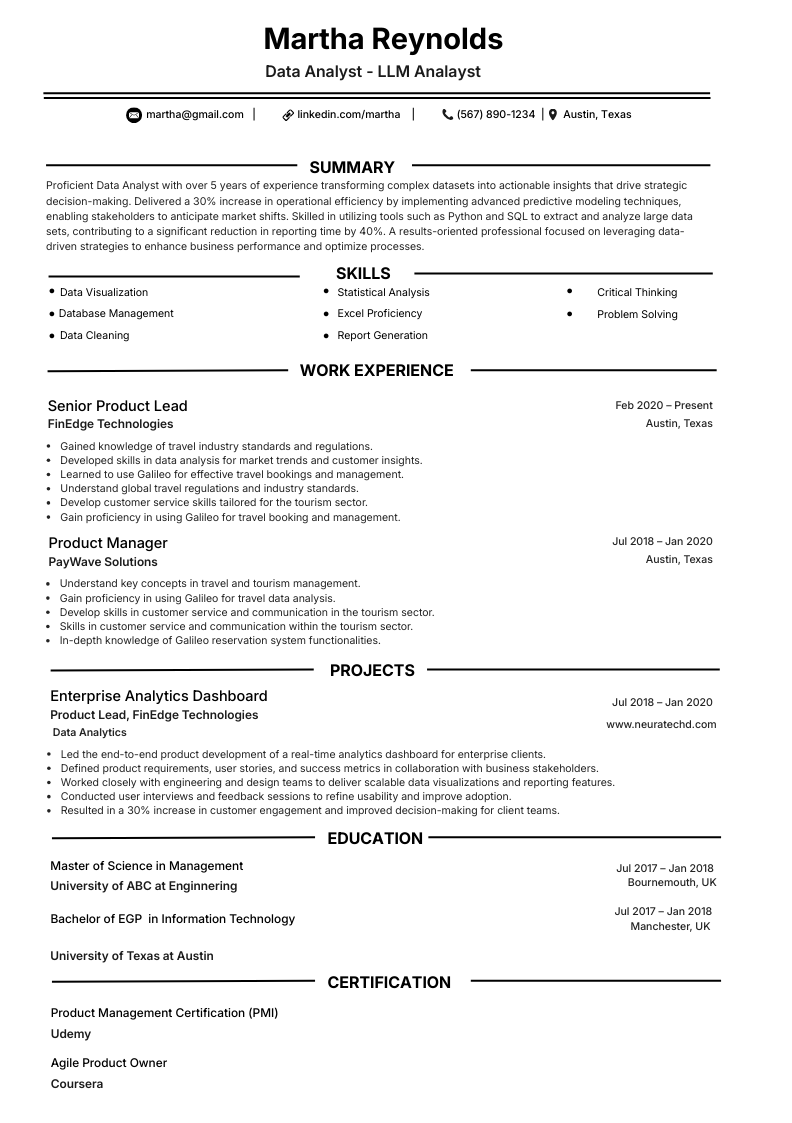
Data Analyst
analytics focusedOptimized for analytics profiles featuring SQL, reporting tools, dashboards, and quantified business wins.
ATS match 94%Choose this template
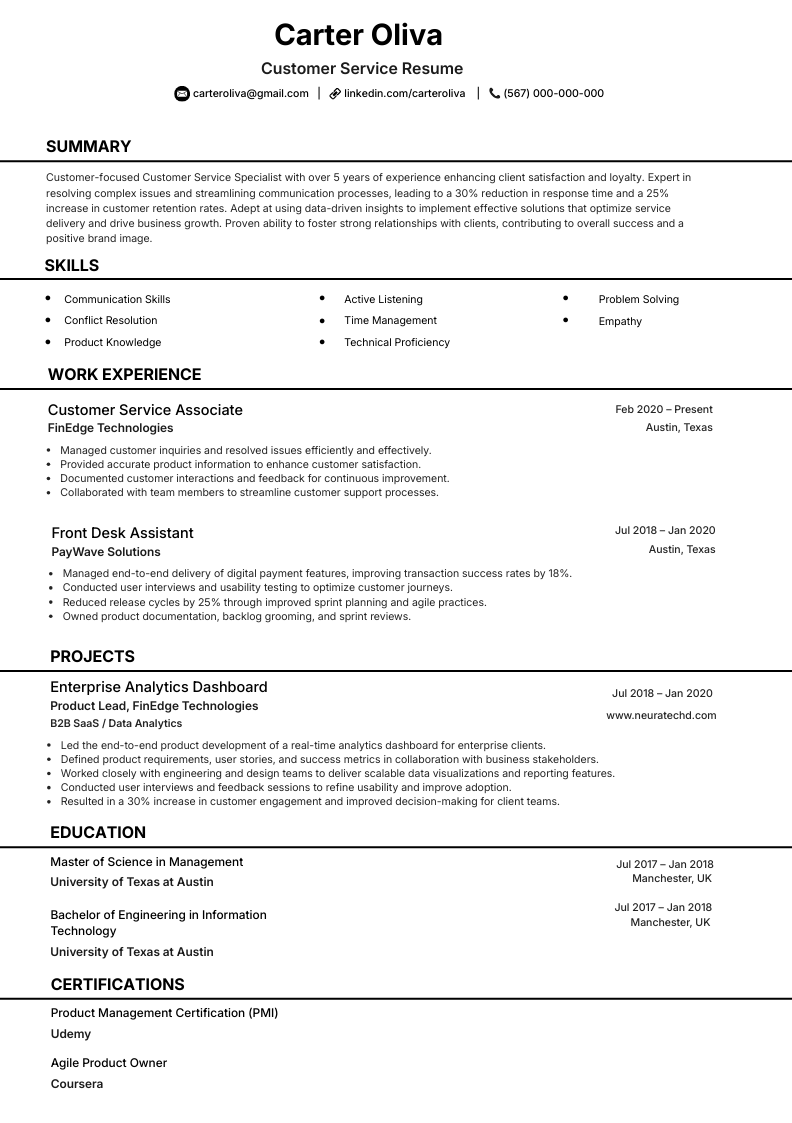
Customer Service Representative
customer supportIdeal for support and service roles with clear skill grouping and easy-to-scan work history sections.
ATS match 96%Choose this template
Why NeuraCV
Compare NeuraCV with alternatives before you choose
| Feature | NeuraCV | Canva | ChatGPT | Other AI builders |
|---|---|---|---|---|
| ATS parsing reliability | High, continuously tested | Mixed layout safety | Depends on prompt quality | Varies by template engine |
| No subscription option | Yes, flexible entry | Limited | N/A as a writer | Often locked plans |
| Keyword guidance | Role-targeted optimization | Manual edits required | Manual extraction needed | Generic suggestions |
| Free ATS checker | Included | Not native | Not native | Sometimes paywalled |
| PDF + DOCX export | Both formats | PDF-first | Text output only | Format support varies |
| Regional variant support | Global variant logic | Manual redesign | Manual rewrite | Inconsistent controls |
By specialty
Choose role-focused CV tracks for better fit
Highlight impact metrics, architecture ownership, and delivery velocity with high-signal bullet structure.
Combine compliance, patient outcomes, and shift scope in scanner-friendly chronology blocks.
Frame roadmap ownership, cross-functional decisions, and shipped outcomes with measurable adoption data.
Show process redesign, cost improvement, and reliability wins with clear systems-thinking examples.
How to
Build your CV layout in four steps without guesswork
Select an ATS-safe template
Start with a structure designed for parser readability and recruiter skim behavior.
Arrange high-impact section order
Use contact, summary, experience, education, and skills in a strict, predictable hierarchy.
Inject role-targeted keywords
Mirror job language naturally in achievements, tools, and responsibilities.
Run ATS checks and export
Validate parser output, remove weak formatting, and publish clean PDF plus DOCX versions.
Skills cluster
Cover all hiring signal types in one document
- Role-specific domain practices
- Compliance and documentation quality
- Stakeholder-facing communication
- Risk-aware decision making
- ATS optimization and keyword mapping
- Productivity and project platforms
- Reporting, analytics, and dashboards
- Workflow automation basics
- Leadership and cross-team alignment
- Problem-solving under constraints
- Structured written communication
- Prioritization and execution rhythm
Ready to launch
Turn your draft into a winning CV in minutes
Use NeuraCV to build, optimize, and validate your layout before your next application round.
FAQ
Answers to common layout questions before you apply
A single-column structure with standard headings, consistent date formatting, and plain text skills remains the safest ATS-compatible layout.
Use one page for early-career profiles and two pages for experienced candidates when every line contributes relevant evidence.
Yes. Keep visuals minimal, use high contrast, and avoid placing critical facts in images, charts, or decorative containers.
Use PDF for NeuraCV submissions. Keep text selectable, avoid image-only exports, and run an ATS scan before you apply.
NeuraCV offers ATS-tested templates, keyword guidance, and parser feedback so you can fix issues before applications are sent.
Use 10 to 15 role-relevant keywords naturally across your summary, skills, and work experience. Mirror exact language from the job description where accurate.
For highest parser reliability, choose a single-column layout. Multi-column designs can still work, but they increase the risk of field misreads in some ATS tools.
Include Contact, Summary, Work Experience, Skills, and Education as core sections. Add Certifications or Projects when they support your target role.
Tailor it every time. Update keywords, summary emphasis, and top achievements to match each job description and improve ATS match quality.
Continue reading
More NeuraCV guides for your next application
Keep building on your ATS-first resume with these companion guides and free tools from the NeuraCV editorial team.
