Master resume tailoring for stronger applications in 2026
Tailoring is not keyword stuffing. It is the disciplined work of aligning your truthful experience with what a specific posting asks for, in language ATS parsers and hiring managers already expect.
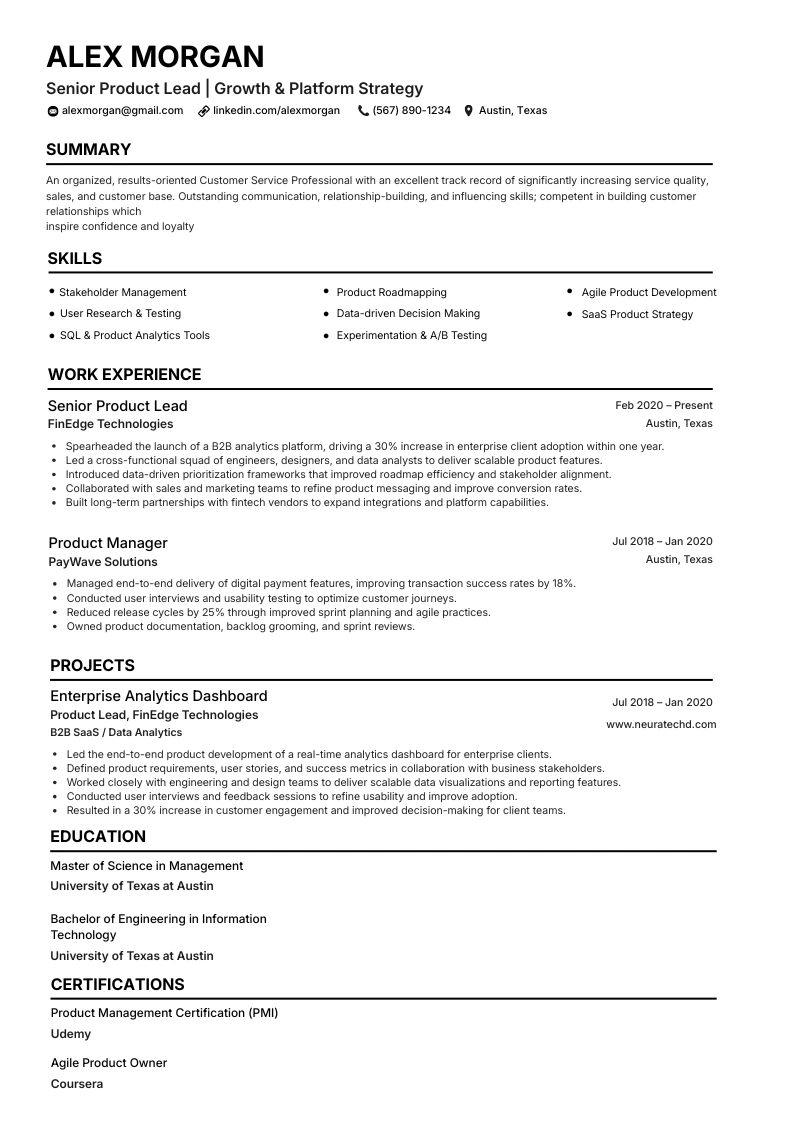
Strategy
Why tailoring beats one generic resume
Recruiters skim in seconds. Parsers map headings and tokens to job text. A tailored resume answers both audiences with less noise.
Signal density. A generic document spreads attention across every skill you have ever touched. A tailored resume foregrounds the five to eight capabilities this employer emphasised.
Interview coherence. When bullets mirror the posting with honest examples, interview questions line up with stories you can defend. Random buzzwords invite random deep dives.
ATS overlap. Applicant tracking systems score structured text against the job description. Clear headings plus truthful overlap usually outperform clever layout tricks.
Respect for the reader. Tailoring shows you read the brief. That small signal still matters in competitive shortlists.
How it works
How ATS tools and humans read a tailored resume
Parsers favour predictable section titles and linear reading order. Humans favour proof near the top.
Most ATS products are closer to structured text matchers than artificial judges. They extract fields such as employer, title, dates, education, and skills, then compare token overlap with the vacancy. Graphics-heavy columns, icons instead of labels, and unusual section names can scramble that extraction.
Hiring managers behave similarly on first pass: they confirm role level, domain, and recency, then scan for outcomes that resemble their roadmap. Tailoring connects those two passes. You keep parser-friendly headings while rewriting bullets so the human sees relevance fast.
What to keep stable across versions
Employer names, dates, and degrees should stay factual. Tailoring adjusts emphasis and wording, not chronology. If you remove a role to save space, do it because it is irrelevant, not to hide gaps.
Where NeuraCV fits
After you tailor, run NeuraCV's free ATS check against the same job description you used while editing. The report highlights gaps you still need to close with evidence, not with invented projects.
Process
A repeatable tailoring workflow
Follow the same sequence every time so quality stays high when volume spikes.
Step 1
Capture the job brief. Print or paste the posting into notes. Highlight must-have tools, outcomes, and seniority cues such as team size or budget scope.
Step 2
Group requirements into themes. Cluster phrases into three to five themes like stack, delivery, leadership, and domain knowledge. Note which themes your strongest proof supports.
Step 3
Rewrite the top of the resume first. Adjust headline or summary lines so the reader sees alignment inside ten seconds. Mention the role family you are applying for without copying the title verbatim if that would be inaccurate.
Step 4
Refine bullets under the most relevant roles. Reorder bullets so the two strongest proofs for this vacancy appear first. Swap generic verbs for verbs the posting uses when they still describe your real work.
Step 5
Export a parser-safe PDF. Use a text-based export, not a scan of a printout. Check reading order in a plain-text view so columns do not scramble dates.
Step 6
Run a keyword gap check. Paste the same job description into NeuraCV's ATS checker, read the gap report, and only add phrases you can defend with stories.
After the six steps
Save each major version with a filename that includes the employer or role family. That habit makes it easier to reuse vetted bullets next week without mixing two employers' language by accident.
Language
Keyword strategy that stays honest
Mirror phrasing where it reflects real work. Skip anything you cannot explain aloud.
Start by grouping the posting into themes: stack and tooling, delivery rituals (CI/CD, releases, on-call), collaboration (cross-functional teams, stakeholders), and outcomes (latency, revenue, reliability). Pull two to four bullets per theme from your memory, not from the posting's verb list alone.
Synonyms and acronyms
If the job says "ML" but you wrote "machine learning" everywhere, add the acronym once in skills or in a bullet where you used it in practice. Do not create a separate keyword blob at the bottom. That pattern reads dated to humans and adds little to modern parsers.
Soft skills
When the posting mentions stakeholder communication, show it inside an outcome bullet instead of listing "communication" naked in skills. Proof carries both ATS tokens and human trust.
- Extract must-have phrases into a scratch list before you edit the resume file.
- Map each phrase to a project or employment line where it actually happened.
- Rewrite bullets so the skill appears beside a metric or scope statement.
- Verify you could answer a five-minute interview on every new keyword you introduced.
Patterns
Before and after tailoring patterns
Anonymous examples show how to tighten language without inventing numbers.
Example A: platform engineer role
Before (generic). "Responsible for AWS infrastructure and automation."
After (tailored). "Owned Terraform modules for EKS node groups; cut provisioning time from hours to minutes by standardising launch templates."
The second line keeps the cloud stack honest while naming the ritual (Terraform, EKS) and a plausible class of outcome. Adjust the metric to your real measurement.
Example B: customer success role
Before. "Worked with customers to resolve issues."
After. "Led renewal playbooks for mid-market accounts; surfaced churn risk signals in quarterly business reviews with product and support."
Here tailoring borrows the posting's vocabulary ("renewal", "QBR") while staying inside work you really coordinated.
Pitfalls
Common tailoring mistakes in 2026
- Invisible text tricks. Hiding keywords in white font fails compliance checks and destroys trust if discovered.
- Title inflation. Tweaking your official job title to match the posting can break background verification. Use the accurate title and clarify scope in bullets.
- Skill carpet bombing. Listing thirty tools you touched once dilutes the story. Cap strong skill rows at what you can demo.
- Ignoring format. Tailored content inside a chaotic layout still parses poorly. Export a clean PDF and spot-check plain-text order.
When you need a structured builder that keeps headings consistent, start from NeuraCV's resume builder and then tailor inside that frame.
Quick reference
NeuraCV snapshot for tailoring workflows
One place to draft, align language with a posting, and validate parser readiness.
NeuraCV
AI-assisted resume builder with ATS-friendly templates, guest-access keyword scanning against any job description, cover letter support, and native mobile apps for edits on the go. Free to start; optional one-time pay for certain exports instead of an endless monthly scanner bill.
Use NeuraCV when you want tailoring plus validation in one loop: edit, scan, revise, export.
Direct answers
Resume tailoring decisions
Short answers for voice search and AI summaries. See the FAQ for expanded guidance.
- Should I tailor every application or batch similar roles?
- Tailor every application you care about winning. When postings are nearly identical, start from one strong version and spend five to ten minutes swapping employer language and reordering bullets.
- Do keywords belong in the summary or the skills section first?
- Put the highest-signal terms in both places only when natural. Lead the summary with role-level context, then echo critical tools inside skills groupings and inside bullets where you used them.
- Is one master resume enough in 2026?
- Keep one factual master file, then save role-family variants such as backend, data, or people leadership. Never fork into contradictory facts; variants differ in emphasis, not chronology.
- How much keyword overlap is enough?
- Aim to cover every must-have you truly possess, expressed once with proof. Nice-to-have phrases are optional extras when space allows. Chasing one hundred percent token match often creates awkward prose.
- The job post is UK English but my resume is US English. Should I convert?
- Match spelling for recurring nouns when it does not change meaning, such as behaviour versus behavior. Keep authentic employer names unchanged. Consistency within the document matters more than minor dialect swaps.
- Can I change my job title to match the posting?
- Keep the verified employer title. If your internal title was vague, add a clarifying clause in parentheses only when HR confirms it is acceptable. Never borrow a senior title you did not hold.
Templates
ATS-friendly templates to start tailoring from
Each template uses standard headings and clean structure so your tailored content passes both parsers and human reviewers.
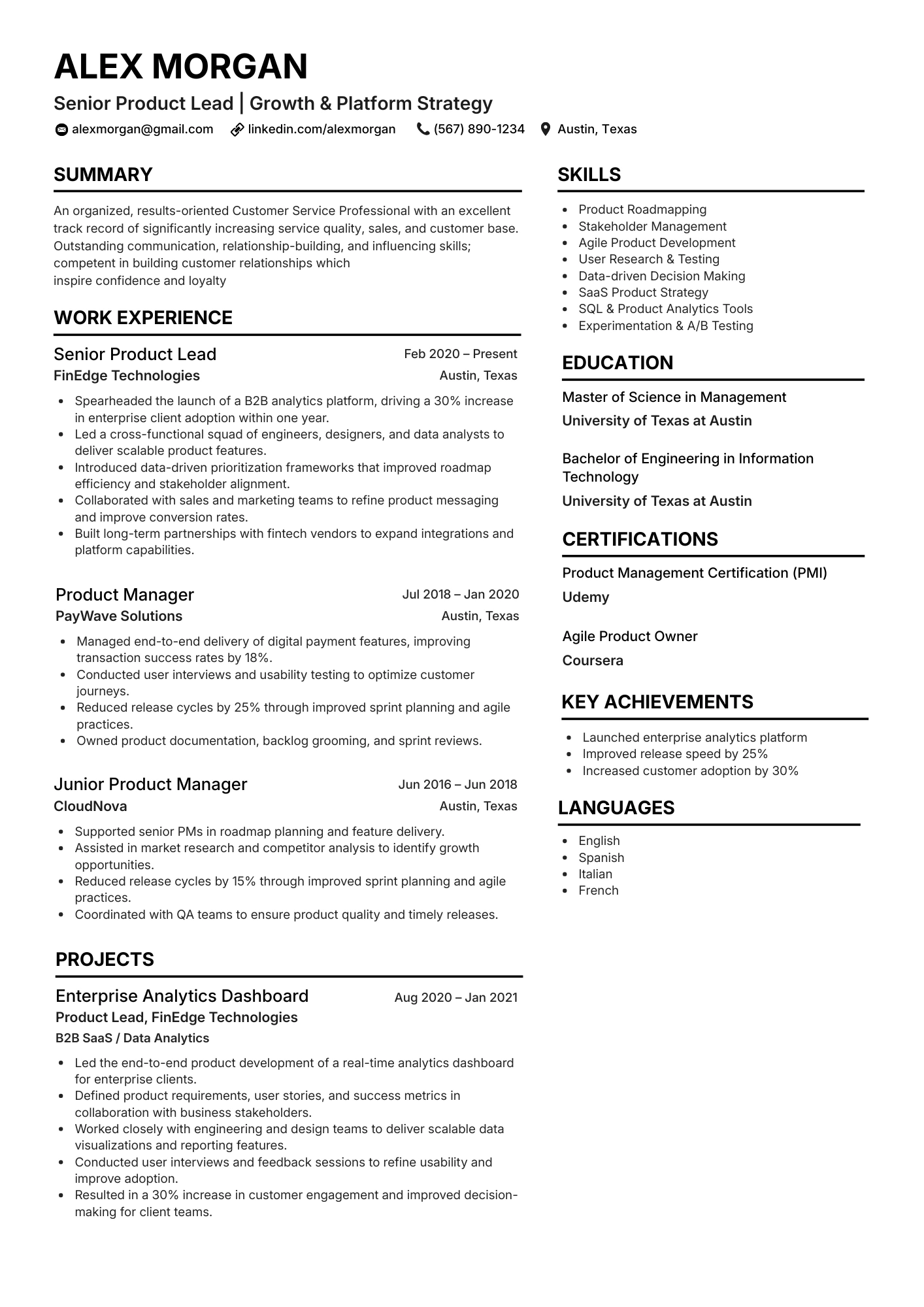
Classic Single Column
Best for tailoring to any role
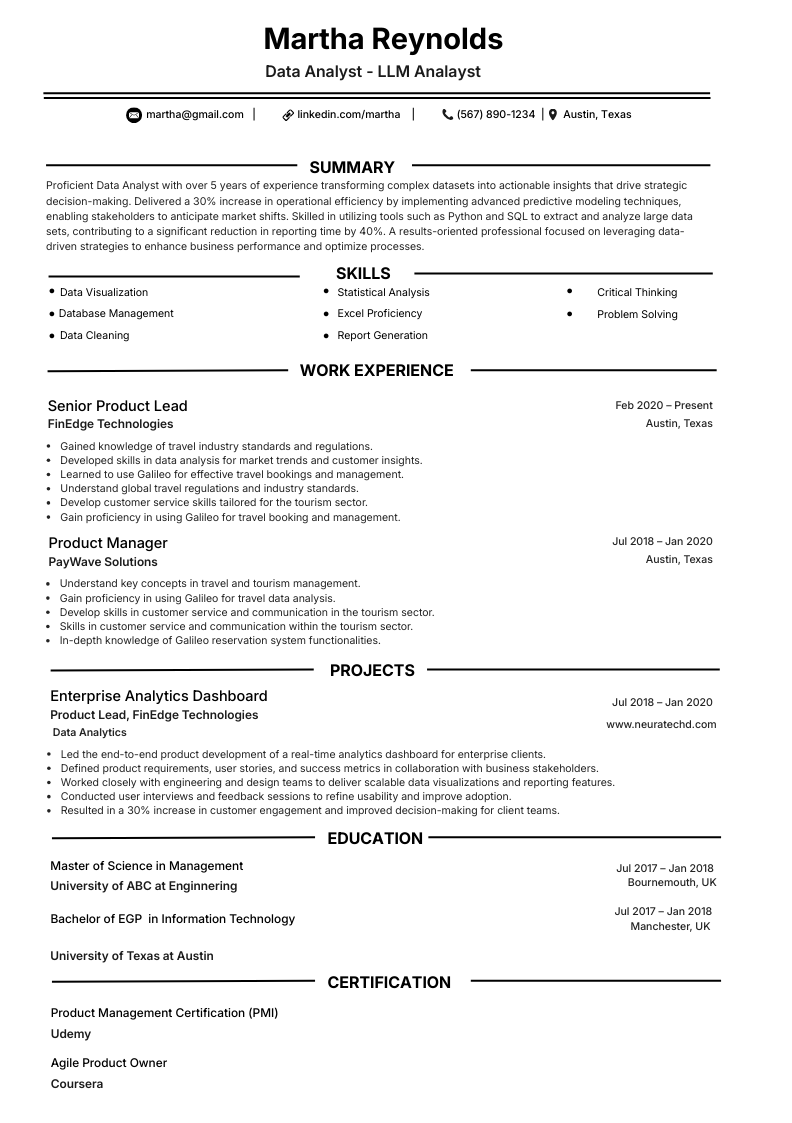
Analyst / Tech
Skills-forward for technical roles
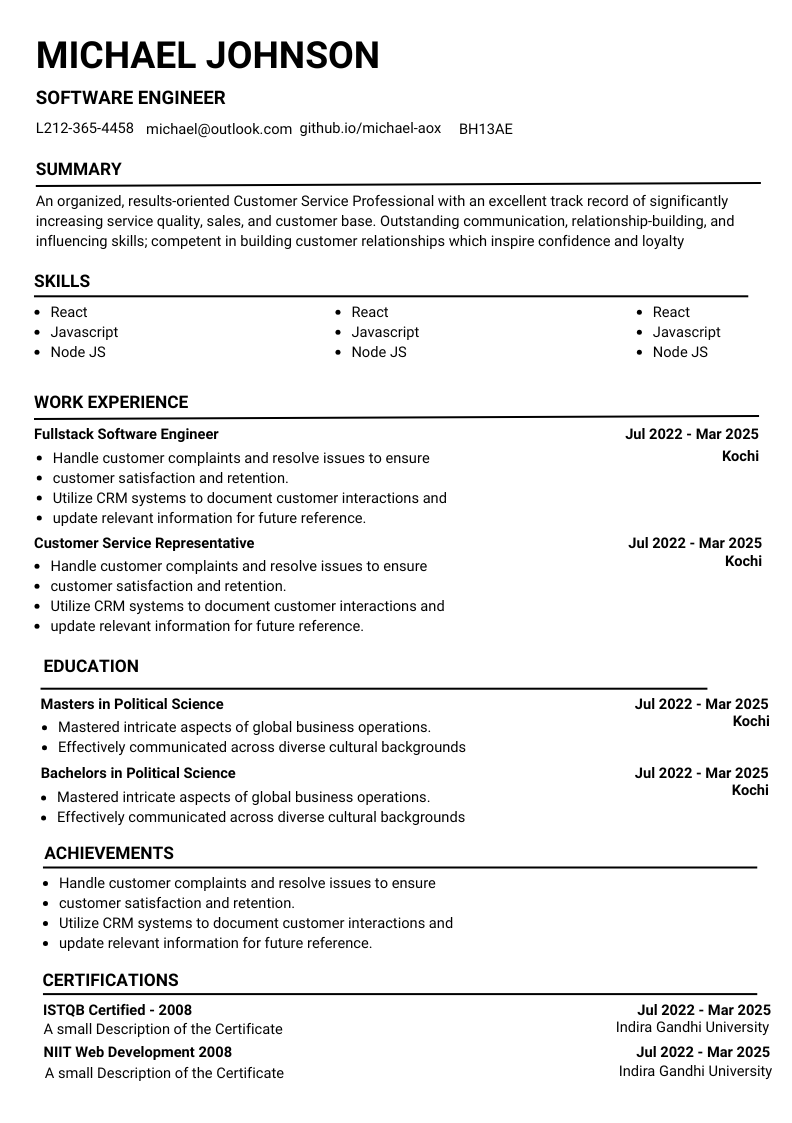
Engineering
Stack-heavy with project metrics
FAQ
Frequently asked questions
What does it mean to tailor a resume?
Should I tailor my resume for every job application?
How long should resume tailoring take?
Is it OK to copy keywords from the job description into my resume?
Can applicant tracking systems detect a tailored resume?
Will tailoring help if I am changing careers?
What is the best file format after tailoring?
Should I use AI to tailor my resume?
How many pages should a tailored resume be?
Where can I check keyword alignment before I apply?
Editorial guidance verified April 2026. Tools and employer processes vary; always follow each application portal's instructions.
