Updated · July 2026
ATS-tested
Guide
Resume Keywords That Match the Posting.
A practical ATS keyword strategy: extract, prioritize, and prove skills without stuffing.
Keywords get you past the filter. Evidence gets you the interview. You need both on the same page.
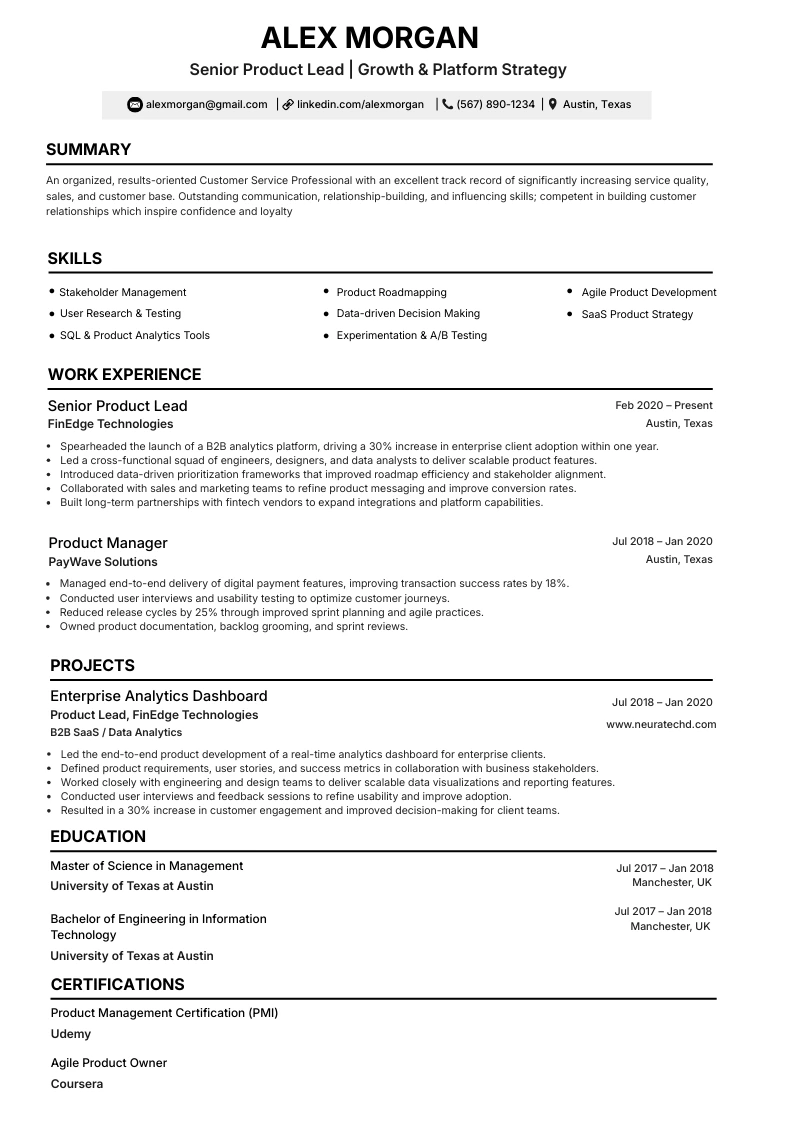
Parser-safe layouts
Free resume score
No subscription required
Guide
Practical steps you can apply today.
Use these checks before you submit. Each one is written to survive ATS parsers and human skim-reading.
01
Extract keywords from the posting
Highlight required tools, credentials, and repeating nouns.
- Must-haves vs nice-to-haves
- Acronyms and full forms (SQL / Structured Query Language)
- Ignore fluff adjectives that never appear in filters
02
Place keywords where ATS looks
Skills blocks and early bullets carry more weight than a buried footnote.
- Skills section for exact tokens
- Top 3-5 bullets for high-priority matches
- Standard headings (Experience, Skills, Education)
03
Prove every priority keyword
A mirrored noun without a result looks like stuffing.
- Pair Salesforce with a CRM outcome
- Drop keywords you cannot defend in interview
- Re-keyword for every distinct role family
Template gallery
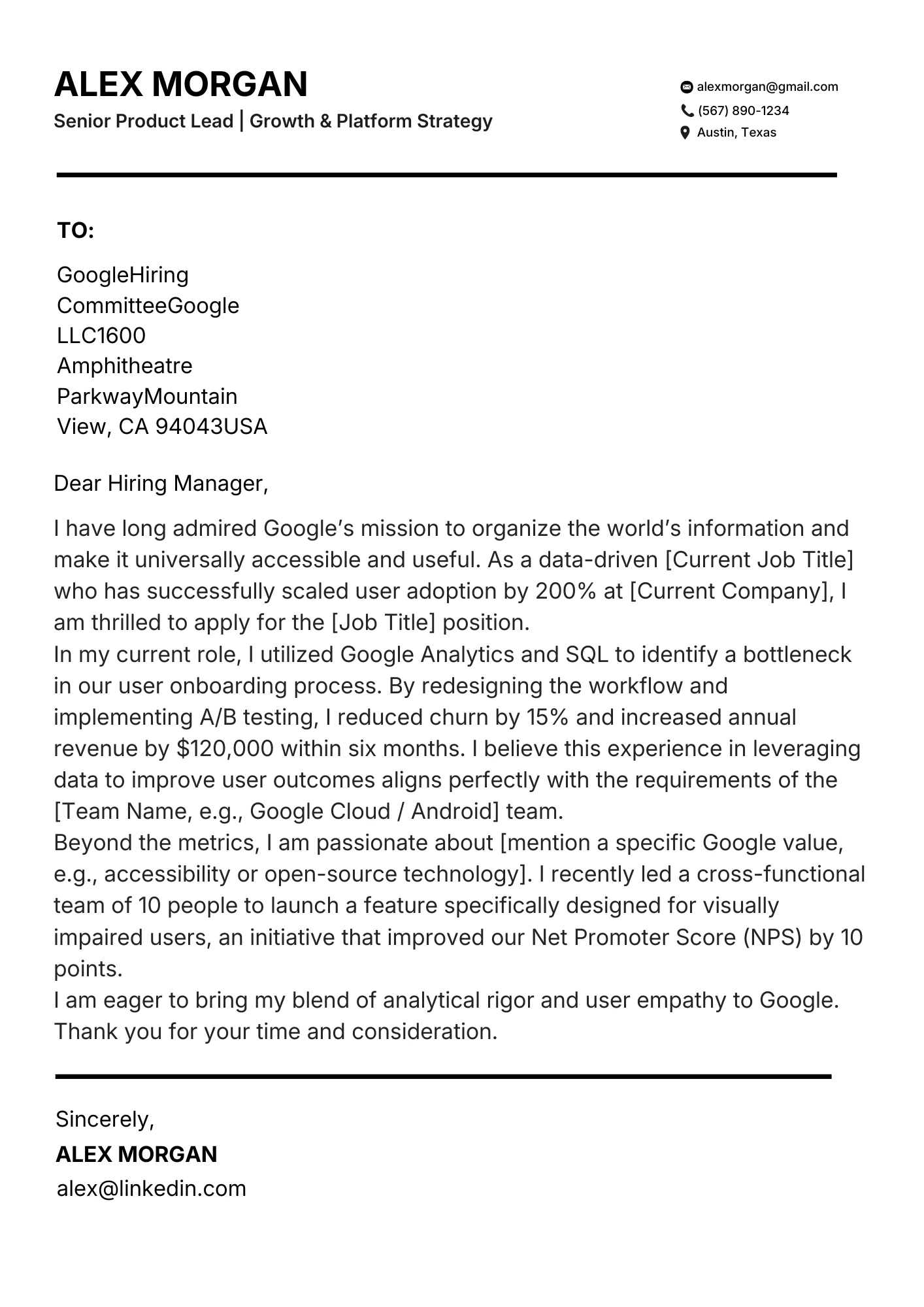
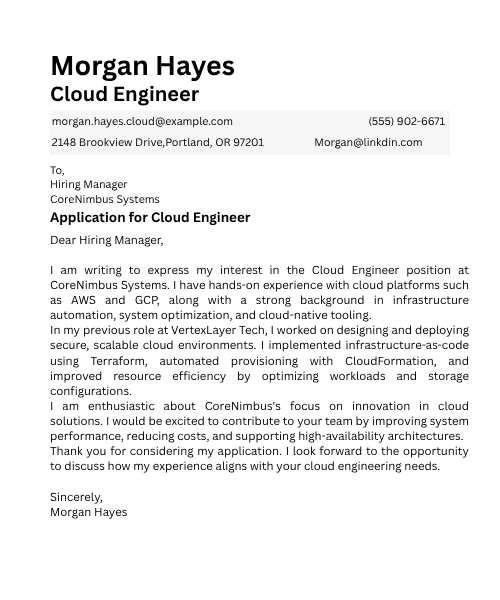
ATS templates you can start from today.
Pick a parser-safe layout, then tailor keywords for your target role.
Ready to apply what you just read?
Score your resume against a posting, then rebuild skills and bullets so keywords and proof stay aligned.
FAQ
Quick answers
Should I copy the job post?
Mirror language; do not paste the posting.
Do keywords need to be exact?
Exact matches help ATS; include posting phrasing when true.
Where do keywords fail?
Inside tables, graphics, or skipped headers.
How often should I re-keyword?
Every application.
