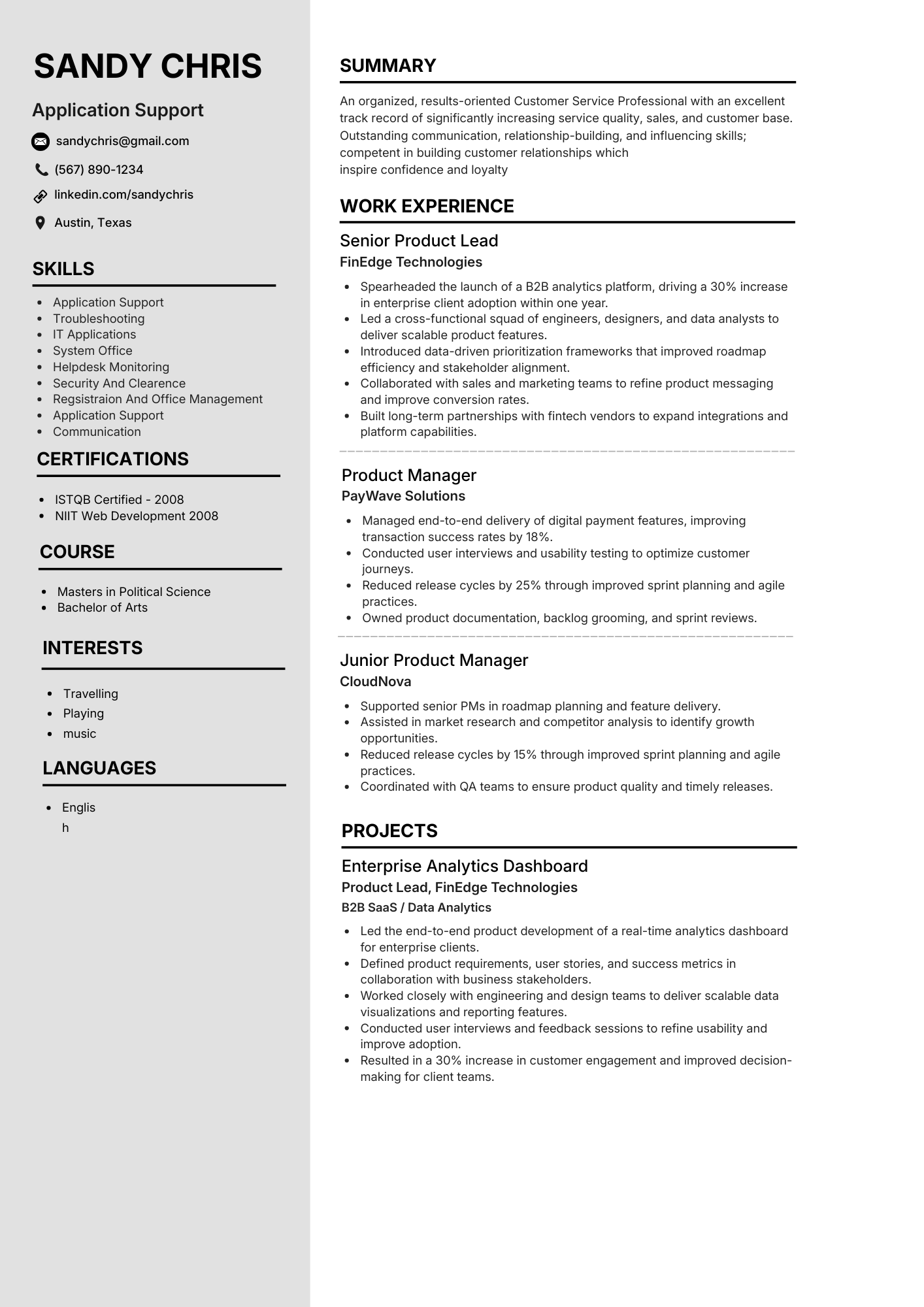
Application support CV example
Key skills
- Application support
- Troubleshooting
- IT applications
- Helpdesk
- ITIL
- Incident management
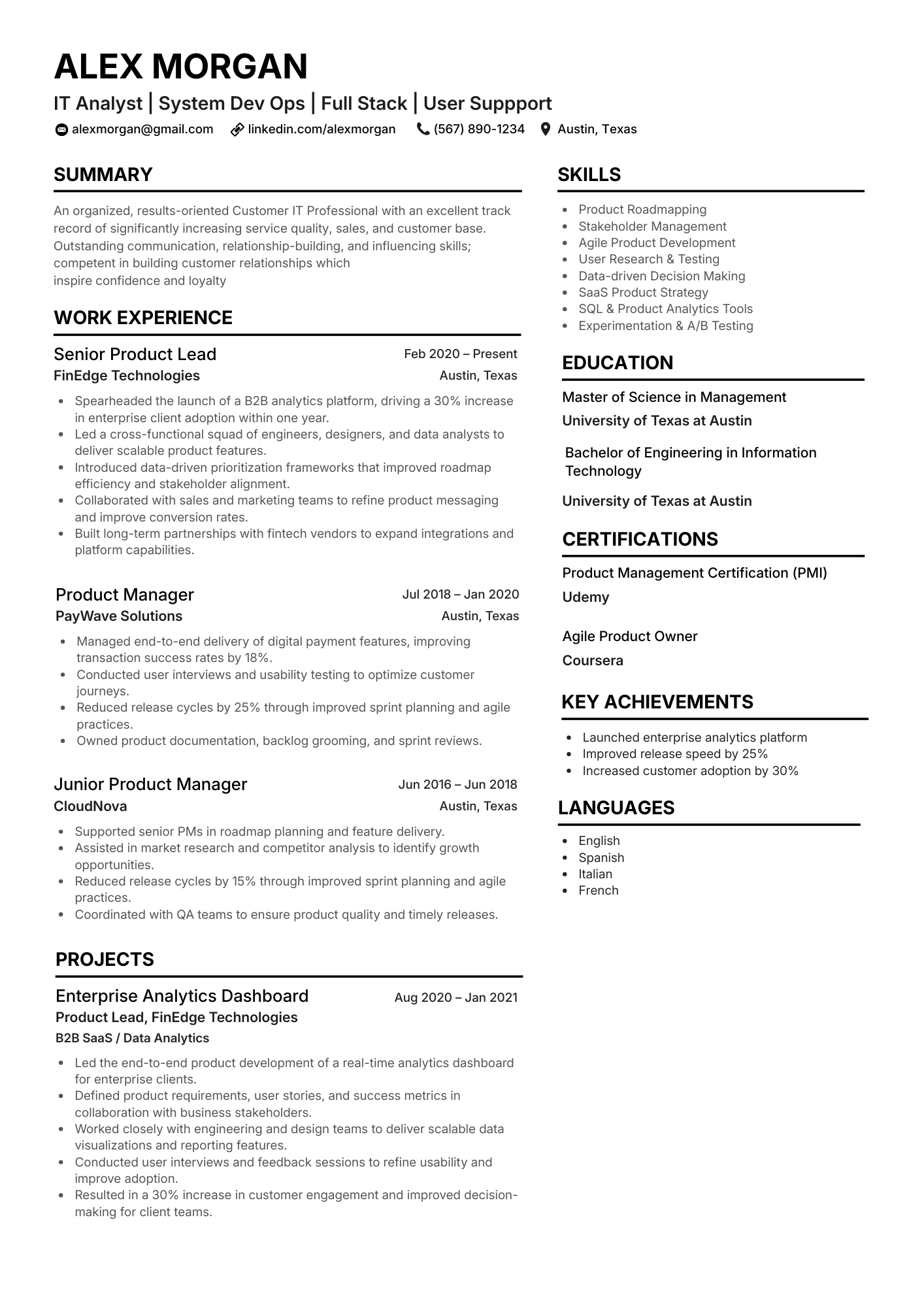
IT analyst CV example
Key skills
- Stakeholder management
- Agile
- SQL & analytics
- Roadmapping
- User research
- SaaS
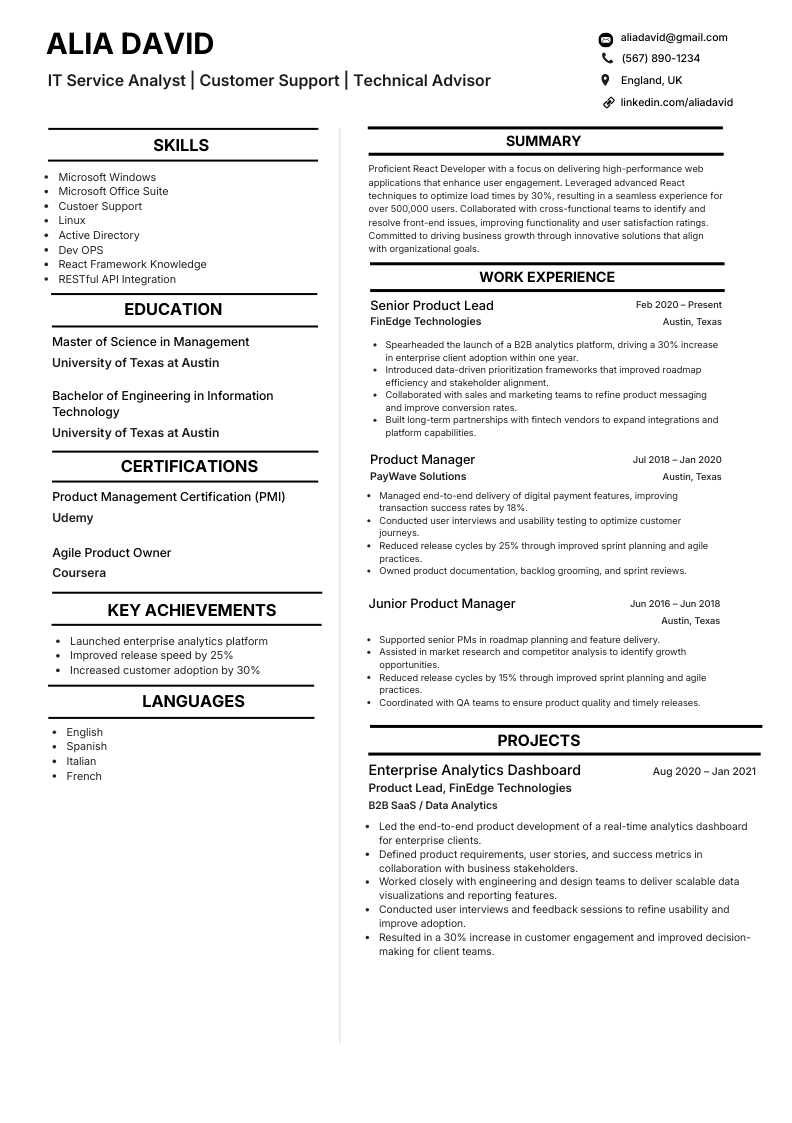
IT service analyst CV example
Key skills
- Windows & Linux
- Active Directory
- Microsoft 365
- Service desk
- REST APIs
- Customer support
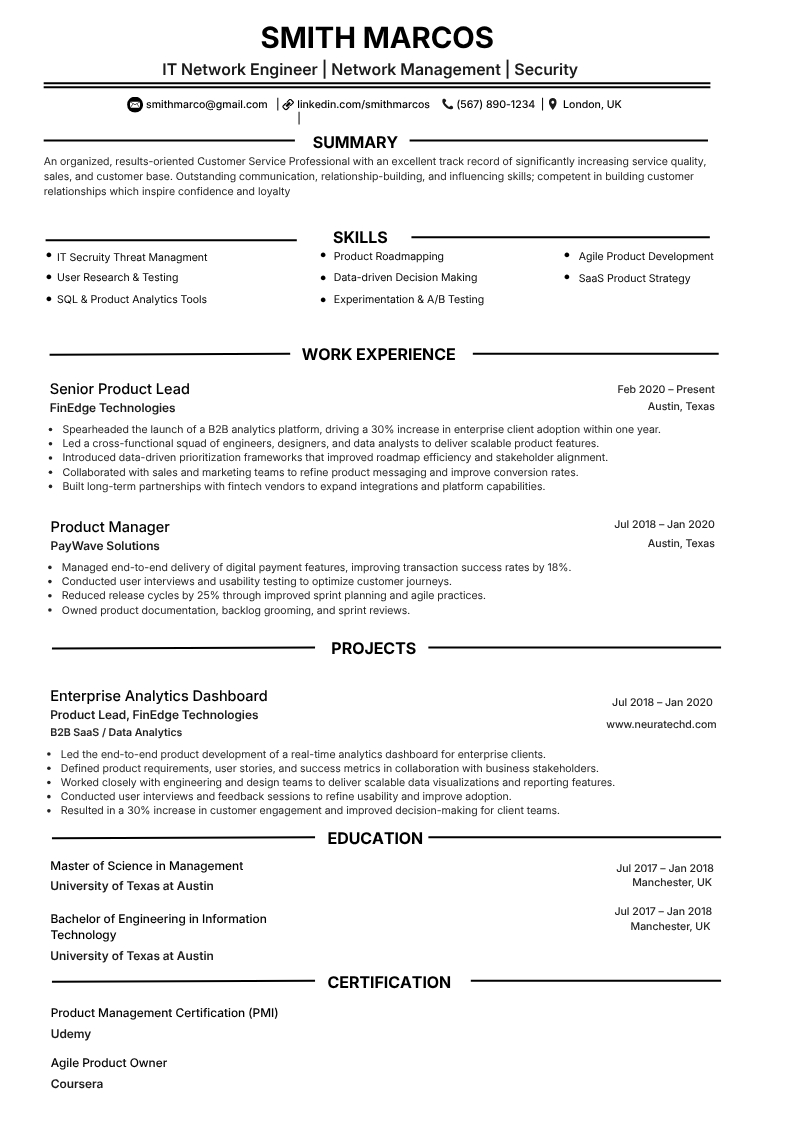
Network engineer CV example
Key skills
- Routing & switching
- Firewalls & VPN
- Network security
- Monitoring
- DNS / DHCP
- Documentation
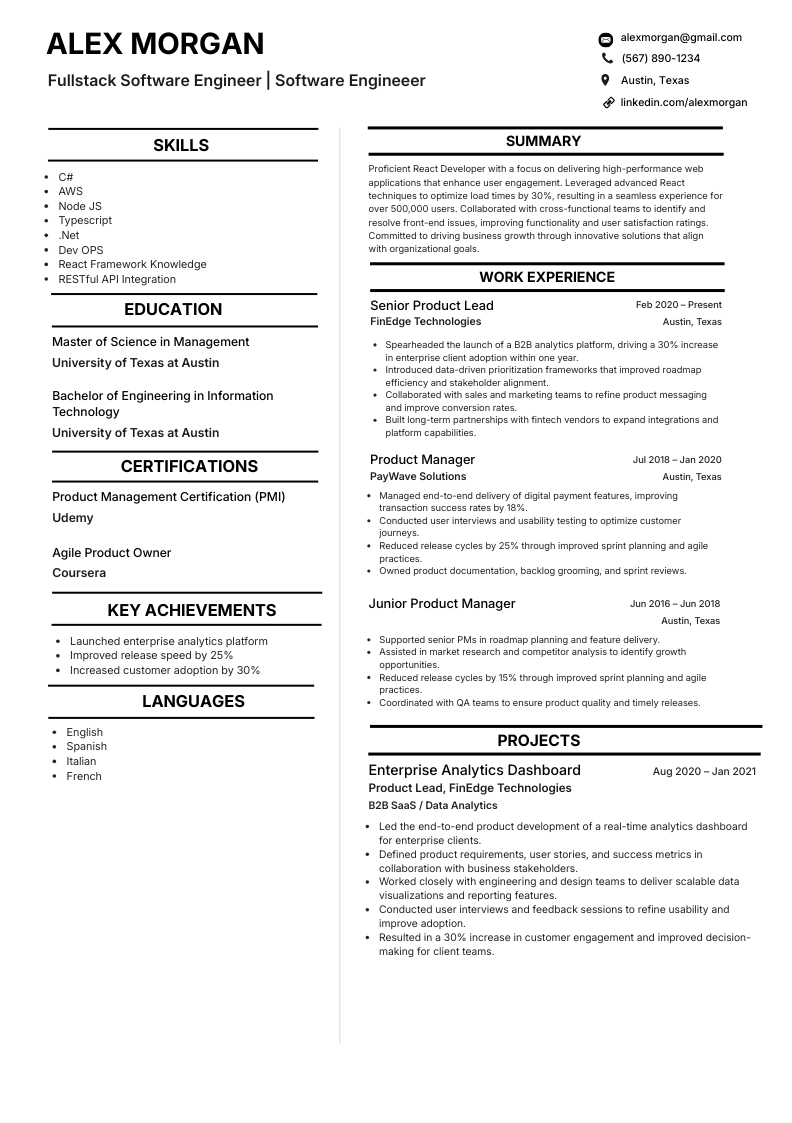
Full stack software engineer CV example
Key skills
- TypeScript
- React
- Node.js
- C# / .NET
- AWS
- REST APIs
- DevOps
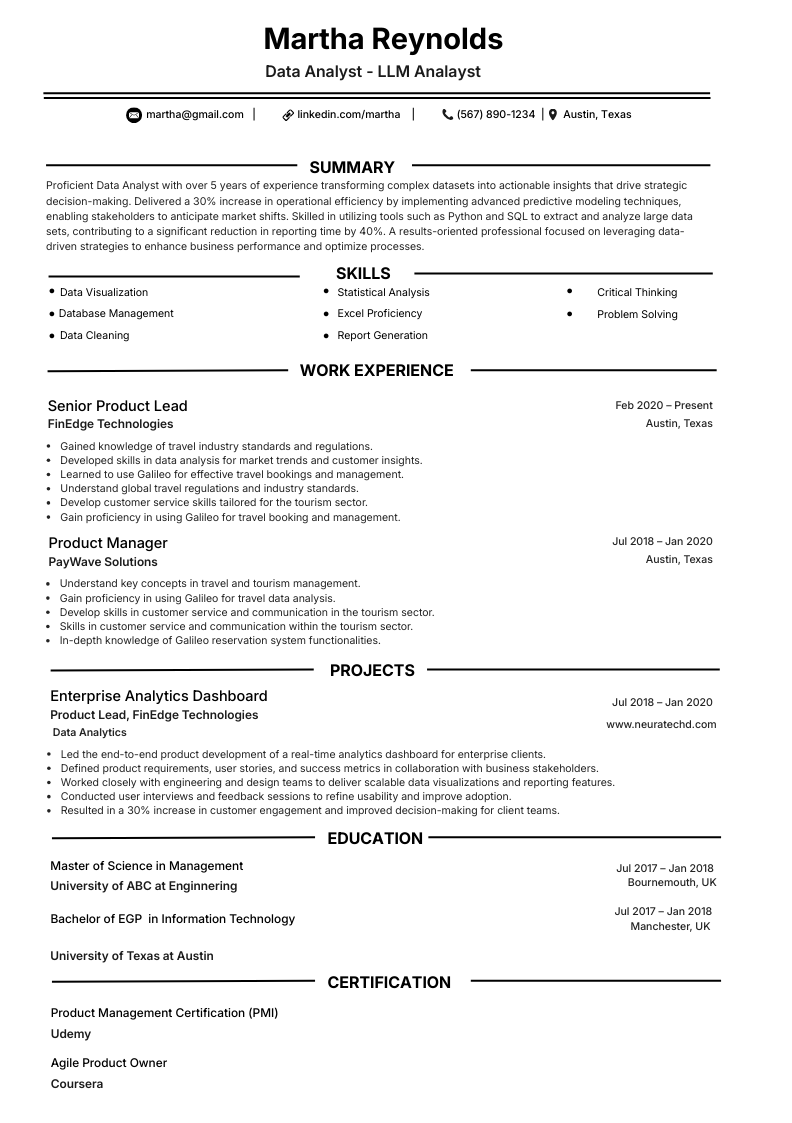
Data analyst CV example
Key skills
- SQL
- Python
- Data visualisation
- Statistics
- Excel
- Reporting
- Data cleaning
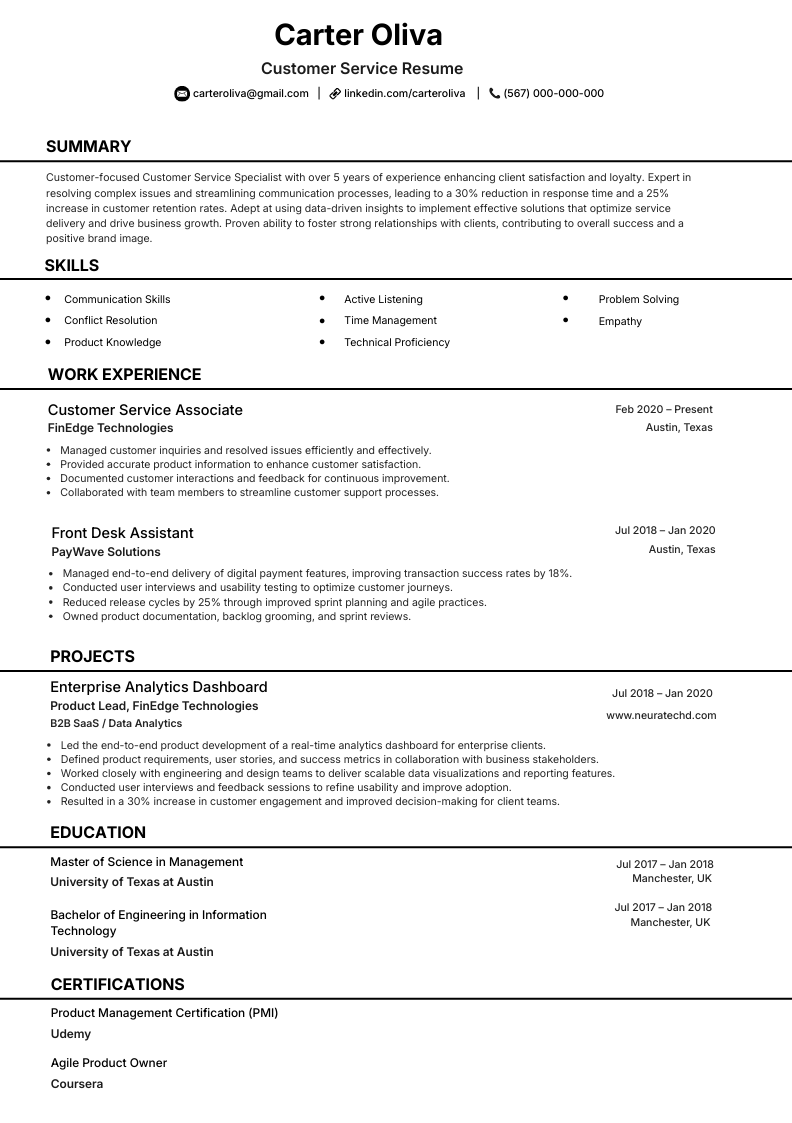
Customer service representative CV example
Key skills
- Communication
- Conflict resolution
- Active listening
- CRM
- Product knowledge
- Complaint handling
Looking to build your own Application support CV?
NeuraCV helps you create a modern, ATS-friendly CV with UK hiring norms in mind - clear structure, honest metrics, and a layout recruiters can skim fast.
- Role-ready sections you can tailor in minutes
- Clean templates that stay readable in ATS scans
- Straightforward edits with AI-assisted wording
- Professional layout with no photo required (UK norm)
- Export to PDF when you are ready to apply
Global IT CV guide
What this guide covers
Skim this section in a few minutes, then move straight into templates, rules, and final checks you can apply today.
Goal: reach an interview-ready IT CV faster with less guesswork, using structure that works for both search and AI answer engines.
This IT CV guide helps you decide what to keep, remove, and tailor for 2026 hiring so your CV reads clearly for recruiters, parses cleanly for ATS, and surfaces clearer answers in AI-driven search.
Template previews that convert
Compare role-ready layouts, then pick one that matches your target vacancy.
Practical writing rules
Convert duties into outcome bullets with wording recruiters can verify quickly.
Common CV questions
Get clear answers on CV length, photos, skills blocks, and entry-level positioning.
Next step: use the detailed sections below as your build checklist, then open the builder once your draft is aligned.
What you will take away
We explain what recruiters and hiring systems typically expect from an IT CV: clear section order, honest dates, and concise role-focused wording.
You will see how to turn routine responsibilities into bullets that show impact, and how to align your skills strip with employer language without keyword stuffing.
The guide also contrasts common mistakes - generic duty lists, missing metrics, and layouts that break in ATS - with habits that improve both automated screening and human review.
If you are comparing yourself to other information technology resume examples, use this page as a checklist before you send your next application.
IT CV format and ATS basics
Most employers still receive CVs as PDF or Word documents with machine-readable text. That means single-column layouts, standard headings such as Experience and Education, and exports that copy-paste cleanly matter more than decorative graphics.
Tables, text boxes, and multi-column designs can cause parsers to miss skills or job titles, so we recommend a simple structure and consistent spacing throughout.
Length is usually one to two pages: one strong page is better than two thin ones early in your career; two pages is normal for experienced IT professionals if every line supports the target role.
Keep contact details concise (city and region are usually enough for most roles), and put your strongest evidence on the first page because many reviewers will not scroll.
A dedicated technical or IT skills section helps both ATS keyword matching and recruiter scanning. Group tools by theme cloud, networking, scripting, service management then reinforce the most important items again inside your experience bullets so skills appear next to context.
How to use the examples and templates on this page
The previews show ATS-friendly layouts for different IT roles, from application support to network engineering and data-oriented positions. Click through to NeuraCV when you are ready to edit wording, swap sections, and export a PDF. Pick a layout that matches your seniority, then keep the same rhythm across profile, experience, and skills so the document feels intentional rather than patched together.
Before you apply, skim your CV against the job description: do the required tools and platforms appear where a parser would expect them? Have you quantified outcomes resolution times, uptime, cost avoided, users supported where it is honest to do so? Small, role-specific tweaks to your profile and top bullets often outperform rewriting the entire document from scratch.
ATS Checklist
IT resume and CV: what hiring teams and ATS tools actually read
Hiring teams and ATS tools prioritize four signals first: structure, evidence, role-matched keywords, and readability. Use this section as a direct checklist for your IT resume or IT CV so each section is easy to parse, verify, and shortlist.
Structure
Headings & layout
Evidence
Metrics & impact
Keywords
Role-matched terms
Readability
Scan-friendly format
How technical should an IT resume be?
Match depth to the target role. Hands-on engineers should list stacks and tools; delivery-focused roles should name platforms and connect them to outcomes (incidents reduced, SLAs met, costs avoided).
Check: every tool listed appears in your work experience with measurable context.
Information technology resume skills: what belongs in the skills section?
Group IT resume skills into scan-friendly buckets: operating systems, networking, identity, scripting, cloud, and support tools. Repeat priority skills in experience bullets so ATS and hiring teams see context, not just keywords.
Check: each key skill appears at least once in both the skills section and a results-focused bullet.
IT resume work experience: what hiring teams validate first
Strong work experience uses reverse chronological order, clear dates, and bullets that move from action to impact. Hiring teams verify scope, ownership, and results quickly.
Check: every technical claim can be defended with a project, number, or concrete outcome.
Resume template and builder choices that stay ATS-safe
Choose an IT resume template with one main column, standard headings, and plain-text-friendly export. A good resume builder supports customizable sections, controlled AI phrasing, and quality checks before apply. Use the resume score check and our guide to ATS-friendly resumes to improve final quality.
Check: exports copy cleanly and core sections remain readable without decorative layout elements.
FAQ
Frequently asked questions about IT resumes
Quick answers on IT resume structure, ATS compatibility, skills, and entry-level positioning.
1 What makes a strong IT resume compared with other information technology resume examples?
It should pair clear structure and ATS-friendly headings with role-relevant tools, verified impact, and tailored keywords.
A strong IT resume is easy to scan and easy to verify. It shows role-relevant tools plus evidence of impact (what you shipped, fixed, or improved). Keep headings ATS-friendly and tailor keywords to each target role.
2 How should I list information technology resume skills?
List skills by theme, then reinforce your strongest items in experience bullets with measurable results.
Group IT resume skills by theme: systems, networking, cloud, scripting, and support tools. Then repeat top skills in work experience bullets with outcomes. This gives ATS and hiring teams both keywords and context.
3 Is an IT resume template enough for applicant tracking systems?
No - a template alone is not enough; you still need clean plain-text export, consistent dates, and role-matched keywords validated before you apply.
An IT resume template is a foundation, not a full solution. Your IT CV still needs plain text export, consistent titles and dates, and role-matched keywords. Validate formatting before applying so ATS tools can parse every core section.
4 What should entry-level or fresher IT resumes emphasize?
Lead with projects, labs, certifications, and internships, including tools, scope, and honest metrics - even small ones.
Entry-level IT resumes should lead with projects, labs, certifications, and internships. Show tools used, scope, and measurable outcomes, even if metrics are small. Concrete evidence performs better than generic claims.
5 Does NeuraCV work with content I already have on LinkedIn?
Yes - NeuraCV lets you import or mirror LinkedIn content and shape it into an ATS-parseable IT resume.
You can import or mirror existing LinkedIn content and refine it into an IT resume format that ATS tools can parse. Keep titles, dates, and core achievements aligned across both profiles.
6 Where can I check if my IT resume is ATS-friendly?
Use NeuraCV's resume checker before you submit applications to review ATS readiness.
Focus on structure, heading clarity, keyword alignment, and readability. Then revise your IT resume and run one final check.
