The AI Resume Builder for 2026
Build a Professional Resume with AI in Seconds.
Land more interviews with a Resume that reads clearly to humans and applicant tracking systems. Upload an existing file or start fresh, then let AI tighten your summary, bullets, and keywords while you stay in control.
No credit card required to start building on neuracv.com.
AI features that improve every section of your resume
From the job post to your final PDF, each block below mirrors a workflow recruiters expect in 2026.
One-Click Tailoring
Align your Resume with a specific job description without rewriting from scratch.
Keyword matching
Surfaces must-have phrases next to your sections so you add them only where they are truthful.
Smart suggestions
Proposes tighter role lines while you keep final sign-off on every edit.
Summary Generator
Turn a flat bio into a short profile that leads with value and relevance.
Keyword matching
Weights headline skills from the posting so your opening mirrors the role.
Smart suggestions
Offers alternative openings until the tone fits your level and industry.
Bullet Point Optimizer
Adds measurable outcomes and stronger verbs where your facts support them.
Keyword matching
Maps your achievements to language hiring managers already use in similar roles.
Smart suggestions
Flags vague lines and suggests replacements you can accept line by line.
Skill Extractor
Bridges the gap between your talent and the job's technical requirements.
Keyword matching
Pulls hard and soft skills from the JD so you can evidence them in skills and experience.
Smart suggestions
Recommends where to place skills for ATS parsers and human skim-reading.
Solutions for every stage
Whether you are scaling leadership scope, growing mid-career depth, or reframing a pivot, AI saves time on structure so you can focus on proof.
Senior executives
- Condense decades of impact into a tight board-ready narrative.
- Balance confidentiality with credible scale metrics you can verify.
- Align leadership vocabulary with each chair or C-suite brief.
Mid-level professionals
- Upgrade task lists into outcomes hiring managers can scan in seconds.
- Match technical stacks and frameworks to each job description.
- Keep one master Resume and spin role-specific variants quickly.
Career changers
- Translate transferable skills into the language of a new industry.
- Reorder sections so your strongest proof sits above the fold.
- Address gaps with honest framing recruiters and ATS can parse.
ATS-friendly design gallery
Real template previews you can start from in NeuraCV: clear headings, balanced white space, and export-friendly structure.
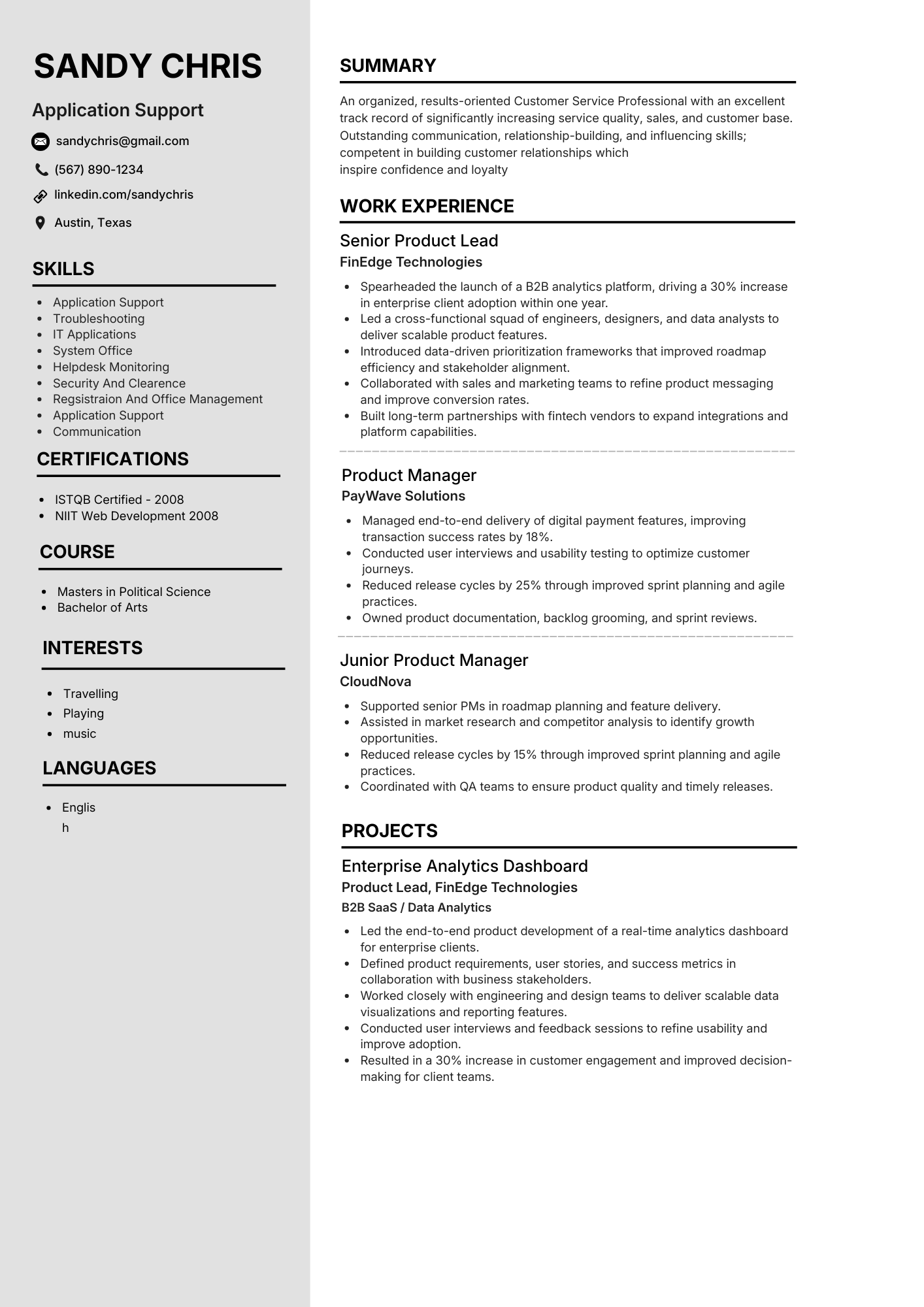
Application support
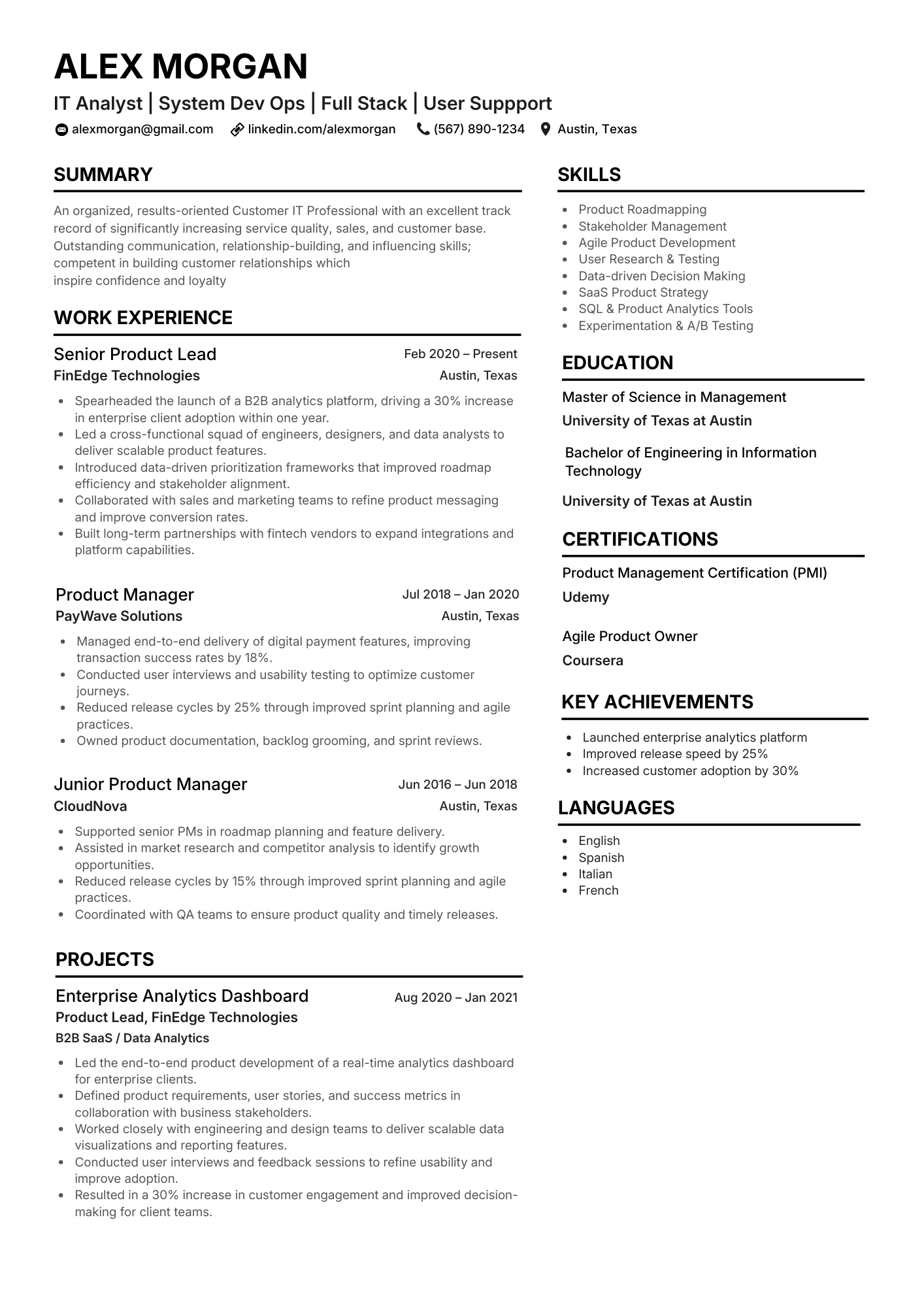
IT analyst
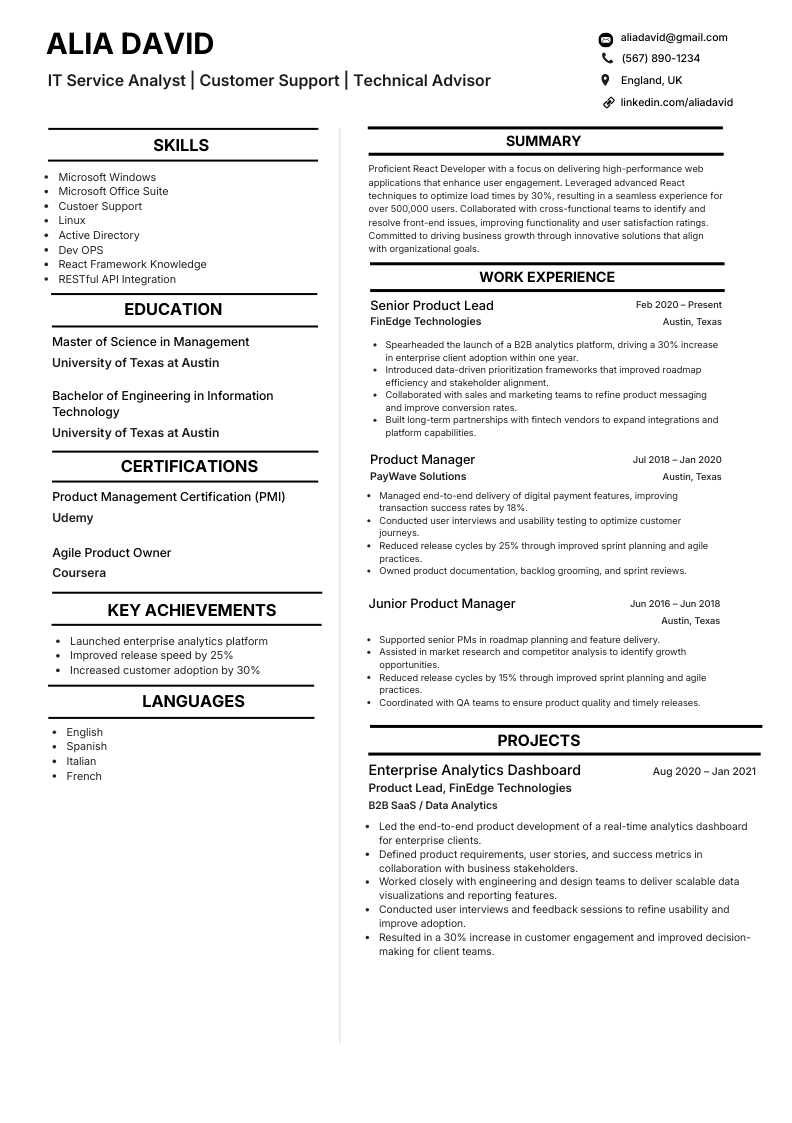
IT service analyst
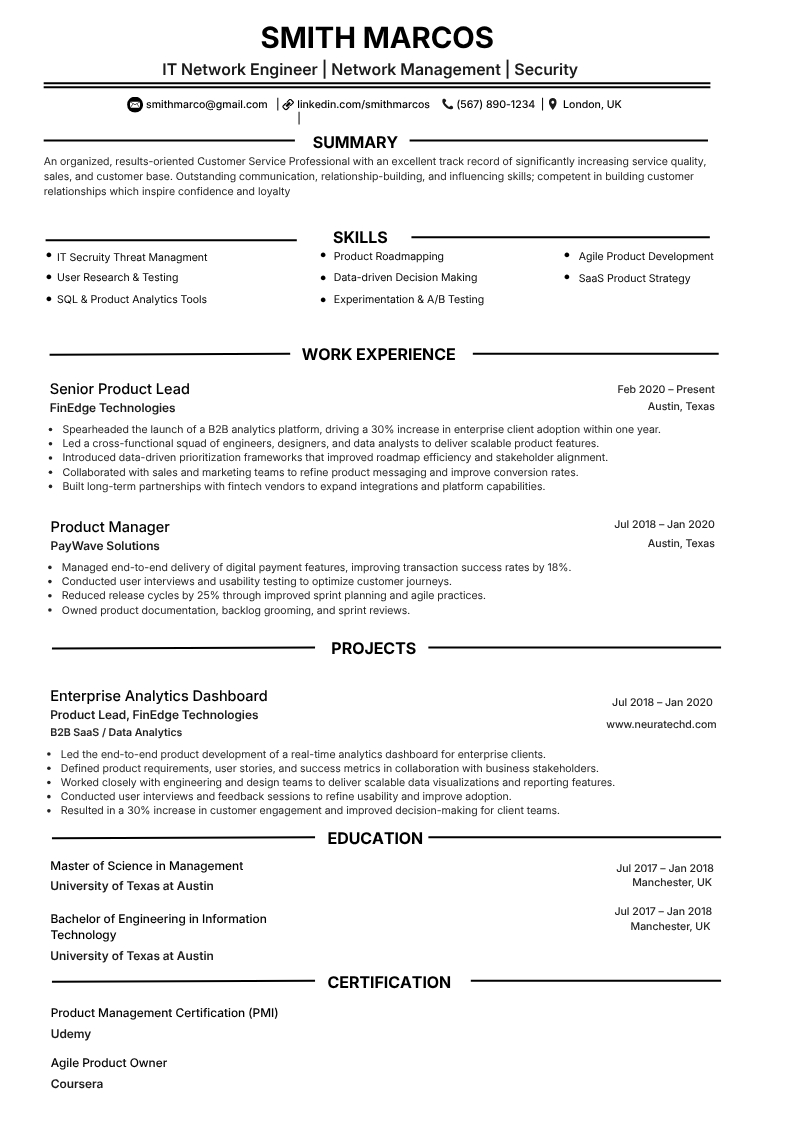
Network engineer
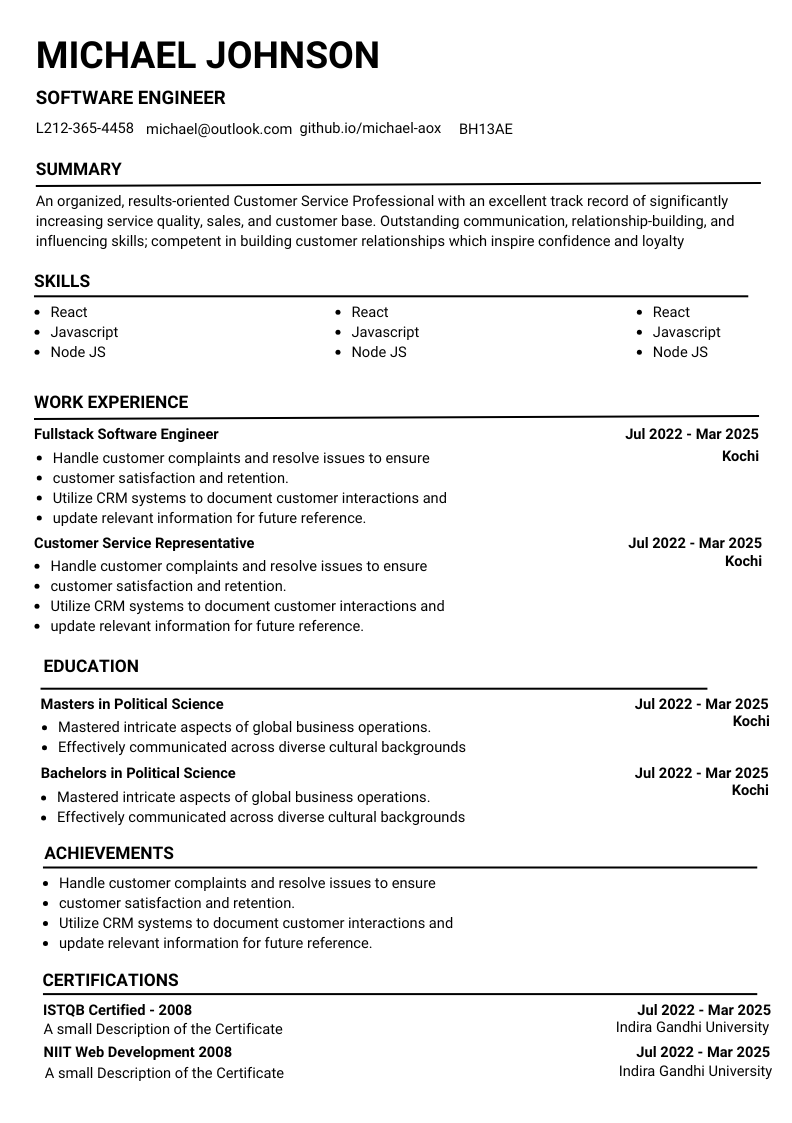
Software engineer
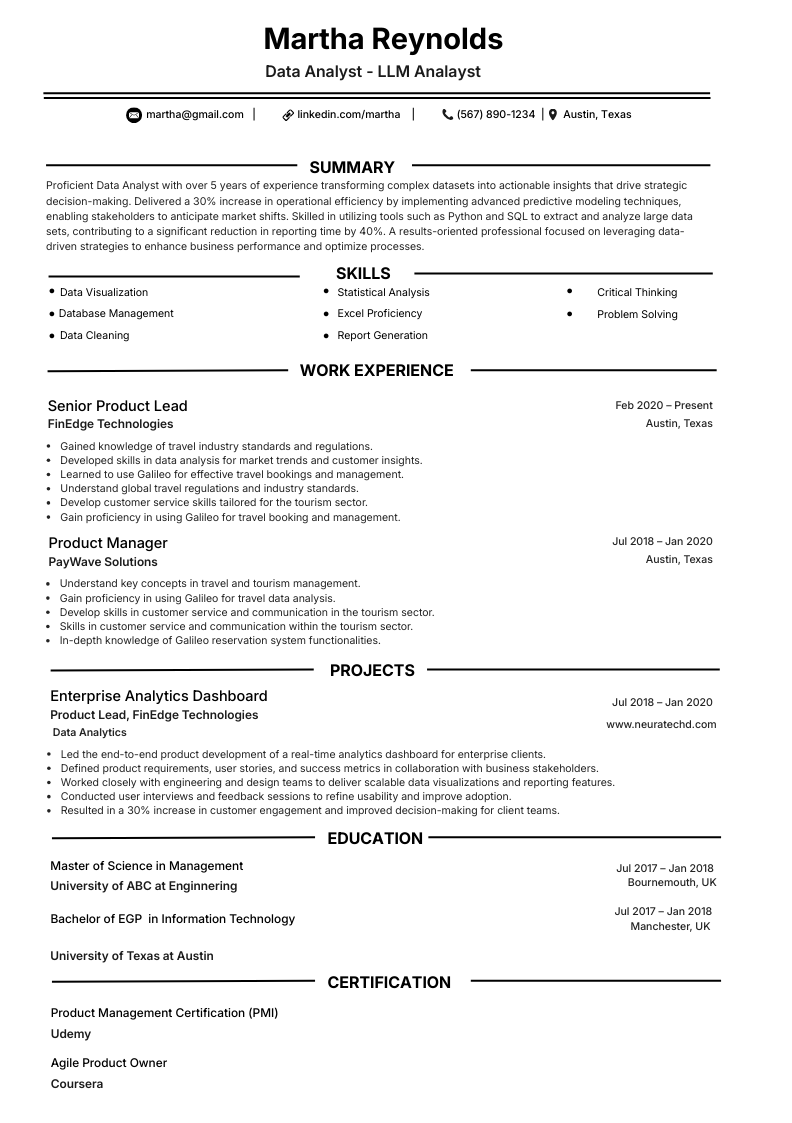
Data analyst
Simple, transparent pricing
Core building and editing stay accessible without a forced monthly subscription. See current plans, credits, and export options on the main pricing page.
Open ATS templatesFAQ
Expert resume insights
Direct answers about AI, ATS, and what recruiters scan first in 2026.
1 How does AI help my resume?
AI helps by turning rough notes into clear section copy, suggesting stronger action verbs and metrics where truthful, aligning phrasing with a job description you supply, and flagging gaps before recruiters see the file. On NeuraCV you still control the facts while the builder suggests edits you can accept or reject.
2 Is this ATS-friendly?
Yes, when you use clean templates and plain headings the export behaves like other ATS-friendly CVs. Pair AI suggestions with readable section titles, simple bullets, and a text-based PDF so parsers can map your skills and dates reliably.
3 Can AI rewrite my work experience without changing the facts?
Good tools only suggest rewrites you approve. Always check numbers, titles, dates, and scope so the line stays truthful. Treat AI as an editor that sharpens wording, not a source of new achievements you did not deliver.
4 How does keyword matching work for job descriptions?
You paste or upload the job text, and the product highlights required skills and phrases next to your CV. Use it to mirror must-have language where it reflects your real experience, rather than stuffing keywords that do not fit your background.
5 Will recruiters know I used AI?
They look for clarity, credibility, and consistency. If your lines read generic, keyword-stuffed, or misaligned with your interview story, that raises questions. Focus on specific outcomes and honest language so the document still sounds like your career.
6 What file types can I upload to get started?
Many users upload an existing PDF or DOCX for a first pass. Check the in-app upload guidance on neuracv.com for the latest supported list, then clean up headings and dates after import so the layout survives ATS scans.
7 How is an AI resume builder different from a plain template?
A template sets the look; an AI builder also proposes bullets, summaries, and tailoring from the role text. The combination saves time while still needing your judgement on accuracy and tone.
8 Does NeuraCV support UK CVs as well as US resumes?
NeuraCV is used in the UK and internationally with CV-oriented templates and en-GB friendly flows. Choose the structure that matches your market, then export the file format the employer asks for.
9 Is there a subscription required to use NeuraCV?
Core building and editing stay accessible without a forced monthly subscription. You can review current plans, credits, and export options on the NeuraCV pricing page.
10 Can I start from an existing resume or from templates?
You can do both. Start with Smart Upload from an existing file or browse ATS-friendly templates, then refine wording, keywords, and section clarity inside the editor.
Ready to build with AI?
Start on NeuraCV, upload or paste your content, and refine every line with suggestions you control.
Continue Reading
Explore related NeuraCV guides to improve ATS match rate, resume structure, and role-fit positioning.
