Updated · July 2026
ATS-tested
Guide
PDF or Word Resume? Send What Gets Parsed.
When to send a PDF vs DOCX resume, ATS implications, and how NeuraCV exports both formats.
Match the posting first. When they do not specify, PDF is the recruiter default - Word is the ATS insurance policy.
Parser-safe layouts
Free resume score
No subscription required
Guide
Practical steps you can apply today.
Use these checks before you submit. Each one is written to survive ATS parsers and human skim-reading.
01
When PDF is the default
PDF locks layout for humans reading on phones and hiring panels.
- Recruiter screens and email previews stay consistent
- Avoid editing wars after you submit
- Use a text-based PDF - not a scanned image
02
When Word wins
Some ATS and HR portals still ask for .doc/.docx explicitly.
- Follow the posting or portal dropdown exactly
- Keep a clean single-column DOCX without text boxes
- NeuraCV exports DOCX from the same ATS layout
03
How to decide in 30 seconds
Posting instruction beats preference every time.
- Asked for Word → send Word
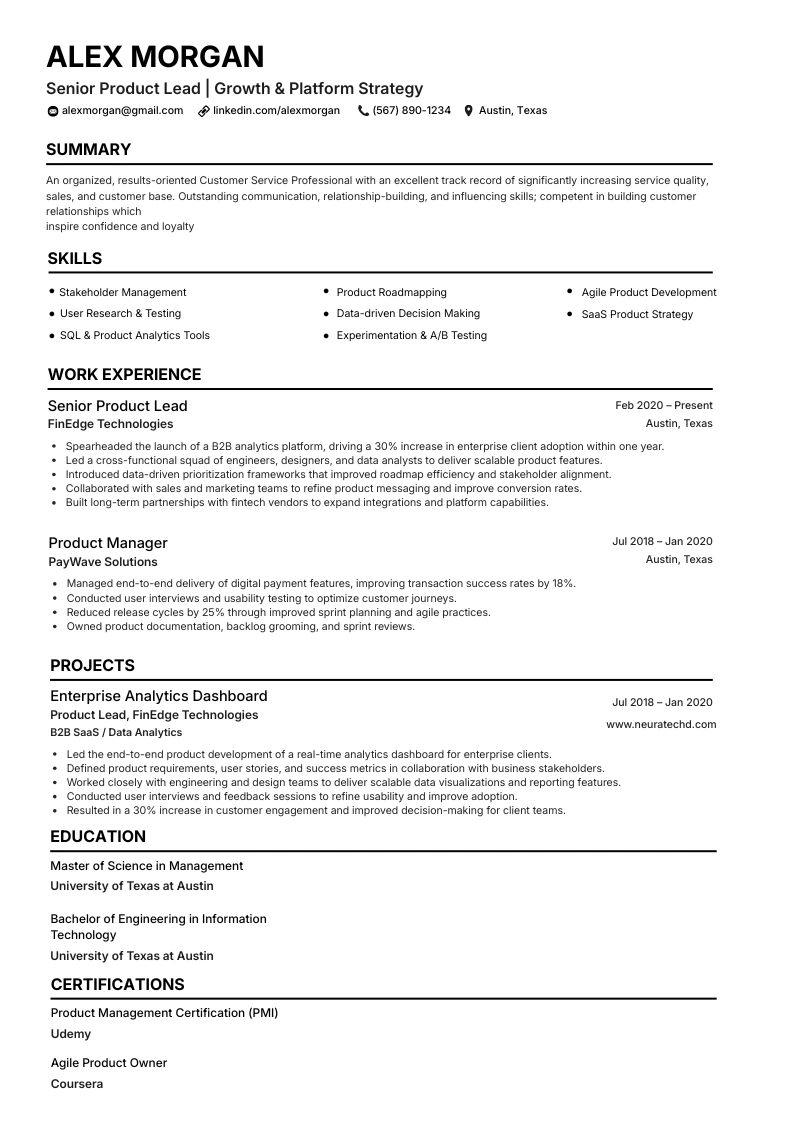
- No preference → PDF from ATS template
- Never attach both unless requested
Template gallery
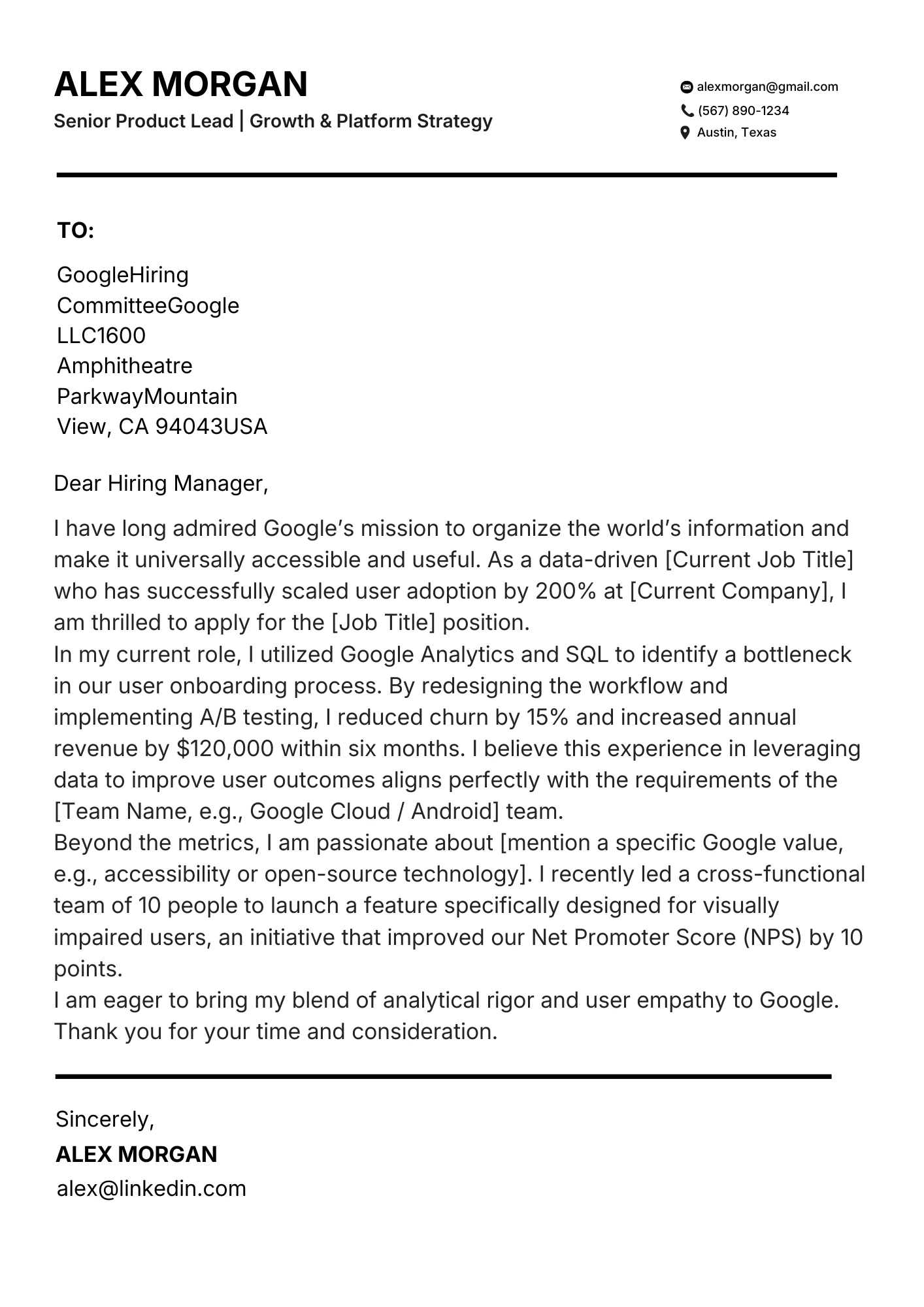
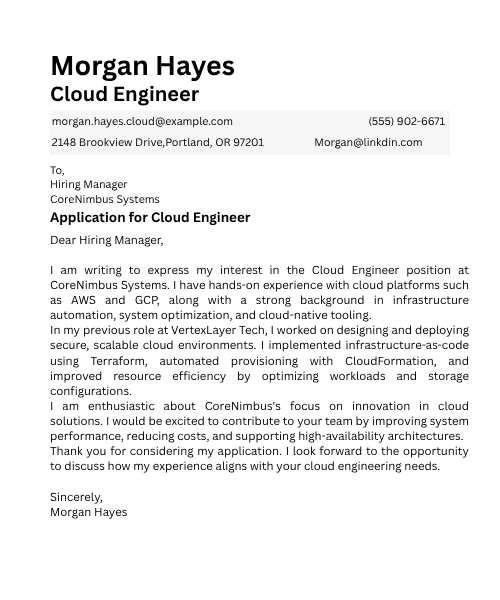
ATS templates you can start from today.
Pick a parser-safe layout, then tailor keywords for your target role.
Ready to apply what you just read?
Export your NeuraCV resume as PDF or Word from one ATS-safe layout - then send the format the portal asks for.
FAQ
Quick answers
Is PDF always ATS-safe?
Most modern stacks yes - follow the posting if it asks for Word.
Can I send both files?
Usually send one file in the requested format.
Does NeuraCV export Word?
Yes - DOCX and PDF from the same template.
Will a designed PDF break ATS?
It can if text sits in graphics. Use a parser-safe template.
