Best free LazyApply alternatives 2026 for safe autofill
Compare NeuraClick and LazyApply-style workflows based on ATS quality, live job-description tailoring, and how much control you keep before each submission.
 Start ATS resume building
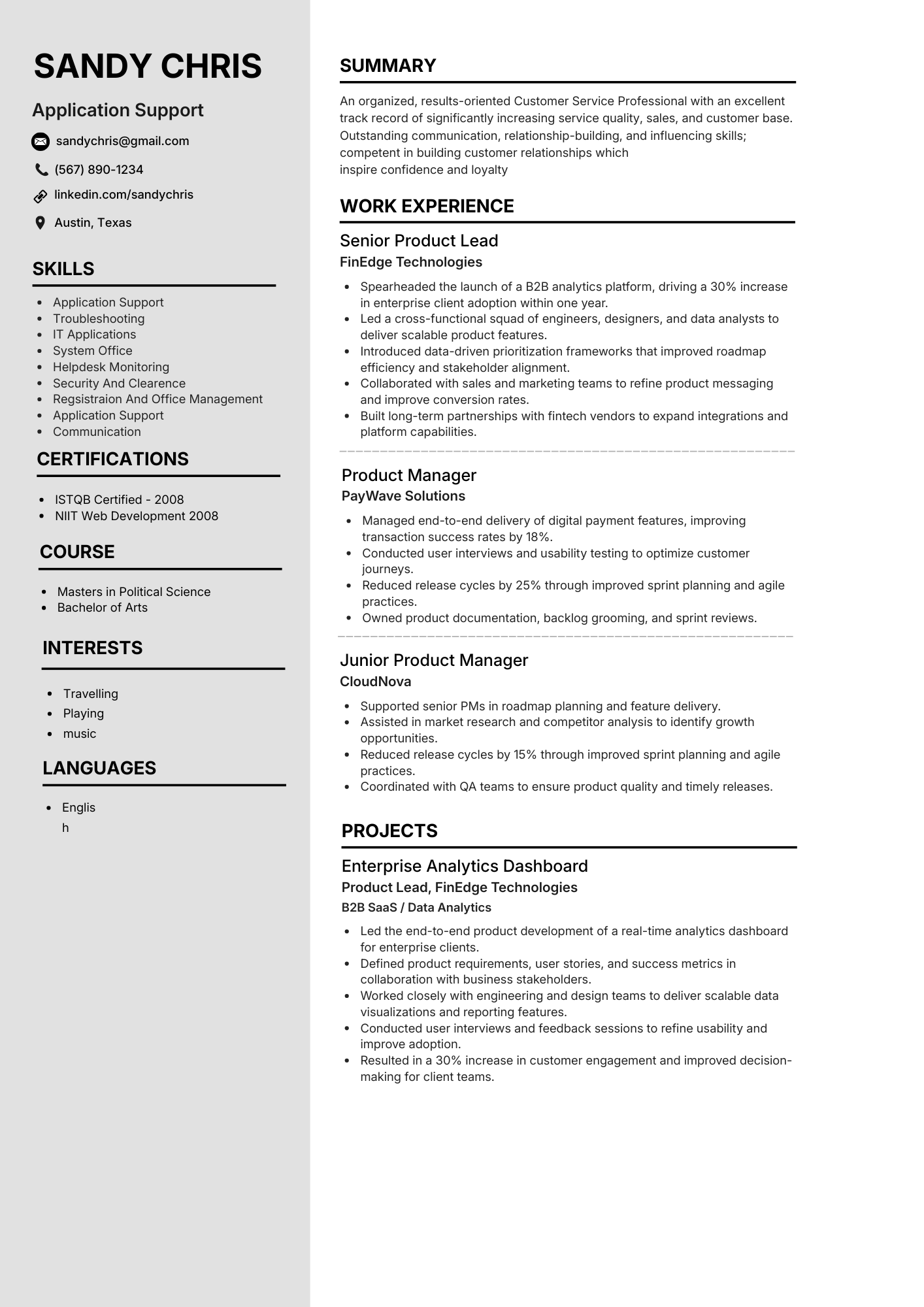 ATS parse 97%
Looking for effective alternatives to LazyApply in 2026? Discover how these top free tools can boost your productivity and streamline your job applications.
Choose your workflow style before you choose a tool
NeuraClick Workflow for quality + speed
Strong choice when you want assisted autofill, role-aware rewrites, ATS checks, and final control over every application.
ATS 98%Automation-First Apply Tools for volume focus
Useful when you prioritize broad reach and speed, but quality control and personalized tailoring may require extra manual review.
ATS 97%Design-First Builders for visual editing
Great for layout flexibility, but always validate parser compatibility before submitting to ATS-heavy hiring pipelines.
ATS 95%JD-Driven Resume Tools for tailored matching
Best for applicants who rewrite resumes per posting and want better keyword alignment rather than one generic profile.
ATS 96%ATS-Visibility Platforms for better diagnostics
Good for spotting weak bullets, missing keywords, and formatting issues before applications are sent to recruiters.
ATS 96%Multi-Resume Workspaces for role switching
Ideal when you maintain different versions for engineering, product, operations, or marketing without losing organization.
ATS 94%NeuraClick vs LazyApply-style workflows in real job search use
| Feature | NeuraClick (NeuraCV) | LazyApply-style tools | Best for |
|---|---|---|---|
| Application style | Assisted autofill with user review before submission | Automation-first flows often prioritize high-volume applying | Candidates who want speed with final human control |
| Job description to resume | JD-to-Resume support extracts key skills from live postings | Often lighter support for structured resume tailoring | Applicants who customize resumes for each role |
| Bullet optimization | Magic Rewrite improves phrasing while preserving your facts | Generated text may need heavier manual cleanup | Job seekers balancing authenticity and keyword relevance |
| ATS match visibility | In-flow ATS score and alignment signals | ATS diagnostics can be limited by workflow | Applicants who want pre-submit confidence |
| Document management | My Documents for multiple tailored versions | More apply-flow centric than resume-library centric | Multi-track job searches across different functions |
| Platform support | Built to work across LinkedIn, Indeed, Workday, Greenhouse, Lever and more | Support depth can vary by site and form complexity | Applicants using mixed ATS ecosystems |
Top 2026 topics to evaluate before switching from LazyApply
1) Extension support coverage
Verify stable behavior on multi-step ATS flows like Workday, Greenhouse, Lever, Taleo, and iCIMS, not only simple forms.
2) Resume tailoring depth
Prefer tools that read posting text and suggest targeted updates to summary, skills, and impact bullets instead of generic output.
3) ATS readiness signal
Choose alternatives with clear ATS match feedback, keyword gap indicators, and parser-safe formatting guidance before submission.
4) Human-control submission model
Pick assisted autofill with manual confirmation when accuracy and personalization matter more than one-click volume.
5) Multi-version document workflow
Keep role-specific resume variants in one organized workspace so moving between job tracks stays fast and consistent.
6) Free plan practical limits
Compare token, export, and usage limits early. The strongest free option should still let you test full workflows before upgrading.
How to choose your LazyApply alternative in five minutes
Check platform depth for your ATS mix
Confirm support quality across the exact job boards and ATS platforms where you apply most often.
Validate tailoring workflow for each job post
Ensure the tool helps convert job-description text into targeted resume edits, not only generic application output.
Review ATS diagnostics before sending
Use match scoring and keyword-gap signals to fix weak points before applications reach recruiter systems.
Protect submission control for quality roles
Prioritize workflows that let you review and confirm details, especially for high-priority applications.
Pick the best fit for your application strategy this year
Choose NeuraClick if quality per role matters most
Best when you want assisted autofill, JD-to-resume support, rewrite help, and ATS alignment checks in one guided workflow.
Choose automation-first tools if raw volume is your priority
Works for broad outreach strategy, but add manual quality checks to avoid weak personalization and mismatched submissions.
Choose design-first builders if visual layout is primary
Good for presentation control, but pair with ATS scanning to reduce parser failures across applicant tracking systems.
Test NeuraClick before your next application batch today
Use assisted autofill, resume-tailoring support, and ATS insights in one extension workflow to improve submission quality and speed.
Answers to common switching questions before you apply
More NeuraCV guides for your next application
Explore related ATS-first resources to compare tools, improve keyword fit, and strengthen role-specific applications.
