Updated · July 2026
ATS-tested
Guide
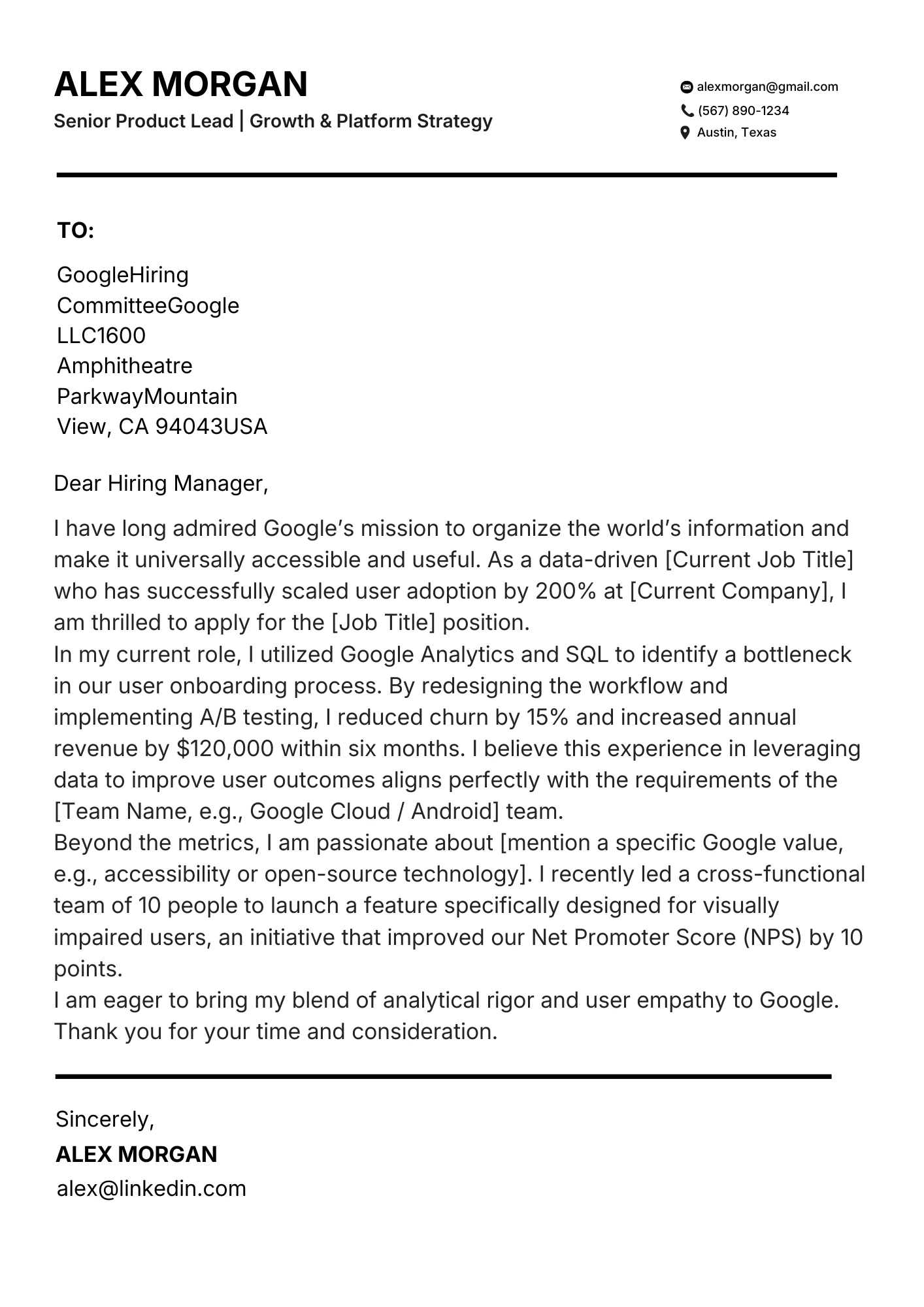
Add LinkedIn the Clean ATS Way.
Where and how to place your LinkedIn URL on a resume so ATS and humans both benefit.
A custom URL in the header is enough. Icon-only headers without a text link can disappear in parsers.
Parser-safe layouts
Free resume score
No subscription required
Guide
Practical steps you can apply today.
Use these checks before you submit. Each one is written to survive ATS parsers and human skim-reading.
01
Where to place LinkedIn
Put a clean custom URL in the same line as email and phone.
- linkedin.com/in/yourname beats a raw long link
- Keep it text - not only a logo
- Match headline themes to the resume title
02
Make LinkedIn reinforce the resume
Recruiters open LinkedIn to check consistency, not a second novel.
- Same role titles and dates
- Featured work that expands top bullets
- Photo optional; profile completeness matters more
03
What not to do
Do not let LinkedIn replace a portfolio or parser-safe contact block.
- No QR-only contact methods
- No "Available upon request" for the URL
- Do not paste a full LinkedIn dump into Experience
Template gallery
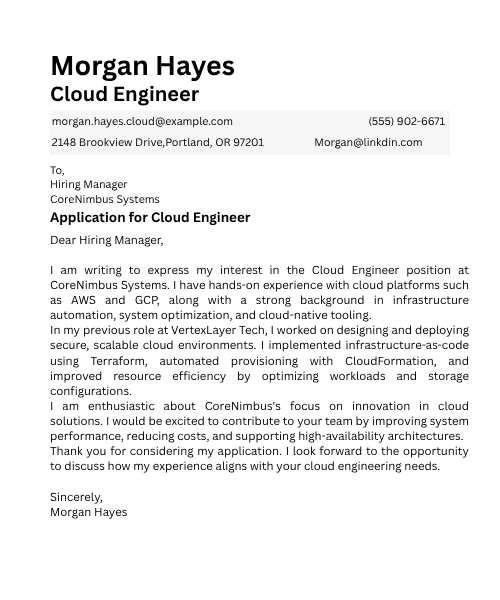
ATS templates you can start from today.
Pick a parser-safe layout, then tailor keywords for your target role.
Ready to apply what you just read?
Start from an ATS template with a clean header, then drop in your LinkedIn custom URL in one click.
FAQ
Quick answers
Do I need LinkedIn on every resume?
Recommended for most professional roles.
Custom URL or raw link?
Custom URL is cleaner.
Should LinkedIn replace a portfolio?
No - use both when you have samples.
Can LinkedIn hurt ATS parse?
Icon-only headers without text can. Keep a text URL.
