Resume keyword scanner guide for 2026 match any job description
Learn how to pull keywords from a posting, scan your resume for gaps, and raise your ATS match score before you apply on Workday, Greenhouse, Indeed, or Naukri.
Quick answer
What is a resume keyword scanner? It compares your resume to one job description and shows which required skills, tools, and phrases are missing. In 2026, the fastest workflow is: extract keywords from the posting, run NeuraCV's free resume keyword scanner, add gaps with truthful evidence in your bullets, then confirm parse quality with the free ATS resume checker before you submit.
Most rejections are not mysterious. The resume simply does not use the language the employer's applicant tracking system expects for that role. A keyword scanner turns guesswork into a short checklist you can fix in one editing pass.
Why job-description keywords still decide who gets interviewed
Applicant tracking systems do more than store files. They parse your resume into fields, extract skills and titles, and rank you against the wording in the job description. When your resume says "managed client accounts" but the posting asks for "enterprise SaaS renewals" and "Salesforce," the system may score you as a weak match even if you did the work.
Recruiters on LinkedIn, Indeed, and Naukri often work from the same ranked lists. If your keyword coverage is thin, you may never appear in the shortlist a human actually opens. That is why tailoring beats sending one generic file, especially for competitive roles in 2026 where application volume is high.
A resume keyword scanner does not ask you to stuff keywords. It shows gaps so you can add missing terms inside real achievements: the project where you used Kubernetes, the quarter you owned HubSpot reporting, the audit where you applied ISO 27001 controls. Truthful context beats a skills cloud copied from the advert.
For broader ATS formatting rules, see our 2026 ATS resume best practices guide. This page focuses on the keyword layer only.
What a resume keyword scanner checks in under a minute
When you upload a resume and paste a job description into NeuraCV's scanner, the tool extracts terms from the posting: hard skills, software names, methodologies, certifications, and recurring responsibilities. It then checks whether each important phrase appears in your resume text in a readable form parsers can capture.
You get a match-style score plus a gap list. Missing items might include a tool you used but never named, a certification the posting treats as required, or industry acronyms written differently on your resume ("PM" vs "product management"). Fixing those gaps is usually faster than rewriting the entire document.
Keyword scanning is intentionally narrow. It does not replace a full ATS resume checker that tests parsing order, section headings, date formats, and export integrity. Use the scanner when you have a specific job in mind; use the checker when you want confidence the whole file is safe to send.
| Feature | Keyword scanner | Full ATS checker |
|---|---|---|
| Primary input | One job description | Resume file (+ optional JD) |
| Main output | Missing keywords & match score | Parse rate, format & content checks |
| Best moment | After tailoring for a role | Before every batch of applications |
| NeuraCV URL | /resume-keyword-scanner | /resources/resume-checker |
How to use a resume keyword scanner before you apply
Follow this four-step process for each serious application. It takes about fifteen minutes once you have a master resume ready.
Extract keywords from the job description
Open the posting and highlight every repeated skill, tool, certification, and responsibility. Copy the full text into a notes doc. Mark items that appear in the "requirements" or "must have" sections as priority. Ignore boilerplate equal-opportunity language.
Look for exact phrases the employer uses twice: "stakeholder management," "SQL," "Agile delivery," "patient safety," "SOC 2." Those doubles are often weighted more heavily by ranking logic.
Run the free resume keyword scanner
Upload your current PDF or DOCX to NeuraCV's resume keyword scanner and paste the job description. Review the gap report line by line. Sort fixes by impact: required tools first, then domain terms, then nice-to-have soft skills.
Save a version of the file named for the role so you do not overwrite your master resume.
Add keywords with evidence, not lists
For each missing term, ask where you genuinely used it. Add it to a bullet with scope and outcome. Example: instead of adding "Python" to a skills column alone, write "Built Python pipelines that cut reporting time 40% for finance stakeholders."
Mirror the posting's phrasing when accurate. If they say "cross-functional stakeholders" and you wrote "teams," consider aligning the wording while keeping the same facts.
Confirm with a full ATS check
Re-export your file and run the free ATS resume checker. Keyword fit is useless if columns break parsing or dates disappear. Aim for strong role match on the posting you care about, plus a clean parse report.
Repeat for each priority application. Light tailoring on summary, top three bullets, and skills often moves the needle more than rewriting page two.
Where to put keywords on your resume so ATS and humans agree
Search engines inside ATS products weight early sections heavily. Put your strongest overlap with the job description where scanners and recruiters look first.
- Summary or headline: Two to four lines naming your role, years of experience, domain, and two tools from the posting you truly use.
- Skills section: A scannable list of hard skills and platforms, grouped by category. Match the posting's categories when possible (e.g. "Cloud: AWS, Terraform").
- Experience bullets: The highest-weight location. Each bullet should combine a keyword, an action, and a measurable result.
- Certifications and education: Required credentials belong here with the exact acronym the employer uses (PMP, RN, AWS SAA, etc.).
Avoid invisible white text, microscopic keyword footers, and repeating the same term dozens of times. Modern systems flag unnatural density, and recruiters reject resumes that read like spam even when they parse.
Keyword clusters by role with ATS-safe layouts
These examples show how the same scanner workflow applies across domains. Open a role guide for deeper keyword lists, then return here to scan against your target posting.
 Engineering
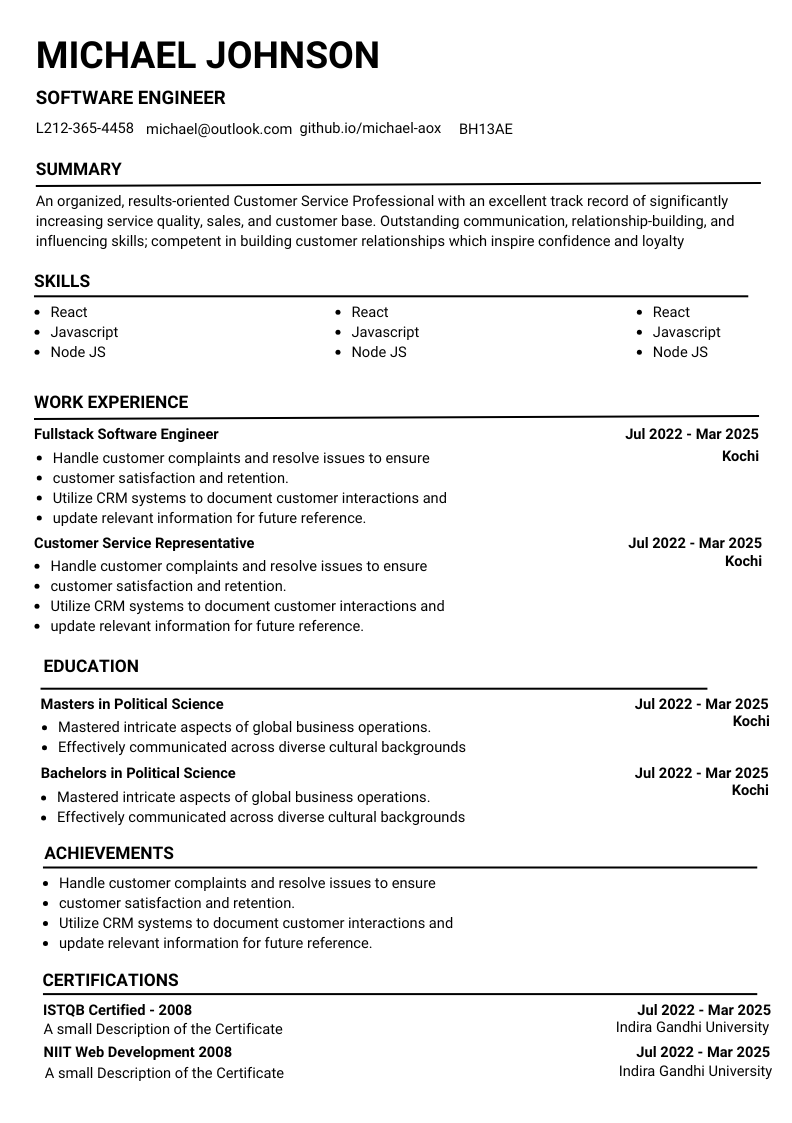
AI / ML engineer keywords
PyTorch, RAG, MLOps, model deployment, and production metrics recruiters search for in 2026.
 Analytics
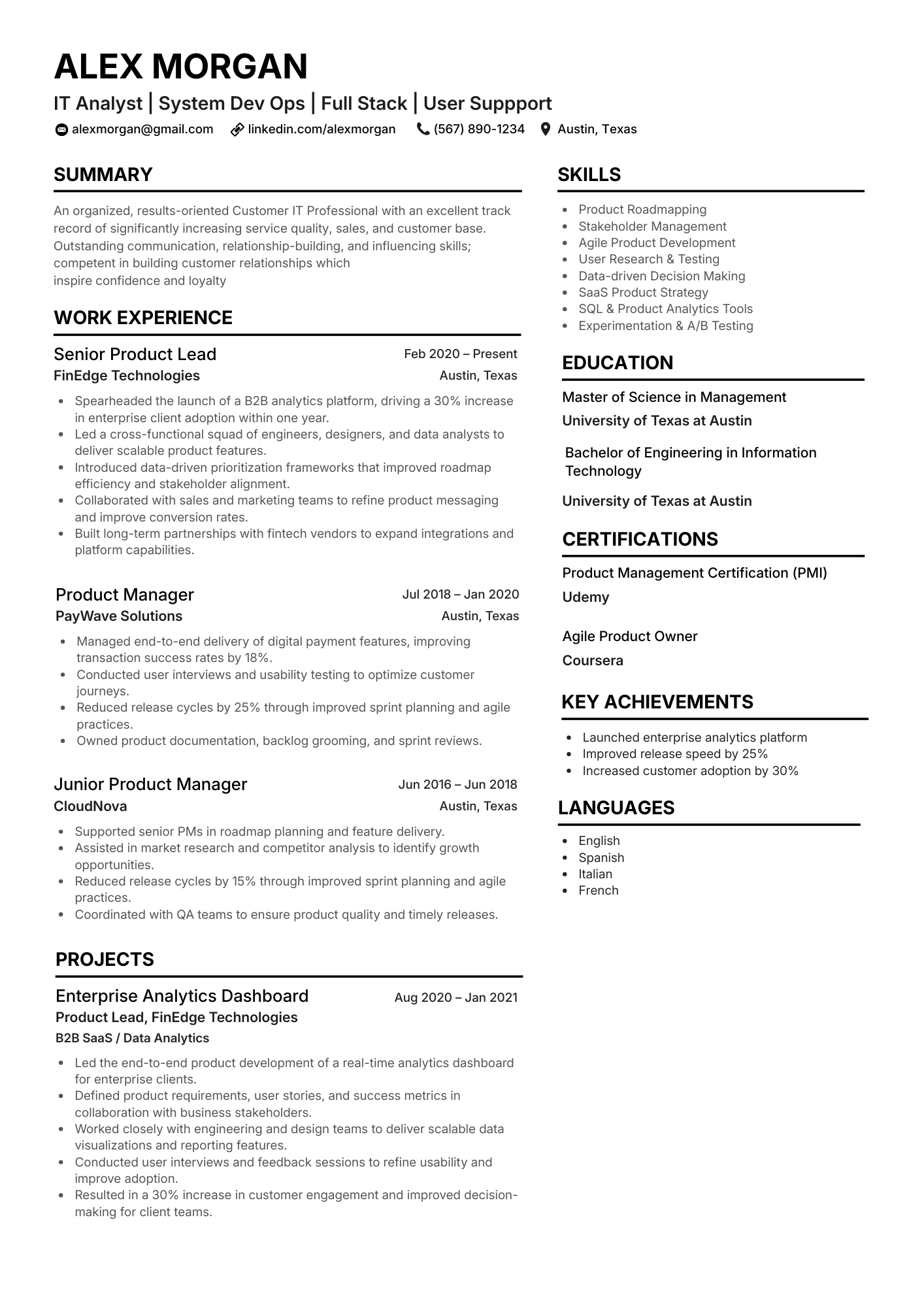
Data & business analyst terms
SQL, Power BI, stakeholder reporting, and experiment design language from typical analyst postings.
 Marketing
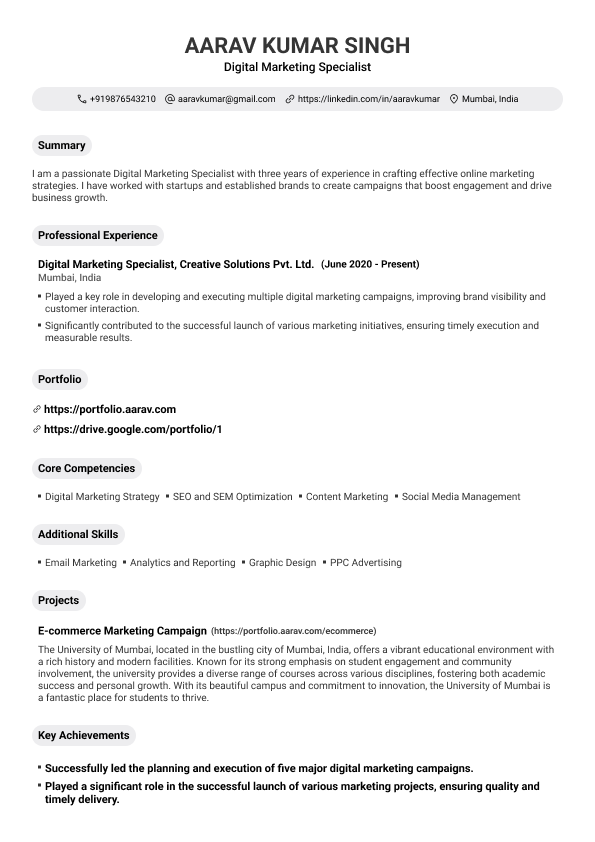
Growth & marketing stack
SEO, paid media, lifecycle, and CRM tools named inside campaign outcome bullets.
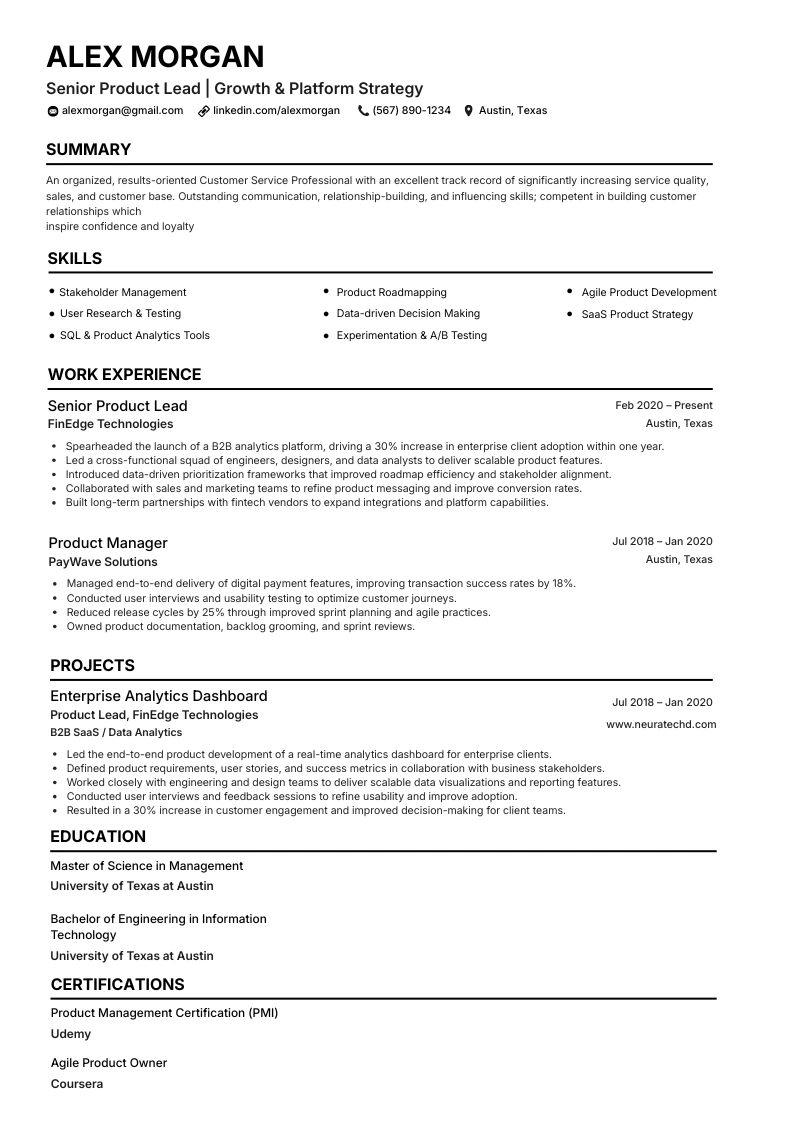 UK CV
UK CV
United Kingdom applications
CV length, NHS and public-sector phrasing, and parser-safe UK layout conventions.
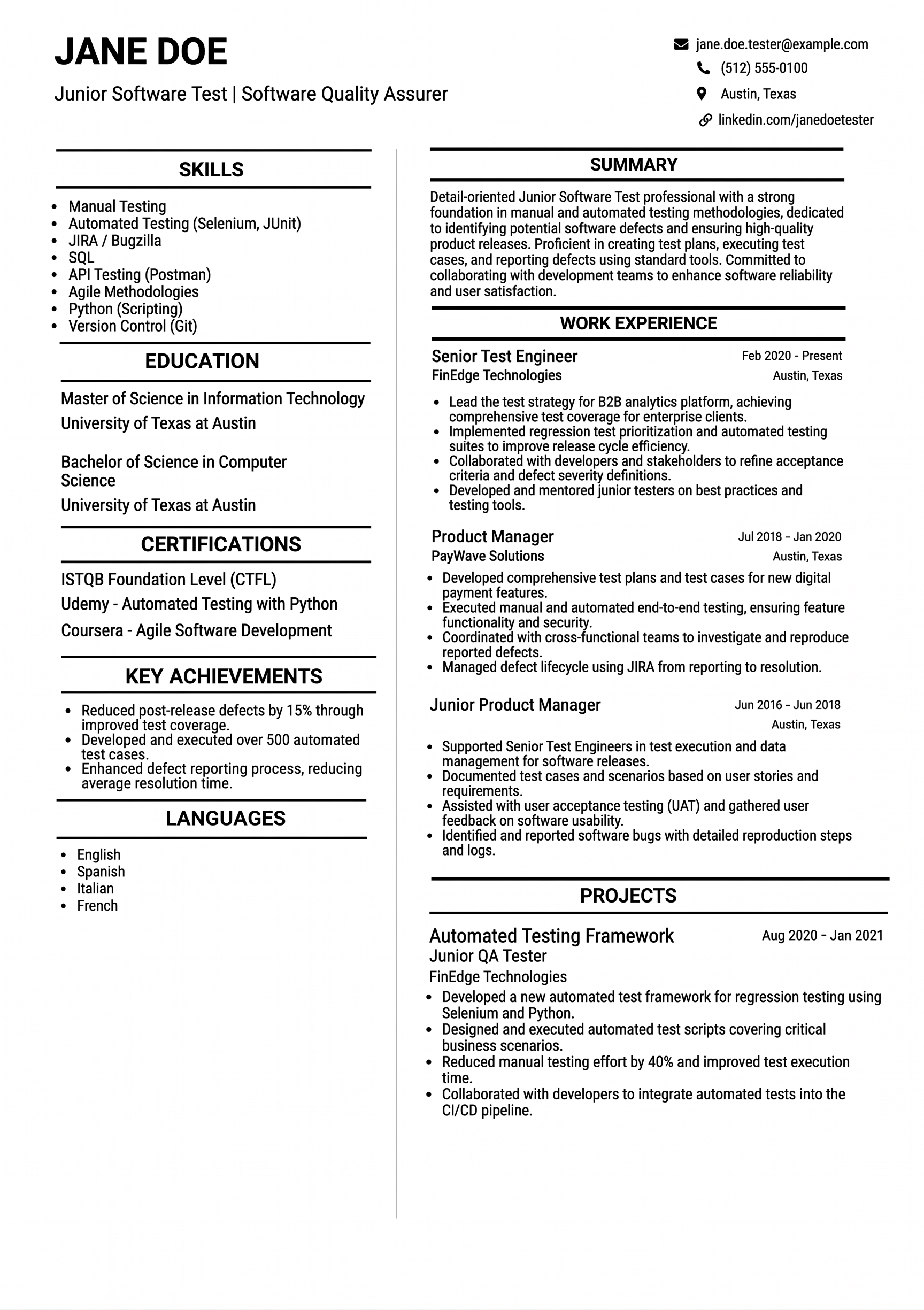 India
India
Naukri & India ATS
Keyword density norms and skills-first layouts common on Indian job boards.
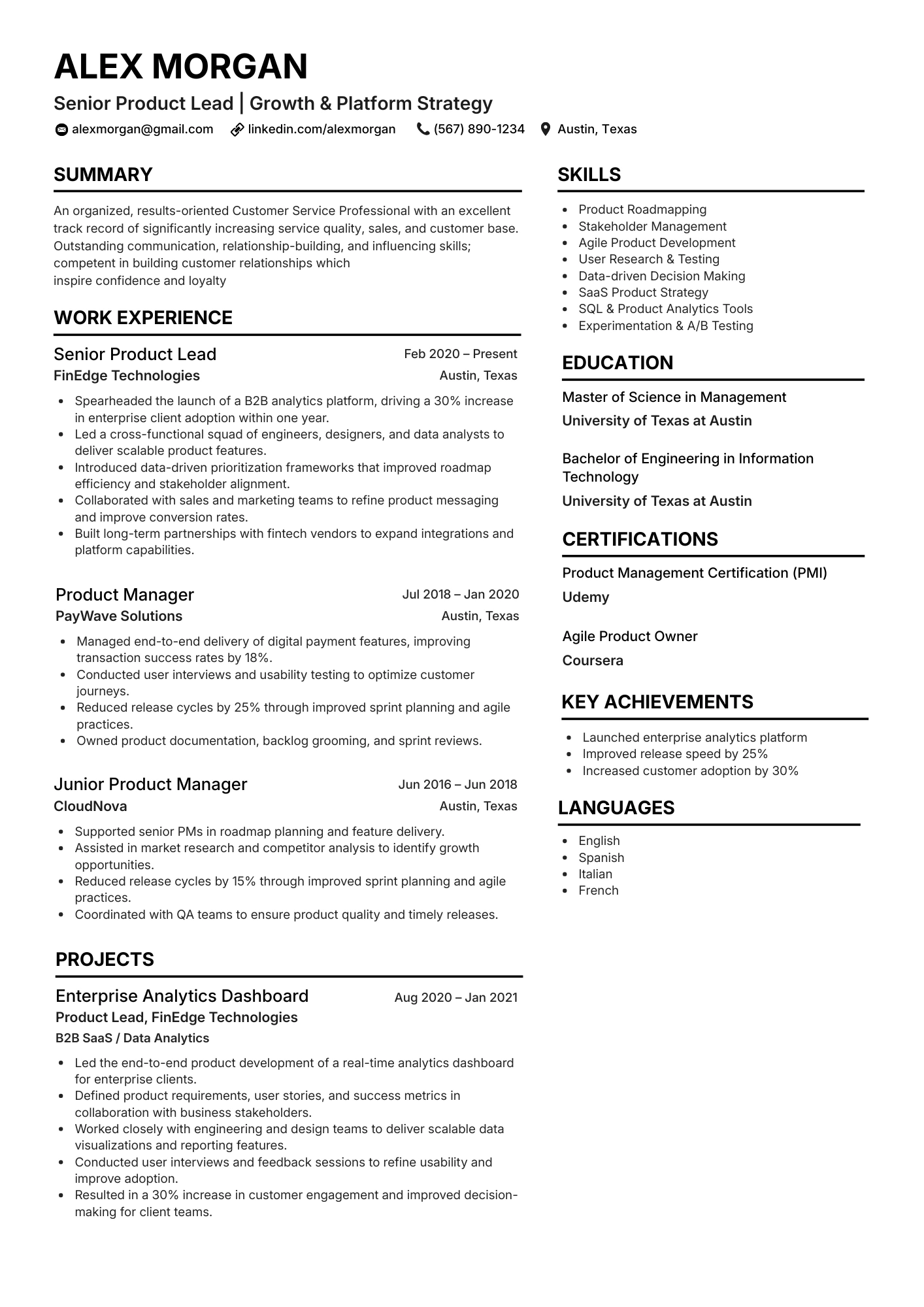 Templates
Parser-safe templates
Start from layouts built for keyword-rich sections that still export cleanly to PDF.
Keyword mistakes that still fail in 2026
Common errors
- Copying the entire job description into white footer text
- Listing tools you cannot discuss in an interview
- Using icons or skill bars instead of selectable text
- One master resume with zero posting-specific terms
- Keyword stuffing the same phrase in every bullet
What works instead
Run a scanner per posting, add five to twelve high-value terms with proof, keep standard section headings, and verify exports on the ATS checker. Recruiters reward clarity; parsers reward structure.
For formatting traps, read ATS resume tips 2026 and our elements to eliminate checklist.
Scan your resume against today's job description
Upload your file, paste the posting, fix keyword gaps in minutes, then run a full ATS check before you hit submit.
