AI Writing Guide13 min read

How to Use ChatGPT to Write a Cover Letter in 2026

By Sreerag M, Career Tech Expert· Updated 24 April 2026

Learn the exact ChatGPT prompts, workflows, and mistakes to avoid so your next cover letter lands interviews, not rejections.

  • 8 Expert Prompts
  • ATS Keyword Focus
  • Ready in 3 Minutes
Trusted by 50,000+ UK job seekers

Free to start — no credit card required.
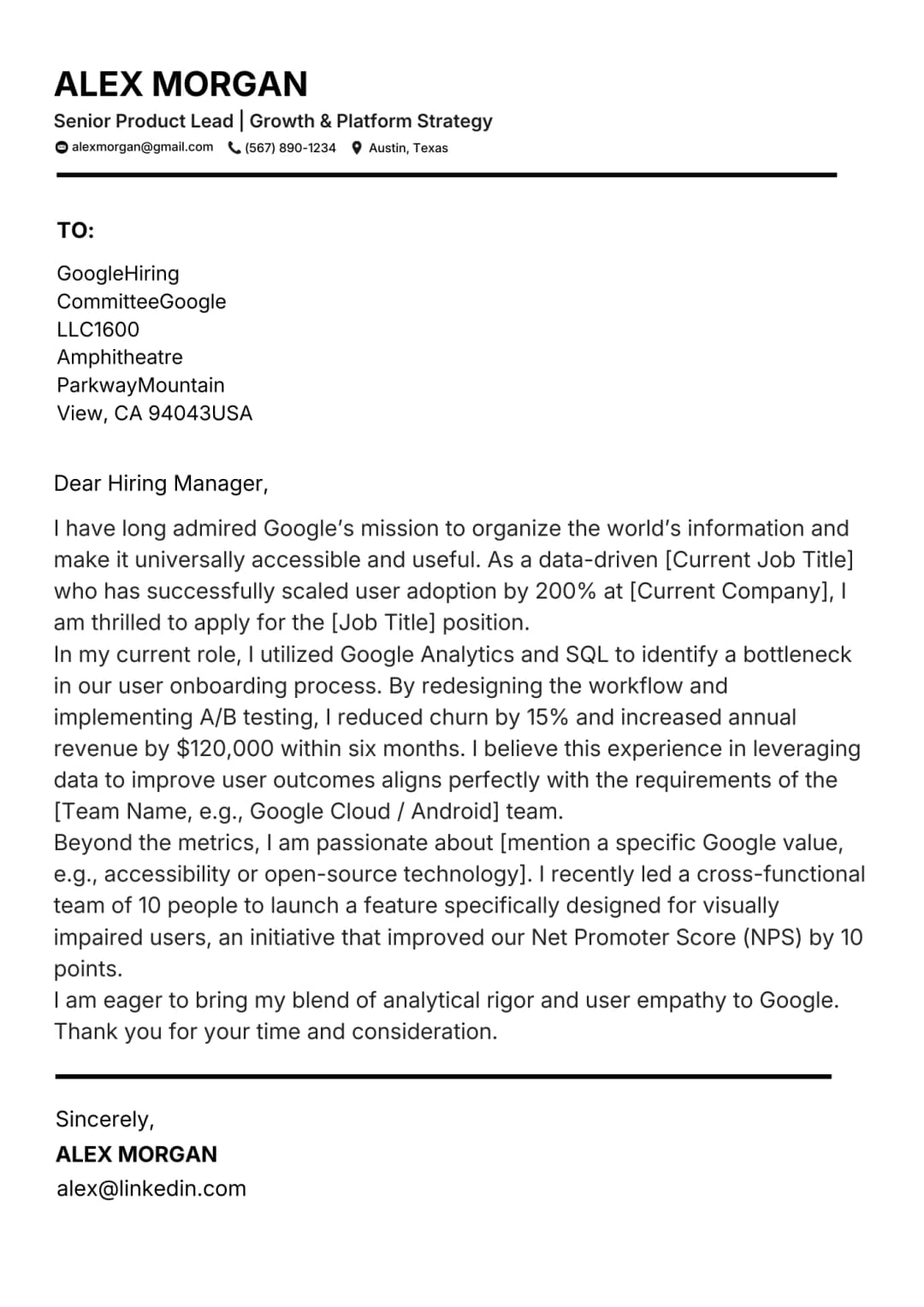
NeuraCV modern cover letter template preview
ATS Parse 97%

Why AI Cover Letter Generation Works in 2026

5x
Faster than writing a cover letter manually
90%
Of users write better cover letters with AI
3 min
Average time from ChatGPT prompt to draft

AI cover letter speed advantage

AI cover letter generators remove blank-page paralysis and let you apply to more roles faster.

  • Over 60% of UK job seekers used AI to draft a cover letter in 2026
  • A well-prompted ChatGPT session produces a 300-word draft in under 3 minutes
  • Candidates who use AI cover letter tools apply to 2-3x more roles per week

Why editing your AI cover letter matters

The 90% satisfaction rate applies to candidates who treat AI output as a draft, not a finished letter.

  • Always personalise with real achievements and role-specific language
  • Replace generic phrases with company-specific details from the job description
  • AI-generated cover letters sent unedited are easy for recruiters to spot

ATS compatibility for AI cover letters in 2026

Modern applicant tracking systems parse cover letters for keyword density and semantic relevance.

  • ATS used by major UK employers now score cover letters alongside CVs
  • An AI cover letter missing job description keywords can fail ATS screening
  • The prompts in this guide are designed to maximise ATS keyword matching

How to Use ChatGPT to Generate a Cover Letter

Follow this four-step process for every application. It takes around fifteen minutes total including editing and produces a letter that is genuinely tailored to the role rather than a generic draft with the company name swapped in.

01

Paste in the Job Description

Copy the full job description including every bullet point, requirement, and preferred qualification. The more context ChatGPT has about the role the more relevant the output will be. Do not summarise or shorten it. Paste it in full.

02

Set Your Personal Context

Tell ChatGPT your name, your current or most recent role, your top two or three achievements relevant to this job, and any specific skills you want to highlight. The more specific you are about your own experience the more the output will sound like you rather than a generic template.

03

Generate the Draft

Ask ChatGPT to write a cover letter that is between 280 and 350 words, uses a professional but direct tone, mirrors keywords from the job description, and opens with a hook based on your most relevant achievement. Review the output and identify any generic phrases or missing specifics.

04

Review and Personalise

Read the output carefully and replace any phrases that do not sound like you. Add the company name if it is missing, sharpen any vague achievement claims with real numbers, and adjust the tone if it does not match the company culture. Spend at least ten minutes editing before you send. AI drafts are starting points not finished products.

8 Expert ChatGPT Prompts for Cover Letters

The quality of ChatGPT output is almost entirely determined by the quality of your prompt. A vague prompt produces a vague letter. A specific, structured prompt produces a relevant, compelling draft. Use these eight prompts as templates and fill in your own details. Each prompt is designed for a specific application scenario so choose the one that most closely matches your situation.

Prompt 1: Basic role-specific prompt

Write a professional cover letter for a [Job Title] position at [Company Name]. My background includes [2-3 relevant skills or experiences]. Focus on my ability to [key responsibility from JD]. Keep it under 350 words.

When to use: Use this as your starting point for any application. It establishes the role, company, and your core relevance in a single clear prompt.

Prompt 2: ATS keyword prompt

Write an ATS-optimised cover letter for a [Job Title] at [Company]. Use these exact keywords from the job description: [list 5 keywords]. My relevant experience includes [brief summary]. Keep the language natural and professional.

When to use: Use this when you want to maximise ATS keyword score. Provide the exact phrases from the job posting rather than synonyms.

Prompt 3: Achievement-led prompt

Write a cover letter that opens with this achievement: [describe a quantified result you achieved]. Connect it to the requirements of a [Job Title] role at [Company]. Then explain why I want to work for this company specifically. Keep it to one page.

When to use: Use this when you have a strong measurable result that directly maps to the role. It creates a compelling hook from the first line.

Prompt 4: Career change prompt

I am transitioning from [current industry or role] to [target industry or role]. Write a cover letter that positions my [transferable skills] as directly relevant to the [Job Title] role at [Company]. Acknowledge the career change briefly and pivot quickly to value.

When to use: Use this when you are applying to a sector where you have no direct job title experience but have highly transferable skills from another field.

Prompt 5: Graduate or no experience prompt

I am a recent graduate with no formal work experience. Write a cover letter for a [Job Title] at [Company] that highlights my [university project or placement], [relevant module or certification], and [volunteer work or personal project]. Connect each item to a specific skill in the job description.

When to use: Use this for entry-level applications. It forces the model to work with non-work evidence rather than defaulting to generic statements about work ethic.

Prompt 6: Senior professional prompt

I am applying for a senior [Job Title] role at [Company]. Write a cover letter that leads with my most significant leadership achievement: [describe it]. Focus on strategic impact, team outcomes, and my ability to [key senior responsibility from JD]. Avoid sounding boastful but be direct.

When to use: Use this for leadership, director, or head of department roles where strategic impact matters more than technical skills.

Prompt 7: Tone-matching prompt

Here is a sample of the company writing style from their website: [paste a paragraph from their careers page]. Write a cover letter for a [Job Title] at this company that matches this tone exactly. My key selling points are [list them]. Keep it under 350 words.

When to use: Use this when the company culture or brand voice is distinctive. Tone-matched letters feel far more authentic to the reader than generic professional language.

Prompt 8: Refinement and shorten prompt

Here is my cover letter draft: [paste draft]. Rewrite it to be more concise and direct. Remove all filler phrases, cut it to 300 words, sharpen the opening hook, and ensure the keyword [specific keyword] appears naturally in the first paragraph. Keep my voice.

When to use: Use this after your initial draft to tighten the writing. Run it any time your letter exceeds one page or feels padded.

ChatGPT vs NeuraCV AI for Cover Letters

Both tools can produce excellent cover letters but they suit different use cases. ChatGPT is a general-purpose conversational AI that gives you maximum flexibility through prompt engineering. NeuraCV is a purpose-built career tool that integrates your profile data, CV template, and ATS requirements into a single automated workflow. Here is how they compare across five key dimensions.

ChatGPT Strengths

  • Flexible and conversational: you can refine through dialogue
  • Works with any format or structure you specify
  • Fast for generating a first draft from scratch
  • Can match tone to a sample you provide
  • Free tier available for basic cover letter generation

NeuraCV AI Strengths

  • Pre-loaded ATS keyword optimisation for UK job market
  • UK English defaults and British spelling throughout
  • Matching CV and cover letter templates generated together
  • Built-in tone guidance for specific industries and sectors
  • One-click generation from your saved profile without re-entering details

The most effective approach for regular job seekers is to use NeuraCV for speed and ATS compliance across most applications and to use ChatGPT for highly specific or unusual roles where you need to craft a very particular narrative from scratch. Both tools are better than writing without AI assistance. Neither replaces the ten minutes of personalisation that separates a good letter from a great one.

Dos and Donts for AI Cover Letter Generation in 2026

What to DO

  • Provide the full job description rather than a summary. More input means more relevant output.
  • Include at least one quantified personal achievement in your prompt. Numbers make AI output dramatically more specific.
  • Ask ChatGPT to mirror keywords from the job description explicitly. Do not assume it will do this without instruction.
  • Review the output for tone before sending. AI often defaults to formal when conversational would be more appropriate.
  • Check that the company name and job title are correct in the final output. AI hallucinations happen and are easy to miss.
  • Use the refinement prompt to shorten and tighten the draft before submitting. First drafts are rarely submission-ready.
  • Save effective prompts for reuse. Once you have a prompt that generates strong output for a particular role type, keep it as a template.

What to AVOID

  • Do not use generic prompts without role-specific details. "Write me a cover letter" produces unusable output every time.
  • Avoid sending an AI draft without personalising the achievement examples to your actual history.
  • Do not ignore ATS keyword requirements. Ask explicitly for keyword inclusion in your prompt.
  • Avoid letting ChatGPT choose the tone without guidance. Specify formal, conversational, or company-matched.
  • Do not skip the final proofread. AI output can contain awkward phrasing that reads oddly to human reviewers.
  • Avoid using the output for every application without changing the company name and role-specific references.
  • Do not rely on ChatGPT to know UK-specific terminology, spelling, or formatting conventions. Always review for localisation.

The most effective AI cover letter workflow is prompt, review, personalise, and proofread. Each step is essential. Candidates who skip the personalise step send letters that read as clearly AI-generated to experienced reviewers. Candidates who skip the proofread step submit letters with slightly unnatural sentence constructions that undermine an otherwise strong application. Ten minutes of careful editing after generation is not optional.

6 Common ChatGPT Cover Letter Mistakes to Avoid

Most candidates who get poor results from AI cover letter generation are making one or more of these six mistakes. Recognising them is the first step to avoiding them.

Using a generic prompt

Asking ChatGPT to "write a professional cover letter" without context produces a template that could apply to anyone. The output will lack specificity, keyword alignment, and any evidence of genuine interest in the role.

Not personalising the achievements

AI output often contains placeholder achievement language like "demonstrated strong leadership skills." Replace every claim with a real quantified result from your own experience before sending the letter.

Ignoring ATS keyword requirements

ChatGPT does not know which keywords the employer's ATS is scanning for unless you tell it. Always list the key phrases from the job description in your prompt and ask explicitly for them to be included naturally.

Wrong tone for the company

AI defaults to a neutral professional tone that can feel cold for startups or overly casual for traditional employers. Always check the company's careers page language and adjust your prompt to match their register.

Skipping the proofread

AI-generated cover letters frequently contain slightly unnatural sentence constructions that a human reviewer notices immediately. Read the letter aloud before sending. If it sounds like it was written by a committee it needs editing.

Not matching the job description length expectations

Some roles and employers expect a short punchy letter while others want a more detailed account of your experience. Read the job posting carefully and specify your target word count in the prompt to match the expectation.

Frequently Asked Questions Answered Clearly

1

Is it acceptable to use ChatGPT to write a cover letter?

Yes. Using AI tools to draft a cover letter is widely accepted and increasingly common among job seekers at all career levels. The key is to personalise the output with your real achievements, the correct company name, and the specific role details. A generic AI draft submitted without editing is easy for experienced recruiters to identify and is unlikely to perform as well as a tailored letter. Treat AI as a drafting assistant, not a finished product generator.

2

What is the best ChatGPT prompt for a cover letter?

The most effective prompts combine four elements: the exact job title and company name, the full or key sections of the job description, one or two specific personal achievements with numbers, and a tone or length instruction. A prompt that includes all four produces dramatically more relevant output than a generic "write me a cover letter" instruction. See the eight prompts in this guide for ready-to-use templates.

3

Can ChatGPT write an ATS-friendly cover letter?

Yes but only if you tell it to include specific keywords. ChatGPT does not know which phrases the employer's ATS is scanning for unless you provide them. Copy the most important skills and requirements from the job description into your prompt and ask explicitly for those terms to be included naturally. This dramatically improves your ATS keyword score without making the letter feel forced.

4

What is the difference between using ChatGPT and using NeuraCV to write a cover letter?

ChatGPT is a flexible conversational tool that requires you to craft effective prompts and then edit the output. NeuraCV's AI builder is purpose-built for job applications. It automatically pulls from your saved profile data, applies ATS keyword logic for the UK job market, uses UK English by default, and generates a cover letter that matches your CV template in one click. For candidates who apply regularly, NeuraCV saves significantly more time than manual prompt engineering.

5

How do I make a ChatGPT cover letter sound less generic?

The fastest fix is to add one specific quantified achievement to your prompt. Replace "I have strong project management skills" with "I delivered a product migration 2 weeks ahead of schedule for a team of 8." Then ask ChatGPT to write a letter that opens with that achievement and connects it to the role requirements. The specificity transforms the output from generic to compelling in a single prompt revision.

6

Can recruiters tell if a cover letter was written by AI?

Experienced recruiters can often detect AI-generated cover letters that have not been personalised. Common signals include overly formal or perfectly structured sentences, the absence of any specific company or role references beyond the job title, and achievement claims that lack numbers or context. Personalising the output with real evidence and your authentic voice makes AI-assisted letters indistinguishable from handwritten ones.

7

Does ChatGPT know UK cover letter conventions?

ChatGPT has broad knowledge of UK professional conventions but does not always apply them by default. It may use American spelling, default to US-style letter formatting, or miss UK-specific norms like using "Yours sincerely" versus "Yours faithfully." Always specify in your prompt that you want UK English and UK conventions. Review the output for localisation before sending to any UK employer.

8

How many times should I revise a ChatGPT cover letter before sending?

At minimum, one substantive revision pass and one final proofreading pass. On the substantive pass replace any generic achievement language with real examples, ensure the company name and job title are accurate, and adjust the tone. On the final pass read the letter aloud to catch any sentences that sound unnatural. Most candidates who use AI effectively spend ten to fifteen minutes editing per application.

Generate Your Cover Letter with AI in Under 3 Minutes

Free to start. No credit card required. Trusted by 50,000 plus UK job seekers.

Sreerag M

About the Author: Sreerag M

Sreerag is a Career Tech Expert with over 10 years of experience in AI-assisted career tools. He leads content strategy at NeuraCV and has helped thousands of UK job seekers land interviews through better applications.

Meet our experts

Continue Reading for Better Applications